xTool M1 Laser Cutter Review: Is This Worth Your Money?
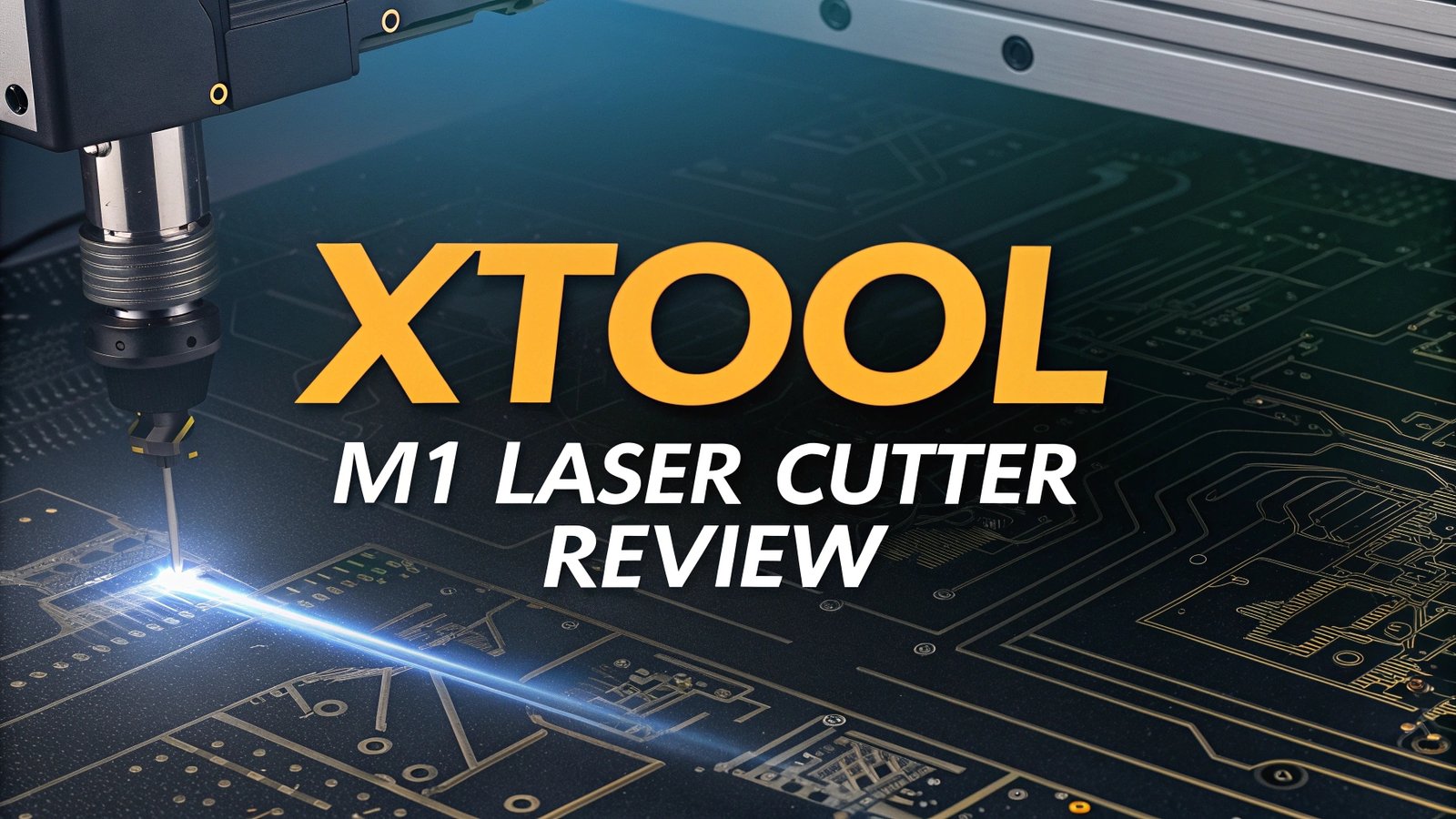
Are you tired of switching between multiple crafting tools for different projects? The xTool M1 laser cutter promises to revolutionize your creative workflow by combining laser engraving, cutting, blade cutting, and smart camera features in one compact machine.
This comprehensive review will help you decide if the xTool M1 is the right investment for your crafting needs.
The xTool M1 has gained significant attention in the maker community for its unique hybrid design.
Key Takeaways:
Before diving deep into the details, here are the essential points that will help you understand what makes the xTool M1 special:
- Hybrid functionality makes it perfect for creators who work with both vinyl projects and laser engraving materials
- Compact desktop design fits easily in small workshops, studios, and even home offices without taking up excessive space
- 10W laser power provides sufficient strength for most hobbyist and small business applications while maintaining safety standards
- Smart camera system offers real-time preview and positioning accuracy that eliminates guesswork in project placement
- 300+ compatible materials range from wood and acrylic to metals and fabrics, giving you incredible project versatility
- Price point around $999-$1,499 positions it as a mid-range option that competes directly with Glowforge Aura and similar machines

What Makes the xTool M1 Stand Out
The xTool M1 distinguishes itself through its revolutionary dual-functionality design. Most laser engravers force you to choose between laser operations or mechanical cutting. The M1 breaks this limitation by incorporating both a 10W diode laser and precision blade cutting system.
This innovative approach appeals especially to crafters who work with mixed media projects. You can cut vinyl decals with the blade, then switch seamlessly to laser engraving wooden signs or acrylic keychains. The machine automatically recognizes which tool attachment you have installed and adjusts the software interface accordingly.
The smart camera integration represents another significant advantage. Many competing machines require manual positioning and guesswork. The M1’s camera system provides live preview functionality, allowing you to see exactly where your design will be placed before starting the job. This feature alone saves considerable time and material waste.
Material compatibility extends far beyond typical laser engravers. The blade cutting feature handles materials that lasers cannot process effectively, such as thick vinyl, fabric, and certain plastics. Meanwhile, the laser component works with wood, acrylic, leather, paper, and even some metals when used with appropriate settings.
Technical Specifications and Performance
The xTool M1 operates with a 10W diode laser that delivers consistent performance across various materials. The working area measures approximately 385mm x 300mm (15.2″ x 11.8″), providing sufficient space for most hobbyist projects while maintaining the compact desktop footprint.
Cutting capabilities vary by material thickness and type. Wood cutting reaches up to 10mm in single passes, while acrylic cuts cleanly through 3mm sheets. The laser engraving depth reaches 0.08mm, creating precise detail work on various surfaces.
The blade cutting system handles materials up to 1mm thick with exceptional precision. This includes vinyl, PU leather, fabric, and similar flexible materials that traditional laser systems cannot process effectively. The automatic tool recognition ensures proper settings for each attachment.
Speed performance reaches up to 400mm/s for engraving operations, though practical speeds depend on material type and desired quality levels. Complex engravings naturally require slower speeds for optimal results, while simple cuts can utilize maximum speeds.
The smart camera system provides 1080p resolution for accurate material positioning. The software overlays your design onto the live camera feed, eliminating alignment guesswork and reducing material waste from positioning errors.
Top 3 Alternatives for xTool M1


No products found.
User Experience and Software Integration
The xTool M1 utilizes xTool Creative Space (XCS) software, which provides an intuitive interface for both beginners and experienced users. The software automatically detects your connected machine and adjusts available features based on the installed tool attachment.
Design workflow starts with importing your files or creating designs within the software. XCS supports common file formats including SVG, PNG, JPEG, and PDF. The built-in design tools allow basic editing without requiring separate graphics software, though professional designers often prefer importing from Adobe Illustrator or similar programs.
The material database contains preset parameters for hundreds of materials, eliminating the need for extensive testing and calibration. Simply select your material type, and the software automatically configures laser power, speed, and passes for optimal results.
Project positioning becomes effortless with the smart camera integration. The live preview shows exactly where your design will be placed, and you can drag and adjust positioning directly on the screen. This feature particularly benefits users working with irregularly shaped materials or precise placement requirements.
Material Compatibility and Project Possibilities
The xTool M1’s dual-tool system opens possibilities that single-function machines cannot match. The laser component handles traditional materials like wood, acrylic, leather, paper, cardboard, and certain metals. Thickness limitations vary, but most hobbyist projects fall well within the machine’s capabilities.
Blade cutting expands your material options significantly. Vinyl cutting for decals and stickers becomes as simple as laser engraving. Fabric cutting for quilting or crafting projects eliminates hand-cutting tedium. PU leather and similar synthetic materials cut cleanly without the charring that laser cutting might produce.
Project versatility means you can create complex multi-material designs in single setups. Imagine creating wooden signs with vinyl lettering, or leather goods with precisely engraved details. The M1 handles both aspects without requiring tool changes or setup modifications.
Business applications benefit from this versatility. Small businesses can offer both laser engraving services and vinyl cutting services using a single machine investment. This reduces startup costs while expanding service offerings to attract more customers.
Safety Features and Workspace Requirements
The xTool M1 incorporates comprehensive safety systems that exceed basic laser safety requirements. The enclosed design contains laser emissions, while safety interlocks prevent operation when covers are open or safety conditions are not met.
Ventilation requirements depend on your material choices and workspace setup. While the machine includes built-in air assist, external ventilation improves air quality and reduces odors, especially when working with materials that produce smoke or fumes during processing.
Workspace considerations include adequate clearance around the machine for material loading and maintenance access. The compact design fits most desktop setups, but you’ll need additional space for material storage and finished project handling.
Fire safety remains important with any laser system. Keep appropriate fire suppression methods nearby, avoid leaving the machine unattended during operation, and maintain clear workspace areas free from flammable debris.
Maintenance and Long Term Reliability
Routine maintenance for the xTool M1 involves regular cleaning of the laser lens, camera lens, and workspace area. The modular design allows easy access to components that require periodic attention.
Laser module longevity typically exceeds 10,000 hours of operation under normal conditions. The diode laser technology used in the M1 offers excellent reliability compared to CO2 laser tubes that require more frequent replacement.
Blade cutting components require periodic replacement as cutting edges dull with use. Replacement blades are readily available and installation requires minimal technical skill. The magnetic attachment system makes blade changes quick and simple.
Software updates arrive regularly, adding new features and improving compatibility with additional materials. The connected design allows automatic updates when internet connectivity is available.
Price Analysis and Value Proposition
The xTool M1 typically retails between $999 and $1,499 depending on included accessories and bundle options. This pricing positions it competitively against single-function machines while offering additional capabilities.
Cost comparison with separate laser engraver and vinyl cutter purchases shows significant savings. Quality standalone laser engravers often cost $800-1,200, while professional vinyl cutters range from $300-800. The M1 provides both capabilities at combined costs below separate purchases.
Return on investment calculations vary based on intended use. Hobbyists benefit from expanded project possibilities without multiple machine investments. Small businesses can offer more services while reducing equipment costs and workspace requirements.
Bundle options often include additional accessories, materials, and extended warranties that add value beyond the base machine price. Evaluate bundle contents against your specific needs to determine optimal purchasing decisions.
Pros and Cons: The Complete Picture
Advantages of the xTool M1 include its unique dual functionality, compact design, smart camera system, extensive material compatibility, and user-friendly software. The combination of features provides exceptional versatility for creative projects.
Limitations include the 10W laser power constraint that prevents cutting very thick materials, the relatively small working area compared to larger dedicated machines, and the complexity that comes with multi-function capability.
Build quality generally receives positive feedback from users, though some report minor issues with software connectivity or camera calibration. Most problems resolve through software updates or basic troubleshooting procedures.
Who Should Consider the xTool M1
Ideal candidates for the xTool M1 include crafters who work with multiple material types, small business owners seeking versatile equipment, educators teaching design and fabrication, and hobbyists who value workspace efficiency.
Space-constrained users particularly benefit from the compact design that eliminates the need for separate laser and cutting equipment. Home-based crafters and small workshops find the consolidated functionality especially attractive.
Budget-conscious buyers appreciate getting multiple capabilities for the price of traditional single-function machines. The investment provides room for business growth without requiring additional major equipment purchases.
Comparison with Major Competitors
When compared to the Glowforge Aura, the xTool M1 offers blade cutting capability that the Aura lacks, though the Aura provides slightly simpler operation for laser-only projects. Both machines target similar market segments with different feature emphasis.
VEVOR and ORTUR alternatives typically focus on single-function laser engraving with higher power options. These machines often provide more laser power but lack the M1’s blade cutting versatility and smart camera features.
Price comparisons show the M1 competing effectively against similarly equipped machines. The unique feature combination makes direct comparisons challenging, but value analysis generally favors the M1 for users who need both laser and blade cutting capabilities.
Final Verdict: Is the xTool M1 Worth It?
The xTool M1 represents an innovative approach to desktop fabrication that successfully combines laser engraving and mechanical cutting in a single, user-friendly package. Its smart camera system, extensive material compatibility, and compact design address real needs in the maker community.
For most users, the M1 provides excellent value through its versatility and space efficiency. The ability to handle both vinyl projects and laser engraving eliminates the need for separate equipment investments while maintaining professional-quality results.
Consider the M1 if you work with mixed materials, value workspace efficiency, or run a small business that could benefit from expanded service offerings. The machine delivers on its promises while maintaining reasonable pricing for the capabilities provided.
The xTool M1 earns our recommendation as a solid choice for crafters, small businesses, and hobbyists seeking versatile desktop fabrication capabilities in a single, well-designed machine.
Frequently Asked Questions
What materials can the xTool M1 cut and engrave?
The xTool M1 can laser engrave and cut over 300 materials including wood up to 10mm thick, acrylic up to 3mm, leather, paper, cardboard, and certain metals. The blade cutting feature handles vinyl, PU leather, fabric, and other flexible materials up to 1mm thick.
How does the smart camera system work?
The xTool M1 includes a 1080p camera that provides live preview of your workspace. The software overlays your design onto the camera feed, allowing precise positioning before starting your project. This eliminates guesswork and reduces material waste from positioning errors.
Is the xTool M1 suitable for small business use?
Yes, the xTool M1 is excellent for small businesses due to its versatility. You can offer both laser engraving services and vinyl cutting services using one machine, reducing startup costs while expanding your service offerings to attract more customers.
What software does the xTool M1 use?
The xTool M1 uses xTool Creative Space (XCS) software, which is free and provides an intuitive interface for both beginners and experienced users. It supports common file formats like SVG, PNG, JPEG, and PDF, and includes a comprehensive material database with preset parameters.
How much space does the xTool M1 require?
The xTool M1 measures 22 x 18 x 9 inches and weighs 21.6 pounds, making it suitable for desktop use. You’ll need additional space around the machine for material loading, ventilation, and maintenance access, but it fits well in most home workshops or small studios.
What safety features does the xTool M1 include?
The xTool M1 includes comprehensive safety systems such as an enclosed design that contains laser emissions, safety interlocks that prevent operation when covers are open, and built-in air assist. It meets laser safety standards for home and small business use.