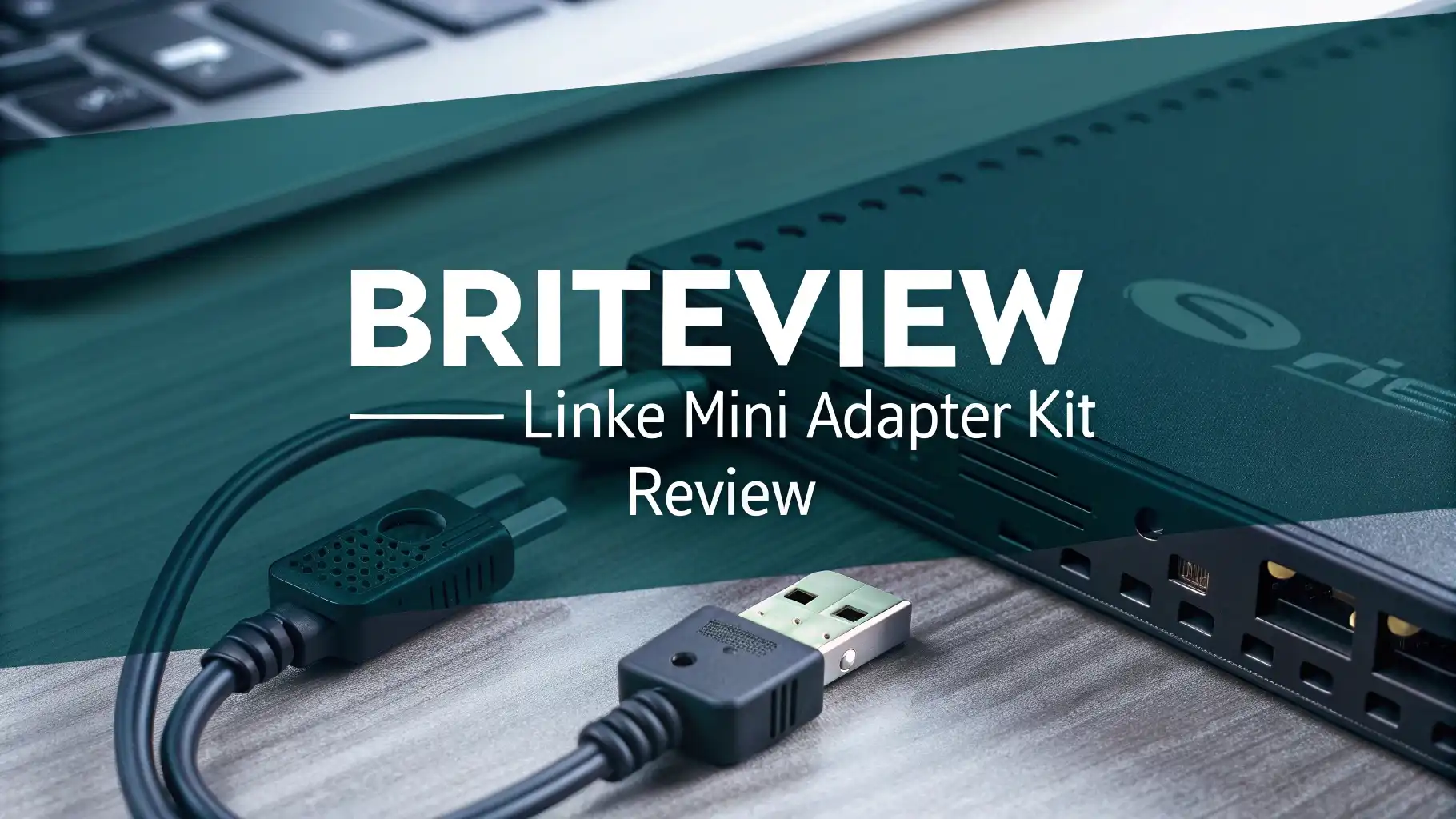
BriteView LinkE Mini Adapter Kit Review In 2026
Are you tired of weak WiFi signals in certain rooms of your home? Do you want a reliable internet connection without drilling holes or running long cables through your walls?
The BriteView LinkE Mini Adapter Kit offers a simple solution that turns your existing electrical wiring into a high-speed network.
This powerline adapter kit delivers up to 500 Mbps speeds and works right out of the box. In this detailed review, we explore everything you need to know about this compact networking solution and help you decide if it fits your needs.
Key Takeaways:
Before we dive deep into the details, here are the most important points about the BriteView LinkE Mini Adapter Kit:
- Plug and Play Simplicity: You don’t need technical knowledge or special tools to set up this adapter kit. Just plug one adapter near your router and another in any room where you need internet access.
- Impressive 500 Mbps Speed: The LinkE Mini uses advanced HomePlug AV technology to deliver transfer rates up to 500 Mbps across a powerline length of 900 feet, making it perfect for streaming, gaming, and video calls.
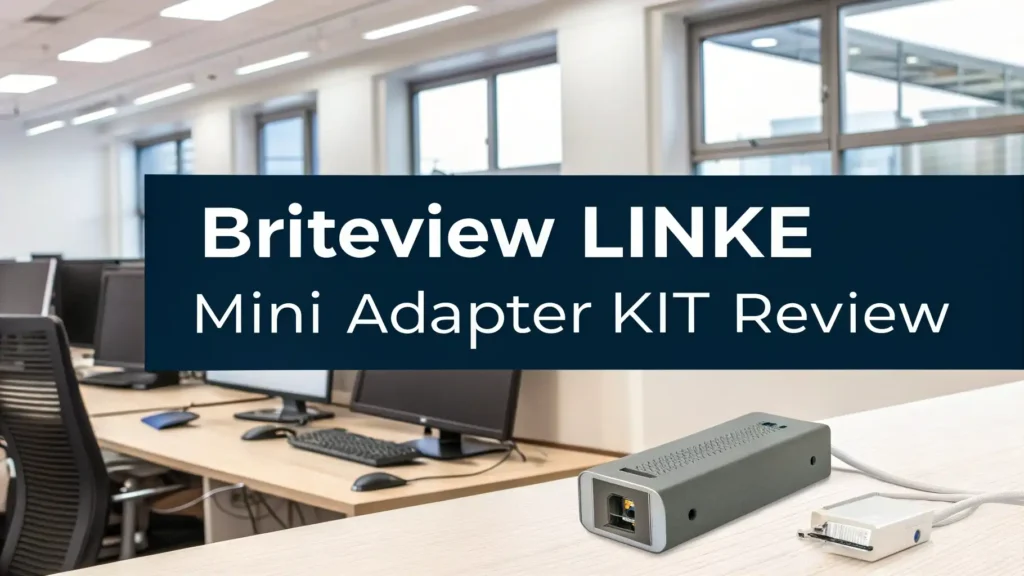
- Ultra Compact Design: At just 67.5 x 56 x 31 mm, these adapters are among the smallest on the market. They won’t block adjacent outlets or interfere with your furniture placement.
- Cost Effective Solution: This kit provides a more affordable alternative to mesh WiFi systems or professional cable installation while delivering stable, wired-like performance.
- Works with Existing Wiring: The adapters leverage your home’s electrical infrastructure, eliminating the need for new cables or major modifications to your living space.


What is the BriteView LinkE Mini Adapter Kit
The BriteView LinkE Mini Adapter Kit represents a smart networking solution designed for modern homes. This powerline ethernet adapter kit transforms ordinary electrical outlets into network access points. The technology behind it is called HomePlug AV, which allows data signals to travel through your existing power lines alongside electricity.
When you purchase this kit, you typically receive two compact adapters that work together as a pair. One adapter connects to your router via ethernet cable and plugs into a wall outlet. The second adapter plugs into an outlet in another room where you need internet connectivity. The result is a stable, wired connection without physical cables running between rooms.
The LinkE Mini stands out because of its nano-sized form factor. Many powerline adapters are bulky and block neighboring outlets. BriteView addressed this problem by creating one of the smallest adapters available. This thoughtful design means you can still use the outlet next to your adapter for other devices.
The kit supports speeds up to 500 Mbps, which is sufficient for most household internet activities. You can stream HD videos, participate in video conferences, play online games, and browse the web simultaneously without experiencing lag or buffering issues.
How Does Powerline Technology Actually Work
Understanding how powerline adapters work helps you appreciate their value. The concept is surprisingly simple yet ingenious. Your home’s electrical wiring already exists in every room. These wires can carry more than just electricity. They can also transmit data signals at different frequencies.
The BriteView LinkE Mini Adapter converts your internet data into radio frequency signals. These signals travel through your electrical wiring at high speeds. The receiving adapter on the other end converts these signals back into standard ethernet data that your devices can use.
Think of it like this: electricity flows through your wires at 50 or 60 Hz. Powerline adapters use much higher frequencies (typically 2 to 30 MHz) for data transmission. These different frequencies don’t interfere with each other, which is why you can safely use both electricity and data on the same wires simultaneously.
The HomePlug AV standard ensures compatibility and performance. This industry standard guarantees that your adapters will work reliably and achieve the advertised speeds. The BriteView adapters comply fully with this standard, giving you peace of mind about quality and safety.
One important factor affects performance: electrical noise. Large appliances like refrigerators or washing machines can create interference. However, modern powerline adapters include noise filtering technology that minimizes these effects and maintains stable connections.
Setting Up Your BriteView LinkE Mini Adapter Kit
Setting up the BriteView LinkE Mini Adapter Kit takes less than five minutes. You don’t need technical expertise or special tools. The process is genuinely plug and play, making it accessible for everyone.
Step one: Take the first adapter from the box and plug it into a wall outlet near your router. Avoid using power strips or surge protectors, as they can interfere with the signal. Direct wall outlets provide the best performance.
Step two: Connect an ethernet cable from your router to the ethernet port on the first adapter. Most kits include at least one ethernet cable. If not, you can purchase one separately for a few dollars.
Step three: Wait for the indicator lights to turn solid. This usually takes 30 to 60 seconds. The lights confirm that the adapter has powered on and established a connection with your router.
Step four: Take the second adapter and plug it into a wall outlet in the room where you need internet access. Again, use a direct wall outlet rather than a power strip.
Step five: Connect your device to the second adapter using an ethernet cable. Your device should automatically detect the connection and establish internet access within moments.
That’s it. No software installation is required. No configuration menus to navigate. No passwords to remember. The adapters automatically find each other through your electrical wiring and create a secure network connection. This simplicity makes powerline adapters an excellent choice for people who want reliable internet without technical complexity.
Top 3 Alternatives for BriteView LinkE Mini Adapter Kit


Performance and Speed: What to Expect
Understanding real-world performance helps set proper expectations. The BriteView LinkE Mini advertises 500 Mbps speeds, but several factors influence actual performance in your home.
Maximum speeds occur under ideal conditions. This means short distances, new electrical wiring, and minimal interference from other devices. In practice, most users experience speeds between 200 to 400 Mbps depending on their home’s electrical system. This range still provides excellent performance for virtually all internet activities.
Distance matters, but not as much as you might think. The adapters maintain strong signals across powerline lengths up to 900 feet. Most homes easily fall within this range. Even large houses rarely have electrical runs longer than this distance. You can place adapters on different floors or opposite ends of your home without significant performance degradation.
Security Features and Network Protection
Network security is crucial in today’s connected world. The BriteView LinkE Mini Adapter Kit includes several security features that protect your data and prevent unauthorized access.
128-bit AES encryption comes standard with these adapters. This military-grade encryption scrambles your data as it travels through your electrical wiring. Even if someone could somehow intercept the signals in your power lines, they couldn’t read the encrypted data without the proper encryption key.
The adapters automatically create a secure network when you pair them. You don’t need to manually configure encryption settings or remember complex passwords. The security happens behind the scenes, providing protection without adding complexity to the setup process.
Compatibility with Devices and Systems
One of the best features of the BriteView LinkE Mini Adapter Kit is its universal compatibility. These adapters work with virtually any device that has an ethernet port.
Smart TVs benefit tremendously from powerline adapters. Many smart TVs come with built-in WiFi, but wired connections provide more stable streaming performance. Connecting your TV via a powerline adapter eliminates buffering during movies and ensures smooth 4K playback.
Gaming consoles like PlayStation, Xbox, and Nintendo Switch all work perfectly with powerline adapters. Gamers appreciate the low latency and stable connections that wired networking provides. Competitive online gaming demands consistent performance, and powerline adapters deliver exactly that.
Desktop computers and laptops with ethernet ports can connect directly to the adapters. This is particularly useful for computers located far from your router or in rooms with poor WiFi coverage. Work-from-home setups benefit from the reliability of wired connections during video conferences.
Energy Efficiency and Power Consumption
Modern consumers care about energy efficiency, and the BriteView LinkE Mini Adapter Kit addresses these concerns effectively. These adapters are designed to minimize power consumption while maintaining excellent performance.
Each adapter consumes approximately 2 to 5 watts of power during normal operation. This is roughly equivalent to leaving a small LED nightlight on continuously. Over a month, this translates to less than two kilowatt-hours per adapter, which costs less than 50 cents in most regions.
The adapters automatically enter power-saving mode when network activity decreases. During idle periods, power consumption drops even further. This intelligent power management extends the adapters’ lifespan and reduces your environmental footprint.
Compared to running a WiFi extender or mesh network node, powerline adapters typically use less energy. WiFi extenders must continuously broadcast signals and maintain wireless connections, which requires more power. Powerline adapters only consume power for data transmission through the wires.
Troubleshooting Common Issues
Even with plug-and-play simplicity, you might occasionally encounter issues. Understanding common problems and their solutions helps you maintain optimal performance.
Problem: The adapters don’t connect to each other. Solution: Ensure both adapters are plugged directly into wall outlets rather than power strips. Press the security/pairing button on both adapters within two minutes to establish a connection. Check that both adapters are on the same electrical phase if your home has multi-phase wiring.
Problem: Slow speeds or intermittent connectivity. Solution: Move the adapters to different outlets, avoiding circuits with heavy appliance use. Unplug large appliances temporarily to identify sources of interference. Update your adapter firmware if the manufacturer provides updates through their support website.
Problem: One adapter powers on but doesn’t transmit data. Solution: Try swapping the adapters to determine if one is defective. Reset both adapters by holding the reset button for 10 seconds. Replace the ethernet cables, as faulty cables can prevent data transmission.
Problem: The connection drops randomly. Solution: Check your home’s electrical system for loose connections or old wiring. Avoid using the adapters on circuits with dimmer switches, as these create significant electrical noise. Consider using a filtered power strip for other devices on the same circuit.
Comparing Powerline Adapters vs WiFi Extenders
Choosing between powerline adapters and WiFi extenders represents a common dilemma. Both solutions extend your network coverage, but they work differently and suit different situations.
WiFi extenders rebroadcast your existing wireless signal. They capture the signal from your router and amplify it to reach farther. The main advantage is wireless convenience throughout your home. However, extenders typically reduce speeds by half because they must use the same channel to receive and transmit data. Interference from other wireless devices also affects performance.
Powerline adapters use your electrical wiring for data transmission. They provide wired connection speeds and don’t suffer from wireless interference. The disadvantage is that you need available outlets near your devices. Powerline adapters work best for stationary devices in fixed locations.
Speed and stability favor powerline adapters. You get consistent performance that doesn’t vary based on distance from your router or interference from neighbors’ WiFi networks. Online gaming and 4K streaming benefit significantly from this stability.
Installation Tips for Maximum Performance
Getting optimal performance from your BriteView LinkE Mini Adapter Kit requires proper installation. These tips help you achieve the best possible speeds and reliability.
Always plug directly into wall outlets. Power strips and surge protectors contain filtering circuitry that blocks the high-frequency signals powerline adapters use. This is the single most important rule for powerline adapter installation. Even expensive power strips interfere with performance.
Choose the right circuits for your adapters. Outlets on the same electrical circuit generally provide better performance than outlets on different circuits. However, modern powerline adapters work across different circuits as long as they connect to the same electrical panel. Avoid circuits with heavy motor loads like air conditioners or electric dryers.
Keep adapters away from sources of electrical noise. Fluorescent lights, hair dryers, vacuum cleaners, and dimmer switches all create interference. You don’t need to avoid these devices completely, but don’t plug adapters into outlets immediately adjacent to them.
Ideal Use Cases and Applications
The BriteView LinkE Mini Adapter Kit excels in specific scenarios. Understanding these use cases helps you determine if this product fits your needs.
Home office setups represent an ideal application. Working from home requires reliable internet for video conferences, file uploads, and cloud applications. Placing a powerline adapter in your home office guarantees stable connectivity regardless of WiFi coverage in that room. The wired connection eliminates the frustration of frozen video calls or dropped connections during important meetings.
Smart TV streaming benefits tremendously from powerline adapters. Many people place televisions in rooms far from their router, like bedrooms or finished basements. Running ethernet cables through walls isn’t practical for renters or people who want clean aesthetics. Powerline adapters solve this problem elegantly, providing the bandwidth needed for smooth 4K streaming and eliminating buffering.
Gaming stations demand low latency and high speeds. Competitive gamers know that WiFi introduces variable latency that affects performance. The BriteView LinkE Mini provides the wired connection gamers need without requiring long cable runs across floors or through walls. Console gaming and PC gaming both benefit from this reliable connectivity.
Comparing 500 Mbps vs Higher Speed Models
The BriteView LinkE Mini offers 500 Mbps speeds, but higher-speed models exist. Should you upgrade to 1000 Mbps or even 2000 Mbps adapters? The answer depends on your specific needs and internet service.
Most internet plans don’t exceed 500 Mbps. The average US household has internet speeds between 100 to 300 Mbps. If your internet plan provides 500 Mbps or less, upgrading to faster powerline adapters provides no benefit. Your internet connection becomes the bottleneck, not the powerline adapters.
Internal network transfers benefit from higher speeds. If you frequently move large files between computers on your home network, faster adapters help. Transferring video files from a NAS to your computer or backing up large photo collections happens faster with 1000 Mbps or 2000 Mbps adapters. Most users rarely perform these tasks frequently enough to justify the extra cost.
Frequently Asked Questions
Can I use the BriteView LinkE Mini Adapter Kit in an apartment
Yes, powerline adapters work excellently in apartments. However, ensure you pair your adapters properly so they don’t connect with neighbors’ adapters if they use the same technology. The security pairing process creates an encrypted network that prevents interference with other powerline networks. Apartments typically have contained electrical systems separate from adjacent units, which naturally isolates your network.
Will the adapters work on different floors of my house
Absolutely. The electrical wiring in your home connects all floors to the same electrical panel. Powerline adapters send signals through this wiring regardless of floor level. Many users successfully operate adapters across two or three floors without issues. The signal can travel up to 900 feet through powerline wiring, which exceeds the electrical runs in most homes.
Do I need to use adapters from the same brand
For best results, yes. While HomePlug AV is an industry standard and different brands theoretically work together, manufacturers optimize their adapters to work with their own products. Mixing brands can result in reduced speeds or compatibility issues. If you need to expand your network, purchase additional adapters from the same manufacturer and product line.
Can I add more than two adapters to my network
Yes, you can add multiple adapters to extend network access to many rooms. Most powerline networks support up to 16 adapters on the same network. Simply pair each new adapter with your existing network using the security button. This allows you to provide wired connections throughout your entire home using one main adapter connected to your router and multiple secondary adapters in different rooms.
Will large appliances interfere with my connection
Large appliances can create temporary interference but rarely cause significant problems. Modern powerline adapters include noise filtering that minimizes these effects. You might notice a slight speed decrease when a washing machine or vacuum cleaner runs, but the connection remains stable. The interference disappears immediately when the appliance turns off.