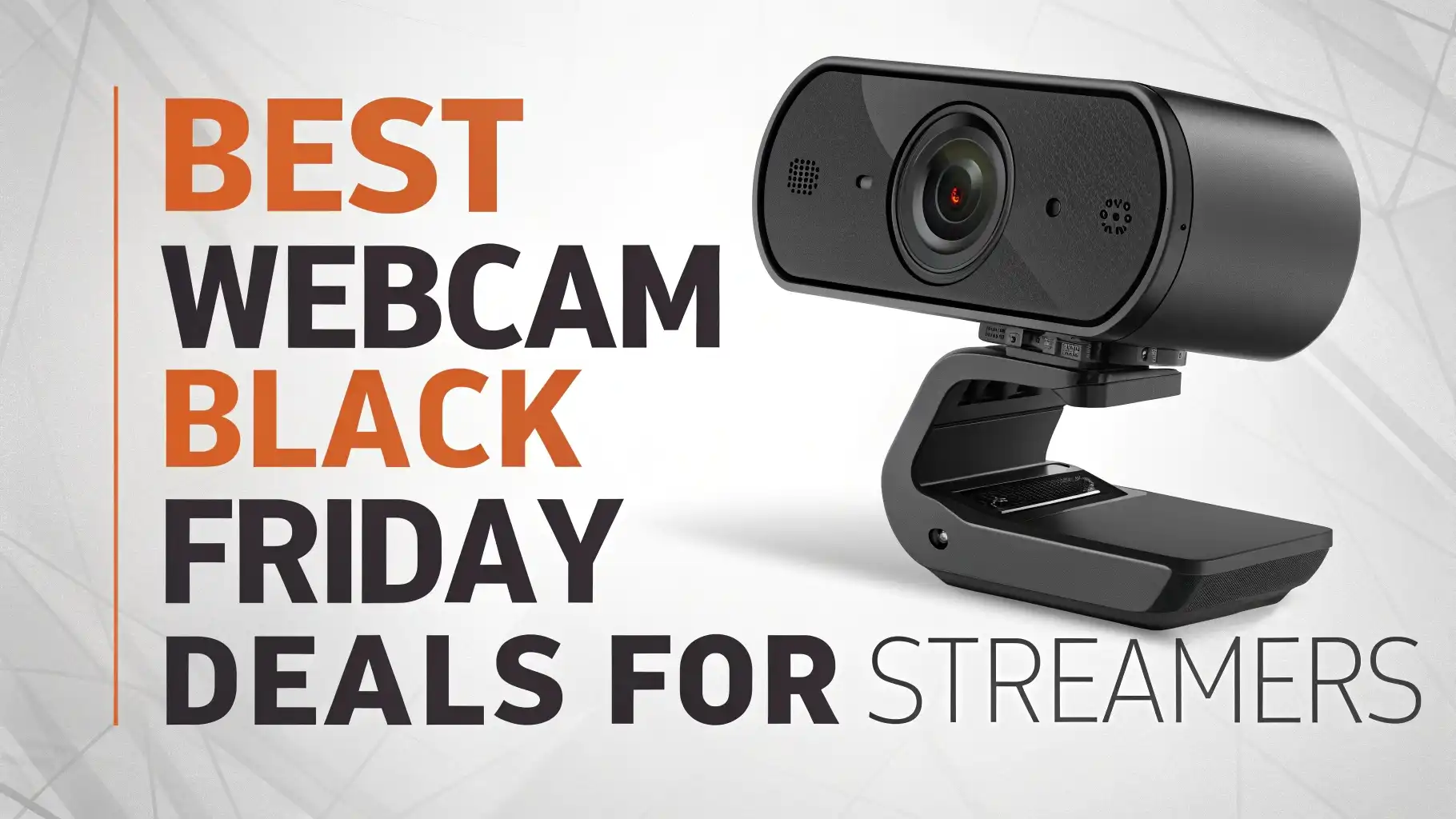
10 Best Webcam Black Friday Deals for Streamers 2026
Black Friday 2026 brings amazing opportunities for streamers to upgrade their setup without breaking the bank.
Finding the right webcam can transform your streaming quality and viewer engagement. The best deals arrive this November, offering discounts up to 40% on premium streaming cameras.
This guide covers the top webcam deals available on Amazon for Black Friday 2026. Each product offers unique features that cater to different streaming needs and budgets.
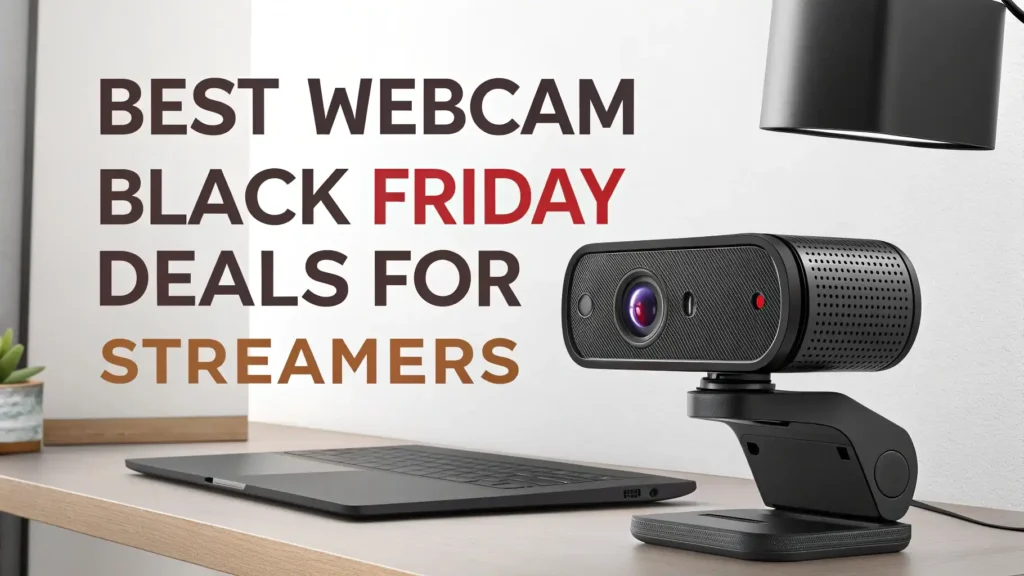
Key Takeaways:
- Budget Range Matters: Webcams range from $30 to $200 during Black Friday sales. Entry level models like the Logitech Brio 101 offer excellent value for beginners, while premium options like the Insta360 Link 2 provide professional grade features for serious streamers.
- Resolution Requirements: Most streaming platforms work best with 1080p at 60fps or higher. Consider 4K webcams only if you create content that demands ultra high definition, as many platforms cap video quality at 1080p anyway.
- Essential Features to Look For: Auto focus keeps you sharp during movement. Dual microphones with noise cancellation improve audio quality significantly. Built in privacy covers protect your security when the camera is not in use.
- AI Capabilities Add Value: Modern webcams with AI tracking and auto framing follow your movements automatically. This feature proves especially useful for streamers who move around during broadcasts or gaming sessions.
- Compatibility Checks: Verify that your chosen webcam works with your preferred streaming software. Most models support OBS, Streamlabs, Zoom, Microsoft Teams, and other popular platforms right out of the box.
Logitech Brio 101 Full HD Webcam

The Logitech Brio 101 stands out as the best budget option for streamers starting their journey. This webcam delivers crisp 1080p video quality at 30fps with impressive color accuracy. The built in dual microphone system captures clear audio without requiring a separate microphone setup.
Setup takes less than two minutes with plug and play functionality. The webcam works seamlessly with Windows, Mac, and even the Nintendo Switch 2’s new GameChat mode. A physical privacy shutter provides peace of mind when you’re not streaming.
The compact design fits perfectly on monitors and laptops without adding bulk. Low light correction technology ensures you look good even in dimly lit rooms. The USB-A connection works with virtually every computer without needing special adapters.
Pros:
- Extremely affordable at just $29.99
- Excellent 1080p video quality for the price
- Built in privacy shutter for security
- Works with all major streaming platforms
- Clear audio from dual microphones
Cons:
- Limited to 30fps (no 60fps option)
- No 4K resolution available
- Basic auto focus compared to premium models
- Fixed field of view cannot be adjusted
EMEET C960 4K Webcam with Sony Sensor

The EMEET C960 brings professional grade imaging with its Sony sensor technology. This webcam captures stunning 4K resolution that makes your streams look incredibly detailed. The PDAF auto focus system locks onto your face instantly, maintaining sharp focus even when you move.
Dual AI powered noise cancelling microphones filter out background distractions effectively. The auto light correction feature adjusts brightness automatically based on your environment. A 73 degree field of view captures just the right amount of background without distortion.
The webcam includes a privacy cover that slides smoothly over the lens. Setup remains simple with plug and play compatibility across Windows and Mac systems. The USB connection provides stable video transmission without lag or stuttering.
Pros:
- 4K resolution with Sony sensor for superior image quality
- PDAF auto focus responds quickly to movement
- AI noise cancelling microphones improve audio clarity
- Auto light correction works well in various lighting conditions
- Over 34,000 positive customer reviews
Cons:
- Heavier than budget webcams
- Requires good lighting to maximize 4K benefits
- Higher price point at $44.98
- No 60fps support in 4K mode
EMEET S600 4K Streaming Webcam

The EMEET S600 targets serious streamers who demand top tier performance. This camera combines a Sony 1/2.5 inch sensor with advanced PDAF autofocus technology. The ability to stream at 1080p 60fps provides buttery smooth video that viewers love.
Two noise reduction microphones ensure your voice comes through crystal clear. The built in privacy cover slides open and closed with satisfying precision. A 73 degree field of view strikes the perfect balance for gaming and talking head streams.
This webcam excels in live commerce and beauty streaming applications. The color accuracy makes products and makeup look true to life on camera. The USB plug and play design means no driver installation headaches.
Pros:
- 1080p at 60fps for smooth motion
- Sony sensor delivers excellent low light performance
- PDAF autofocus tracks subjects accurately
- Specialized for live commerce and beauty streams
- Competitive price at $59.49
Cons:
- Limited to 73 degree field of view
- Not the best choice for wide angle group shots
- Requires USB 3.0 for best performance
- Some users report the mount feels less sturdy
Logitech C922x HD Pro Stream Webcam

The Logitech C922x remains a streaming favorite after years on the market. This webcam delivers full HD 1080p at 30fps or 720p at 60fps for smoother motion. The automatic HD light correction adjusts to various lighting conditions without manual tweaking.
A 78 degree diagonal field of view captures you and your background perfectly. The glass lens with autofocus maintains sharpness throughout your stream. Dual microphones provide stereo audio that sounds natural and balanced.
Background replacement technology works with popular streaming software like OBS and XSplit. The adjustable tripod mount offers flexibility in camera positioning. Support for Windows, Mac, and Chrome OS makes it universally compatible.
Pros:
- Proven reliability with 38,000+ positive reviews
- 720p 60fps option for smoother gameplay streams
- HD light correction works in challenging lighting
- Includes background replacement capability
- Compatible with all major streaming platforms
Cons:
- Priced higher at $99.99
- No 4K resolution option
- Tripod sold separately in some packages
- Older sensor technology compared to newer models
Logitech C920x HD Pro Webcam

The Logitech C920x serves as the updated version of the legendary C920. This webcam provides reliable 1080p 30fps video with accurate color reproduction. The HD light correction automatically adjusts exposure for optimal brightness.
Full HD glass lens captures sharp details with minimal distortion. Dual integrated stereo microphones record clear audio from both sides. The universal clip fits securely on monitors and laptops of various thicknesses.
This model works flawlessly with Zoom, Microsoft Teams, Google Meet, and other video conferencing platforms. The Nintendo Switch 2 GameChat mode compatibility adds gaming versatility. USB connection ensures plug and play simplicity across devices.
Pros:
- Excellent image quality for the price
- Wide software compatibility
- Dual stereo microphones capture spatial audio
- Trusted Logitech build quality
- 38,000+ verified customer reviews
Cons:
- Capped at 30fps in 1080p mode
- No privacy shutter included
- Fixed focus may blur in some scenarios
- Older design lacks modern features
Elgato Facecam MK.2 Premium Webcam

The Elgato Facecam MK.2 represents the gold standard for serious content creators. This webcam features a premium Sony sensor that captures stunning full HD video. HDR enabled recording brings out details in both bright and dark areas of your frame.
PTZ control allows you to adjust pan, tilt, and zoom remotely through software. The uncompressed video output maintains maximum quality for professional streams. Advanced image processing eliminates grain even in challenging lighting conditions.
Integration with OBS, Zoom, Teams, and streaming platforms happens seamlessly. The all metal construction feels solid and premium in hand. USB-C connection provides future proof compatibility with modern computers.
Pros:
- Sony sensor with HDR for exceptional image quality
- PTZ control for precise camera adjustments
- Uncompressed video maintains maximum quality
- Premium metal build quality
- Designed specifically for streamers and creators
Cons:
- Premium price at $104.99
- Requires powerful computer for best performance
- No built in microphone (external mic recommended)
- Learning curve for advanced features
OBSBOT Meet 2 4K AI Webcam

The OBSBOT Meet 2 brings artificial intelligence to webcam technology. This camera features AI framing and autofocus that tracks your movements automatically. The 1/2 inch sensor captures detailed 4K video at up to 60fps.
Beauty mode smooths your appearance with adjustable intensity levels. Gesture control lets you start recording or take photos with simple hand movements. HDR support ensures balanced exposure across your entire frame.
Dual microphones with AI noise cancellation filter out background sounds effectively. The lightweight design makes it easy to transport to different locations. The space grey finish looks modern and professional on any desk setup.
Pros:
- AI tracking follows your movements automatically
- 4K at 60fps for ultra smooth video
- Gesture control adds convenience
- Beauty mode enhances appearance naturally
- Lightweight and portable design
Cons:
- Premium price point at $129
- AI features require learning period
- Beauty mode may look artificial at high settings
- Tracking sometimes loses subject in complex backgrounds
Insta360 Link 2 PTZ 4K Webcam

The Insta360 Link 2 defines cutting edge webcam technology. This device combines 4K resolution with PTZ capabilities for professional quality streams. The 1/2 inch sensor performs exceptionally well in low light environments.
AI tracking technology follows you around the room with impressive accuracy. HDR imaging balances highlights and shadows for cinematic results. AI noise cancelling microphones ensure your voice remains clear in noisy environments.
Gesture control functionality allows hands free operation during streams. Compatibility spans Zoom, Microsoft Teams, Twitch, and YouTube. The premium build quality justifies the investment for serious content creators.
Pros:
- Professional grade 4K image quality
- PTZ control for dynamic camera movements
- Superior AI tracking performance
- HDR for balanced exposure
- Gesture control adds convenience
Cons:
- Highest price point at $199.99
- Complex features may overwhelm beginners
- Requires USB-C connection
- Heavy unit needs stable mounting
Anker PowerConf C200 2K Webcam

The Anker PowerConf C200 delivers impressive 2K video quality at an affordable price. This webcam balances resolution and frame rate perfectly for most streaming needs. Low light correction technology brightens dark environments without introducing grain.
AI powered noise cancelling microphones eliminate background distractions effectively. The adjustable field of view lets you choose between 65, 78, or 95 degrees. Built in privacy cover protects your security when not streaming.
Stereo microphones capture audio with good spatial separation. The compact design mounts easily on monitors without blocking your screen. Plug and play functionality works across Windows, Mac, and Chrome OS.
Pros:
- 2K resolution at competitive pricing
- Adjustable field of view for flexibility
- AI noise cancelling microphones
- Low light correction works well
- Over 8,000 positive reviews
Cons:
- Limited to 30fps in 2K mode
- Privacy cover feels slightly flimsy
- Auto focus slower than premium models
- Mount grip weakens over time with heavy use
NexiGo N60 1080P Webcam

The NexiGo N60 stands as the best value webcam for budget conscious streamers. This camera provides solid 1080p video quality at an unbeatable price point. The adjustable field of view adapts to different streaming scenarios easily.
Built in dual microphones capture clear audio without external equipment. Software control allows you to fine tune image settings like brightness and contrast. A privacy cover slides over the lens to protect your privacy.
The USB plug and play design eliminates complicated setup procedures. Compatibility extends to Zoom, Skype, Microsoft Teams, and other platforms. The lightweight construction makes it perfect for portable streaming setups.
Pros:
- Incredible value at just $21.98
- Adjustable FOV provides versatility
- Software control for image customization
- Over 50,000 customer reviews
- Privacy cover included
Cons:
- Basic build quality reflects low price
- Auto focus struggles in rapid movements
- Lower light performance compared to premium models
- Microphone quality adequate but not exceptional
Understanding Webcam Specifications for Streaming
Resolution determines how detailed your video appears to viewers. 1080p provides enough clarity for most streaming purposes without demanding excessive bandwidth. 4K webcams offer superior detail but require faster internet connections and more powerful computers.
Frame rate affects how smooth your video looks during motion. Streaming at 60fps creates fluid movement that viewers appreciate during gaming or active content. 30fps works fine for talking head streams where movement stays minimal.
Field of view controls how much background appears in your frame. Wider angles work well for showing your entire gaming setup. Narrow fields of view focus attention on your face while minimizing distractions.
Auto focus technology keeps you sharp throughout your stream. PDAF systems respond faster than traditional contrast detection methods. This feature matters most if you move around frequently during broadcasts.
Smart Shopping Tips for Black Friday Webcam Deals
Start researching prices several weeks before Black Friday arrives. Track the regular prices of webcams you want so you can identify genuine deals. Many retailers inflate prices before sales to make discounts look bigger than they really are.
Sign up for email alerts from your favorite retailers and brands. Companies often send exclusive discount codes to subscribers before announcing public sales. Amazon Prime members sometimes get early access to Black Friday deals.
Compare prices across multiple retailers even during Black Friday. One store might offer better deals on Logitech products while another features superior Elgato discounts. Price tracking browser extensions help you verify you’re getting the best available price.
Read recent customer reviews before making your purchase. Check for mentions of Black Friday returns in previous years. Some products have higher return rates during sales periods due to rushed purchasing decisions.
Setting Up Your New Webcam for Optimal Performance
Position your webcam at eye level for the most flattering camera angle. Placing the camera too low creates an unflattering upward view. Mount it on top of your monitor using the included clip for natural eye contact with viewers.
Lighting makes a bigger difference than camera quality in most cases. Position a soft light source in front of you to eliminate harsh shadows. Natural window light works wonderfully during daytime streams if positioned correctly.
Adjust your webcam settings in your streaming software before going live. Disable auto focus if it hunts back and forth distractingly. Manual white balance often produces more consistent color than automatic modes.
Test your setup thoroughly before your first important stream. Record sample footage and watch it critically for issues. Audio sync problems and focus issues are easier to fix during testing than during live broadcasts.
FAQ
What resolution do I really need for streaming on Twitch or YouTube?
Most streamers find that 1080p at 30fps provides excellent quality for viewers. Twitch caps partner streams at 1080p 60fps, so higher resolutions don’t display properly. YouTube supports 4K, but most viewers watch at lower resolutions anyway. Choose based on your internet upload speed and computer capabilities.
Do I need a separate microphone if my webcam has built in mics?
Webcam microphones work adequately for casual streaming or video calls. Serious streamers benefit significantly from dedicated USB microphones or XLR setups. Built in mics pick up keyboard noise and room echo more than standalone options. Budget around $50 to $100 for a quality streaming microphone if audio quality matters.
How much should I spend on a webcam for streaming?
Budget streamers can find excellent options between $30 and $60 that provide solid 1080p quality. Intermediate streamers should consider the $60 to $120 range for better sensors and features. Professional creators might justify spending $150 to $200 for premium features like 4K, HDR, and AI tracking.
Will a 4K webcam make my streams look significantly better?
4K webcams offer superior detail and better low light performance from larger sensors. However, most streaming platforms compress your video significantly anyway. Viewers on mobile devices or slower connections won’t see the 4K difference. Invest in 4K if you also create YouTube videos or professional video content.
Can I use my webcam with OBS Studio and other streaming software?
Nearly all modern webcams work as standard video capture devices in OBS Studio. Some brands like Elgato and Logitech provide dedicated software with advanced controls. You can use webcams directly in OBS or through manufacturer software as virtual cameras. Check compatibility lists if you use specialized streaming software.
What is the difference between auto focus and fixed focus webcams?
Auto focus webcams automatically adjust to keep you sharp when you move. Fixed focus cameras maintain constant sharpness at a predetermined distance. Streamers who stay in one spot can use fixed focus models successfully. Auto focus proves essential if you move around during streams or frequently adjust your chair position.