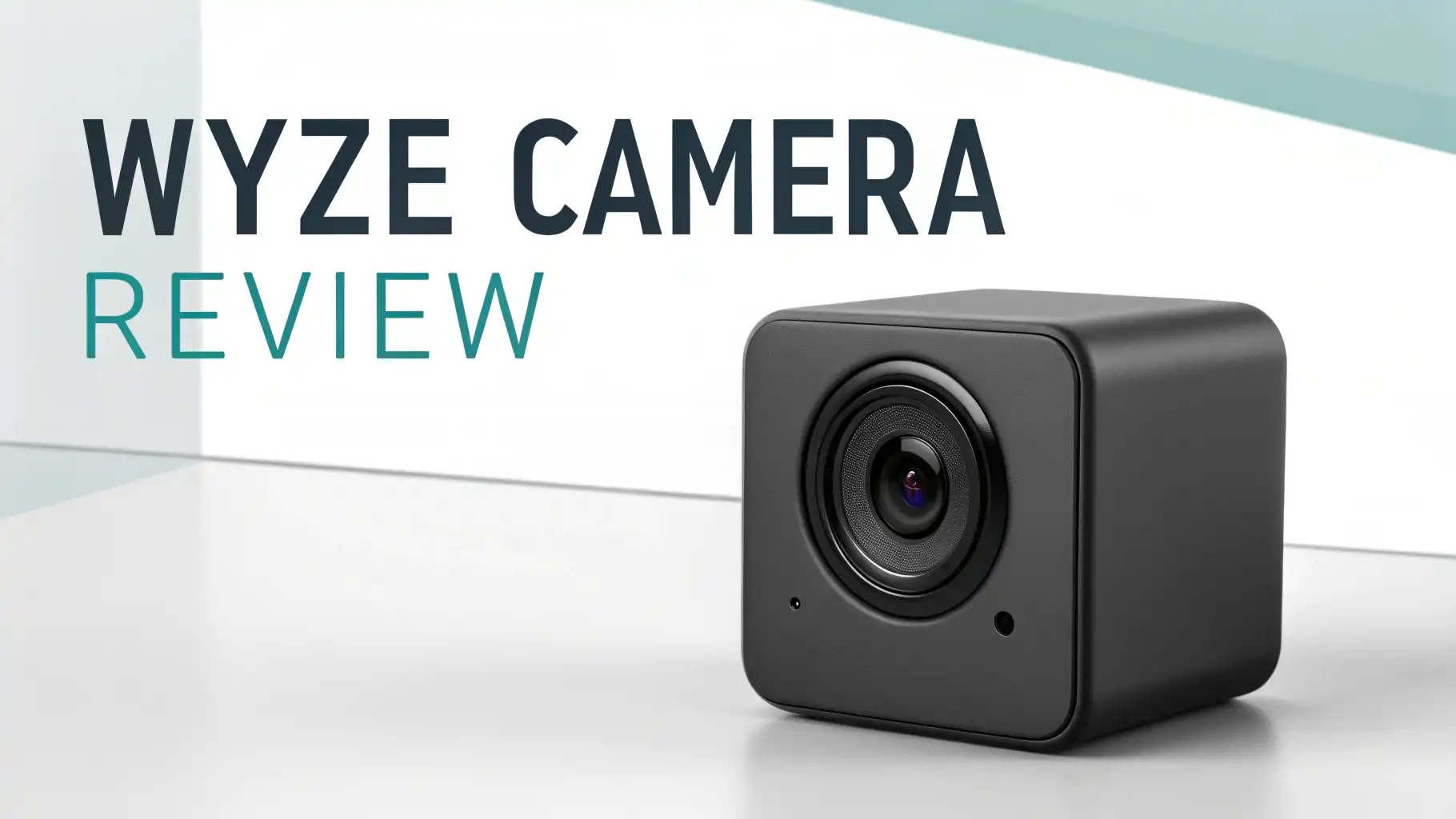
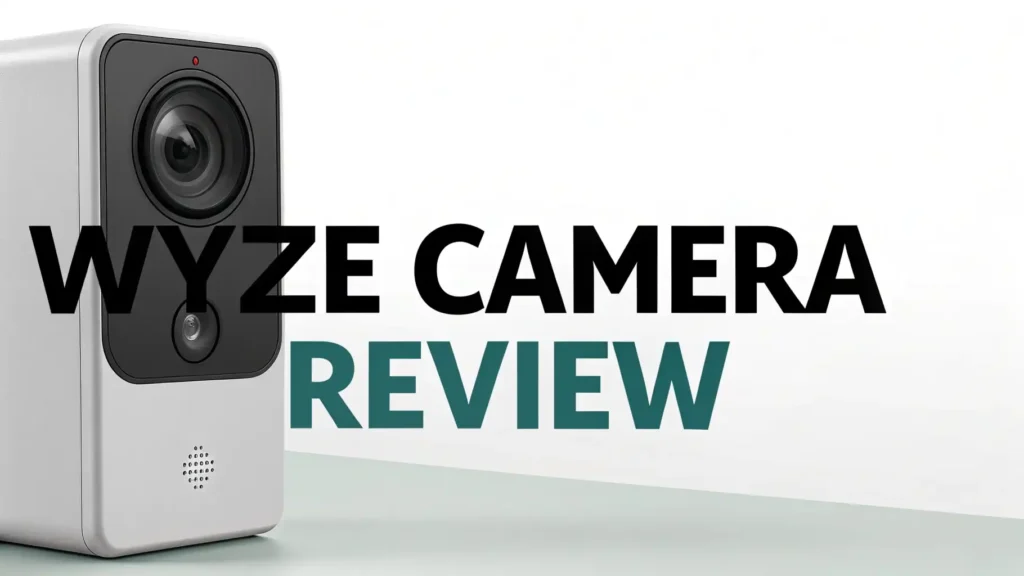
Wyze Camera Review: A Comprehensive Guide
Home security matters to every homeowner. You want to protect your family and property without spending a fortune. Wyze cameras promise high quality video at budget friendly prices.
These smart security cameras offer features that usually cost hundreds of dollars. But do they really deliver on that promise?
This complete review explores everything you need to know about Wyze cameras. We will look at the best models available on Amazon today.
Key Takeaways:
- Budget Friendly Excellence: Wyze cameras start at just $14.98, making them the most affordable security cameras on the market. You get professional grade features without breaking your budget. Most competitors charge three to five times more for similar capabilities.
- Superior Video Quality: The latest models offer 2.5K QHD resolution with stunning clarity. You can see faces, license plates, and small details clearly. Color night vision works in near darkness without infrared lights. The video quality matches cameras that cost much more.
- Smart AI Detection: Advanced artificial intelligence identifies people, pets, and packages accurately. You receive relevant alerts only, not false alarms from shadows or leaves. The motion tracking feature follows moving subjects automatically across the camera view.
- No Subscription Required: You can record video locally to a microSD card without monthly fees. 24/7 continuous recording works right out of the box. Optional cloud storage plans start at just $1.99 per month if you want cloud backup.
- Easy Setup Process: Anyone can install these cameras in minutes. The mobile app guides you through each step clearly. Two way audio lets you talk to visitors or pets from anywhere. Integration with Alexa and Google Assistant adds voice control convenience.


Wyze Cam v4: The Latest Innovation in Home Security
The Wyze Cam v4 represents the newest generation of security cameras from Wyze. This camera delivers 2.5K QHD resolution that captures incredibly detailed video footage.
You can zoom in on recordings and still see clear images. The advanced color night vision shows full color video even in low light conditions. This feature helps you identify people and objects better than standard infrared night vision.
The camera uses AI powered detection to recognize different types of motion. It can tell the difference between a person, pet, package, or vehicle. You only get notifications that matter to you.
The weatherproof design works perfectly indoors or outdoors. Rain, snow, and extreme temperatures do not affect performance. Installation takes less than five minutes with the simple mounting bracket.
The price point of $19.97 makes this camera accessible to everyone. You get professional security features at an incredibly low cost. Free local recording to a microSD card eliminates monthly subscription fees.
The camera works with voice assistants for hands free control. You can view live footage from anywhere using the mobile app.
Wyze Cam OG: Outstanding Value for Basic Security

The Wyze Cam OG offers excellent value for those who want simple and reliable security. This camera provides crisp 1080p HD video quality that shows clear details.
The built in spotlight illuminates dark areas when motion is detected. You can scare away intruders or see visitors clearly at night. Color night vision adds an extra layer of visibility in darkness.
The compact design fits anywhere around your home or business. Mount it on walls, shelves, or ceilings easily. The camera withstands outdoor weather conditions reliably.
Two way audio lets you communicate with anyone near the camera. Talk to delivery drivers, warn potential intruders, or greet family members remotely.
Motion detection sends instant alerts to your smartphone. You know exactly when something happens at home. The camera supports both indoor and outdoor installation.
At just $14.98, this camera costs less than a pizza. You get professional security monitoring at an unbeatable price. The free expert setup help ensures you install everything correctly.
Wyze Cam Pan v3: Complete Coverage with Pan and Tilt

The Wyze Cam Pan v3 provides 360 degree coverage with motorized pan and tilt functions. This camera rotates completely to cover entire rooms.
The 180 degree tilt range lets you view from floor to ceiling. You can control the camera remotely through the mobile app. Point it anywhere you want to see instantly.
Motion tracking follows moving subjects automatically. When the camera detects motion, it pans to keep the subject centered. You never miss important action.
The 1080p HD video captures clear footage day and night. Advanced color night vision works in very low light conditions. You see full color details instead of black and white images.
The weatherproof design makes this camera perfect for outdoor use. Install it on your porch, patio, or garage without worry. The camera handles rain, wind, and temperature changes easily.
Privacy mode lets you rotate the camera away when you are home. At $24.98, you get motorized coverage that competitors sell for over $100. The value proposition remains unbeatable in this category.
Top 3 Alternatives for Wyze Cameras


Video Quality That Exceeds Expectations
Wyze cameras deliver exceptional video clarity across all lighting conditions. The 2.5K resolution in newer models shows incredible detail.
You can read text on packages or see facial features clearly. The cameras use advanced image sensors that capture accurate colors. Brightness and contrast adjust automatically for optimal viewing.
Night vision technology has improved dramatically in recent models. Color night vision shows actual colors instead of grainy black and white footage.
You can identify clothing colors and vehicle colors in darkness. The built in spotlight in some models adds extra illumination when needed. This feature creates clear video even in complete darkness.
The wide angle lens captures more of your property in each frame. You need fewer cameras to cover the same area.
The video compression technology maintains quality while reducing file sizes. This means your storage lasts longer without sacrificing clarity. Live streaming works smoothly without lag or buffering issues.
Smart Detection Features That Actually Work
The AI powered detection system represents a major advantage of Wyze cameras. Traditional motion sensors trigger false alarms constantly.
Wind, shadows, and animals create unnecessary notifications. Wyze cameras analyze video intelligently to identify real threats. The system recognizes people, pets, packages, and vehicles separately.
You can customize which detections send alerts to your phone. Only get notified about people if that matters most to you. Ignore pet detections if you have active animals.
The person detection accuracy has improved significantly in recent updates. The system rarely misidentifies objects as people anymore.
Package detection alerts you when deliveries arrive at your door. You know immediately when important packages need protection. Vehicle detection tracks cars in your driveway or street.
The motion tracking feature in pan models follows subjects smoothly. These smart features reduce alert fatigue dramatically. You only receive notifications about events that truly matter.
Installation and Setup Made Simple
Anyone can install Wyze cameras without professional help. The process takes only a few minutes from unboxing to recording.
The magnetic base and mounting bracket provide flexible installation options. Stick it to metal surfaces or screw it into walls easily. The weatherproof cable connects to any USB power adapter.
The mobile app guides you through setup with clear instructions. Connect the camera to your WiFi network in seconds.
The QR code pairing method works reliably every time. You scan a code with the camera and connection happens automatically. No complicated router settings or port forwarding required.
The app interface makes camera management straightforward. View all your cameras on one screen. Switch between live views with a single tap.
Adjust settings like motion zones and alert preferences easily. The two way audio button lets you speak through the camera instantly. Everything works intuitively without reading manuals.
Local and Cloud Storage Options
Wyze cameras support flexible storage solutions that fit different needs. Local recording to a microSD card provides free unlimited storage. Insert a card up to 512GB for weeks of continuous recording.
The 24/7 recording option captures everything without missing moments. You control your footage completely without cloud dependence.
Cloud storage plans add convenient backup and advanced features. The Cam Plus subscription starts at just $1.99 per month per camera. This plan includes AI detection, longer video clips, and cloud backup.
The Cam Unlimited plan covers all your cameras for $9.99 monthly. You get unlimited cameras protected under one affordable subscription.
The cloud storage keeps your footage safe even if someone steals the camera. You can access recordings from anywhere through the app.
The playback interface makes finding specific events simple. Timeline views show all detected events clearly. You jump directly to important moments without scrubbing through hours of footage.
Mobile App Experience and Features
The Wyze mobile app serves as your command center for all cameras. The interface design prioritizes simplicity and functionality.
You see all camera feeds at a glance on the home screen. Tap any camera to view live footage in full screen. The app responds quickly without lag or delays.
Playback features work smoothly for reviewing recorded footage. The timeline shows motion events as colored bars. You find specific incidents quickly without watching everything.
The pinch to zoom feature lets you examine details closely. Screenshot and video clip tools help you save important moments.
Notification settings give you complete control over alerts. Customize detection zones to focus on specific areas. Set schedules for when cameras send notifications.
The app supports multiple users so family members can access cameras too. Remote access works from anywhere with internet connection. Check on your home while traveling or at work effortlessly.
Integration with Smart Home Ecosystems
Wyze cameras work seamlessly with popular smart home platforms. Amazon Alexa integration lets you view cameras on Echo Show devices. Simply ask Alexa to show your front door camera. The video appears on screen instantly. You can also trigger routines based on camera detections.
Google Assistant support provides similar voice control capabilities. View camera feeds on Google Nest Hub displays. Create automation routines that respond to camera events. Turn on lights when motion is detected at night. The possibilities for home automation expand significantly.
IFTTT integration opens even more automation options. Connect cameras to hundreds of other smart devices and services. Create custom recipes that fit your specific needs.
The open ecosystem approach gives you flexibility that expensive systems lack. You build a comprehensive smart home gradually and affordably.
Power Options and Weatherproof Design
Most Wyze cameras use standard USB power for reliability. A single cable provides both power and data transmission. Use any USB adapter you already own. The long cable reaches distant outlets easily. This wired approach eliminates battery changing hassles.
Some models offer battery powered operation for complete wireless freedom. The Wyze Cam Outdoor runs for months on rechargeable batteries.
Solar panel accessories extend operation indefinitely. Wire free installation works anywhere on your property. No outlets or cable routing required.
The IP65 weatherproof rating protects cameras from harsh conditions. Rain, snow, dust, and extreme temperatures do not damage the cameras.
The sealed design prevents moisture infiltration. Mounting in exposed outdoor locations works perfectly. The cameras continue operating reliably through all seasons.
Subscription Plans and Pricing
Wyze keeps subscription costs extremely low compared to competitors. The basic features work completely free without subscriptions. Local recording provides unlimited storage at no cost. Live viewing and two way audio never require payment. You get substantial functionality without ongoing fees.
The Cam Plus subscription adds advanced AI detection and longer clips. Person, pet, package, and vehicle detection require this plan.
You also get complete motion capture without cooldown periods. Cloud storage backup protects your footage automatically. The price of $1.99 monthly per camera remains very affordable.
The Cam Unlimited plan covers all cameras for $9.99 monthly. This option makes sense for homes with multiple cameras. You get all premium features across unlimited devices.
The annual payment option saves money with a discounted rate. Even with subscriptions, Wyze costs less than competitors charge for basic service.
Customer Support and Warranty
Wyze provides solid customer support through multiple channels. The help center contains detailed articles and video tutorials. Most questions get answered through self service resources. Email support responds within 24 hours typically. The community forum offers peer assistance from experienced users.
The standard one year warranty covers manufacturing defects. Wyze replaces or repairs defective units promptly. The replacement process works smoothly without excessive hassle. Many users report positive warranty experiences. Extended warranty options provide additional peace of mind.
The free expert setup service helps new users get started. Schedule a call with support staff for installation guidance. They walk you through each step over the phone. This service proves valuable for less technical users. It eliminates frustration and ensures proper setup.
Is Wyze Right for Your Security Needs?
Wyze cameras excel for budget conscious homeowners who want quality. The low prices make comprehensive coverage affordable.
You can install cameras throughout your property without huge investment. The feature set rivals products costing three to five times more. Basic functionality works free forever with local storage.
The cameras work best for residential applications rather than critical commercial security. They provide excellent monitoring and deterrence capabilities. However, professional grade systems offer additional reliability and support. For home use, Wyze delivers outstanding value and performance.
Consider Wyze if you want easy DIY installation and simple management. The cameras integrate well with existing smart home systems. They work reliably for daily monitoring needs. The mobile app provides convenient remote access. You get professional security features at consumer friendly prices.
Frequently Asked Questions
Do Wyze cameras work without WiFi connection?
Wyze cameras require WiFi for initial setup and remote access. However, they can record locally to a microSD card without internet. You lose remote viewing capabilities but recording continues. The cameras do not function at all without power though. WiFi connection enables all smart features and notifications.
How long do recordings stay in cloud storage?
Free users get 12 second clips stored for 14 days. Cam Plus subscribers receive complete event videos stored for 14 days. The Cam Unlimited Pro plan extends storage to 60 days. Local microSD recordings last until the card fills up. Then older footage gets overwritten automatically by newer recordings.
Can multiple people access the same camera?
Yes, you can share camera access with family members easily. The app allows multiple user accounts to view cameras. Each person logs in with their own credentials. You control what access level each user receives. They can view live feeds and recordings based on your permission settings.
Do Wyze cameras work with HomeKit?
Wyze cameras do not support Apple HomeKit natively. This limitation affects users heavily invested in Apple ecosystem. However, workarounds using Homebridge enable basic HomeKit integration. The process requires technical knowledge to implement. Wyze focuses primarily on Alexa and Google Assistant compatibility.
What happens if someone steals my camera?
Cloud storage subscribers maintain access to recorded footage. The thief cannot delete cloud stored videos. However, local microSD card recordings are lost with the camera. Enable cloud backup if theft concerns you. The low camera cost makes replacement affordable compared to lost footage value.
How many cameras can I connect to one account?
You can connect unlimited cameras to a single Wyze account. The app handles multiple devices without performance issues. Viewing several camera feeds simultaneously works smoothly. The Cam Unlimited subscription covers all cameras under one monthly fee. This flexibility supports comprehensive property coverage affordably.