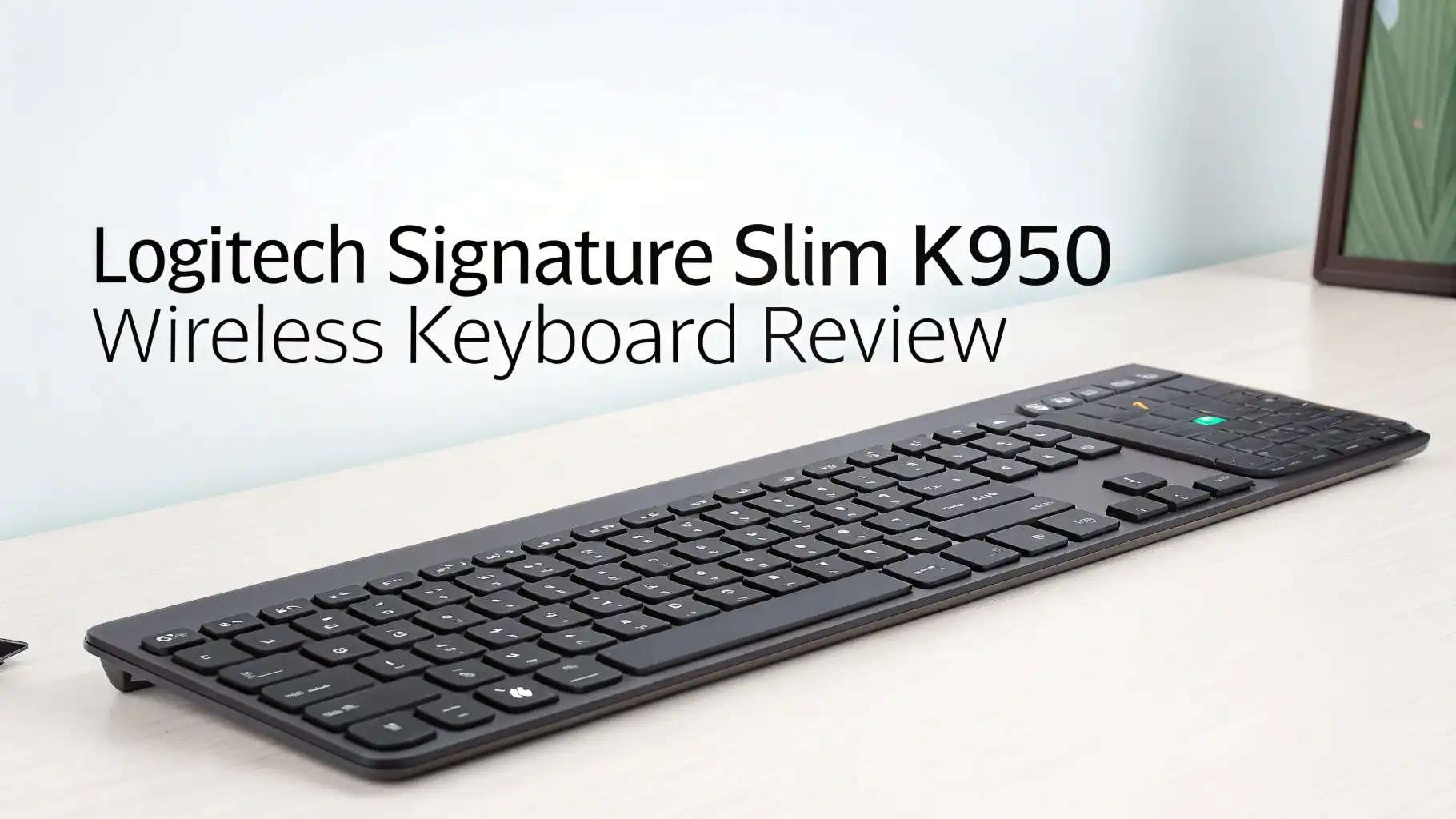
Logitech Signature Slim K950 Wireless Keyboard Review
Are you tired of cluttered desks and noisy keyboards that disturb everyone around you? The Logitech Signature Slim K950 might be the solution you have been searching for.
This wireless keyboard promises quiet typing, multi-device connectivity, and a sleek design that fits any workspace. But does it live up to the hype?
Let me take you through everything you need to know about this keyboard. You will discover whether this affordable option can replace your current setup and why thousands of users have already made the switch.
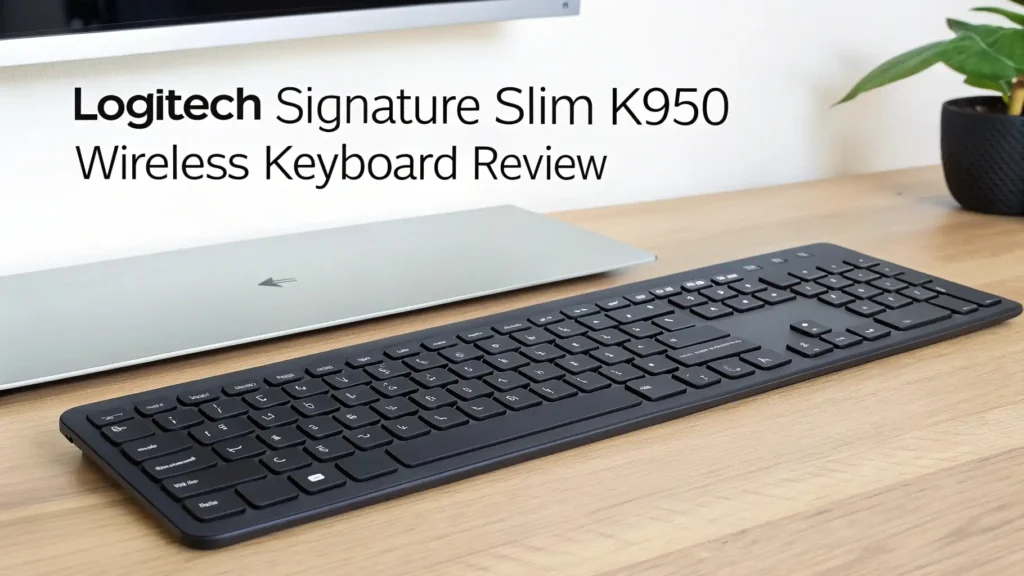
Key Takeaways:
- Multi-Device Connectivity: Switch between three devices instantly with Bluetooth 5.1 technology. You can connect your laptop, tablet, and smartphone simultaneously.
- Incredible Battery Life: The keyboard runs for up to 36 months on just two AAA batteries. You can forget about constant battery replacements and focus on your work.
- Quiet Typing Experience: SilentTouch technology reduces typing noise significantly. Your colleagues will thank you for choosing this keyboard.
- Universal Compatibility: Works seamlessly with Windows, Mac, Chrome OS, Linux, iOS, iPadOS, and Android. You do not need to worry about compatibility issues.
- Affordable Premium Feel: Priced at $74.99, this keyboard offers features found in keyboards twice its price. You get excellent value for your money without sacrificing quality.


Logitech Signature Slim K950 Wireless Keyboard
The Logitech Signature Slim K950 brings professional-level performance to your desk without breaking the bank. This keyboard combines sleek design with practical functionality.
You get a full-size layout that feels natural under your fingers. The low-profile keys provide comfortable typing for hours. Many users love how this keyboard makes their workspace look clean and organized.
The keyboard measures perfectly for most desks. It does not take up too much space. The graphite color option looks professional in any office setting.
The off-white version adds a modern touch to creative spaces. Both colors resist fingerprints better than glossy keyboards. You will appreciate how easy this keyboard is to keep clean.
Logitech designed this keyboard for people who type all day. The key travel feels just right. You do not need to press hard to register keystrokes. This design reduces finger fatigue during long typing sessions. Your hands will feel less tired at the end of the workday.
Unboxing and First Impressions
When you open the box, you find everything neatly packed. The keyboard sits protected in recyclable packaging. Logitech includes two AAA batteries to get you started. You also get a Logi Bolt USB receiver for reliable wireless connection. The quick start guide makes setup simple even for non-tech people.
The keyboard feels solid when you pick it up. The build quality exceeds expectations for this price point. The keys sit firmly in place. Nothing feels loose or cheap. The integrated palm rest adds comfort right out of the box. You do not need to buy separate accessories.
First-time setup takes less than five minutes. You simply insert the batteries and connect via Bluetooth or the USB receiver. The keyboard pairs quickly with your devices. You can start typing immediately. The experience feels smooth from the very first keystroke.
Design and Build Quality
The K950 features a minimalist design that looks expensive. The slim profile measures only a few millimeters thick. This keyboard fits easily in laptop bags for mobile workers. The weight feels substantial without being heavy. You can tell Logitech used quality materials in construction.
The full-size layout includes a number pad on the right side. Accountants and data entry professionals will love this feature. The keys are arranged in a standard QWERTY layout. You do not need time to adjust if you switch from another keyboard. The spacing between keys prevents accidental presses.
The integrated palm rest provides excellent wrist support. Your wrists rest at a natural angle while typing. This ergonomic design reduces strain during extended use. The adjustable tilt legs let you customize the keyboard angle. You can find your perfect typing position easily.
The keys have a matte finish that feels pleasant to touch. They do not collect oils from your fingers as quickly as smooth keys. The legends on the keys remain visible in various lighting conditions. You can see what you are typing even in dim environments.
Top 3 Alternatives for Logitech Signature Slim K950


Typing Experience and Key Feel
The typing experience on the K950 feels comfortable and responsive. Each keystroke registers accurately without requiring excessive force. The keys provide subtle feedback that confirms your input. You know when you have pressed a key successfully. This feedback improves typing accuracy significantly.
The SilentTouch technology reduces typing noise by up to 90% compared to standard keyboards. Your typing sounds like gentle tapping rather than loud clicking. This feature makes the keyboard perfect for shared workspaces. You can work late at night without disturbing family members.
The key travel measures around 2mm. This distance feels similar to laptop keyboards. Touch typists adapt quickly to this keyboard. The consistent key feel across all keys improves typing speed. You make fewer mistakes once you get used to the layout.
The keys do not require bottoming out to register. You can type with a lighter touch. This characteristic reduces finger fatigue during marathon typing sessions. Your hands feel fresh even after typing thousands of words. Many professional writers prefer this type of key action.
Multi-Device Connectivity Features
The multi-device switching feature changes how you work. You can pair three devices simultaneously. Switching between devices takes one button press. The Easy-Switch buttons sit at the top of the keyboard. They are clearly labeled for easy identification.
The keyboard remembers your devices after initial pairing. You do not need to reconnect every time. The connection establishes within seconds of pressing the switch button. This speed makes the keyboard perfect for people who work across multiple devices.
The Bluetooth 5.1 technology provides stable connections up to 33 feet away. You can work from across the room without lag. The signal stays strong even with obstacles between the keyboard and device. Dropped connections rarely occur during normal use.
The included Logi Bolt USB receiver offers an alternative connection method. This receiver works great for computers without built-in Bluetooth. The connection through the receiver feels just as responsive as Bluetooth. You get flexibility in how you connect your devices.
Battery Life and Power Management
The battery life on the K950 impresses everyone who uses it. Logitech claims up to 36 months of use on two AAA batteries. Real-world usage confirms these claims for most users. You can go years without thinking about battery replacement.
The keyboard includes smart power management features. It automatically enters sleep mode after periods of inactivity. The keyboard wakes instantly when you press any key. You never notice the power-saving features during use.
A battery indicator light warns you when power runs low. This warning gives you plenty of time to replace batteries. You will not suddenly lose power in the middle of important work. The battery compartment opens easily without tools.
Using rechargeable AAA batteries makes this keyboard even more economical. You reduce waste and save money over time. The low power consumption means each charge lasts months. This efficiency makes the K950 an environmentally friendly choice.
Software and Customization Options
The Logi Options+ software unlocks additional features. You can download this free application from Logitech’s website. The software works on Windows and Mac computers. The interface looks clean and easy to understand.
You can customize the function keys to launch your favorite apps. The Smart Actions feature automates repetitive tasks. You create custom key combinations that perform multiple actions. This automation saves time during your daily workflow.
The software lets you adjust typing preferences. You can change the behavior of special keys. The customization options are not as extensive as gaming keyboards. However, they cover everything most office users need.
Some users wish the keyboard offered more advanced customization. Gaming enthusiasts might find the options limiting. For productivity work, the available customization proves sufficient. Most people appreciate the simple approach to software.
Compatibility Across Devices
The K950 works with virtually every modern device. You can use it with Windows, Mac, Chrome OS, Linux, Android, iOS, and iPadOS. The keyboard automatically detects your operating system. It adjusts the key functions accordingly.
Windows users get full functionality including Windows-specific keys. Mac users enjoy native Command and Option key support. The keyboard switches between Windows and Mac layouts automatically. You do not need to change settings manually.
The keyboard works perfectly with tablets and smartphones. You can write long emails on your phone using this keyboard. The connection stays stable even when moving devices around. This versatility makes the K950 perfect for hybrid work setups.
Chrome OS and Linux users experience excellent compatibility too. All standard keys work as expected. You do not encounter strange behavior or non-functioning keys. The broad compatibility sets this keyboard apart from competitors.
Noise Level and Office Friendliness
The quiet typing experience stands out as a major selling point. The SilentTouch keys produce minimal sound during use. You can type during video calls without annoying background noise. Your microphone barely picks up typing sounds.
The noise reduction does not compromise the typing feel. You still get satisfying tactile feedback. The keys feel crisp and responsive. The silence comes from clever engineering rather than mushy keys.
Open office workers love this keyboard. You can focus on your work without disturbing colleagues. The quiet operation creates a more peaceful work environment. Everyone in your office might want to buy the same keyboard.
The keyboard performs well in noise-sensitive environments. Libraries, hospitals, and recording studios benefit from silent keyboards. You maintain professionalism without sacrificing typing comfort. The quiet operation becomes more valuable over time.
Ergonomics and Comfort
The integrated palm rest improves comfort significantly. Your wrists rest naturally while typing. The palm rest measures the perfect depth for most hand sizes. The soft-touch material feels pleasant against your skin.
The keyboard’s low profile reduces wrist extension. Your hands stay at a more neutral angle. This position prevents common typing injuries. Long-term users report less wrist pain compared to taller keyboards.
The adjustable tilt legs provide three angle options. You can keep the keyboard flat or raise the back edge. Most users prefer a slight tilt for comfortable typing. The legs lock firmly in position without wobbling.
The keyboard’s width accommodates natural shoulder positioning. Your arms rest comfortably at your sides. You do not need to scrunch your shoulders together. This natural position reduces upper body tension during long work sessions.
Wireless Range and Connection Stability
The 33-foot wireless range exceeds most users’ needs. You can type from anywhere in a typical room. The signal penetrates walls and furniture effectively. You rarely experience connection drops during normal use.
The Bluetooth 5.1 technology provides faster pairing and better stability. The connection establishes quickly when switching between devices. The keyboard maintains connections even in RF-noisy environments. Offices with many wireless devices rarely cause interference.
The Logi Bolt receiver offers rock-solid reliability. The connection feels instantaneous with zero input lag. Gaming might not be ideal on this keyboard, but regular typing feels perfectly responsive. You will not notice any delay between pressing keys and seeing letters appear.
Some users in extremely large rooms might reach the range limit. Moving closer to your device solves any rare connection issues. For 99% of users, the range proves more than adequate. You can work comfortably from any spot in your home or office.
Value for Money Analysis
At $74.99, the K950 offers exceptional value. You get features typically found in keyboards costing $100 or more. The multi-device connectivity alone justifies the price. The three-year battery life saves money on replacements.
Compared to the MX Keys S at $109.99, you sacrifice backlit keys and USB-C charging. However, you save $35 and avoid charging cables. Many users prefer AA batteries over rechargeable keyboards. The K950 provides better value for budget-conscious buyers.
The build quality feels premium despite the mid-range price. The keyboard does not feel like a cheap compromise. Logitech used quality materials throughout construction. The keyboard should last for many years of daily use.
The quiet typing feature alone makes this keyboard worth buying. You cannot put a price on peaceful work environments. The reduced noise stress benefits your mental health. The K950 pays for itself through improved work comfort.
What Could Be Better
The lack of backlit keys disappoints some users. Working in dark environments requires adequate lighting. This limitation matters less if you touch type. However, night owls might prefer the MX Keys S instead.
The keycaps use a flat profile rather than curved. Some typists prefer sculpted keys that guide fingers to center. The flat keys work fine but feel less premium. This design choice reduces manufacturing costs.
The keyboard cannot be charged via USB-C. You must rely on replaceable batteries. Some users prefer the convenience of rechargeable keyboards. However, the 36-month battery life makes this less important.
The software offers fewer customization options than enthusiast keyboards. Power users might want more programmable keys. The limited customization reflects the keyboard’s office focus. Most users will not miss advanced features.
Who Should Buy the Logitech K950
The K950 suits office workers who type extensively every day. You will love the comfortable typing experience and quiet operation. The multi-device connectivity helps people who switch between computers and tablets.
Remote workers benefit from this keyboard’s versatility. You can use it for video calls without keyboard noise. The stable wireless connection works well in home offices. The clean design looks professional on camera.
Students find great value in this keyboard’s price and features. You can take notes on your laptop, tablet, and phone. The long battery life means less maintenance during busy semesters. The quiet keys work well in libraries and study groups.
Mac and PC users who switch between both platforms should consider the K950. The automatic OS detection makes switching seamless. You do not need separate keyboards for different computers. The universal compatibility saves desk space and money.
Frequently Asked Questions
Does the Logitech K950 have backlighting?
No, the K950 does not include backlighting. This keyboard lacks illuminated keys for typing in dark environments. You need adequate lighting to see the keys clearly. If backlit keys are essential, consider the Logitech MX Keys S instead. The lack of backlighting helps achieve the long battery life. Most users adapt quickly and touch type without looking at keys.
How do I switch between devices on the K950?
You press the Easy-Switch buttons located at the top of the keyboard. These buttons are labeled 1, 2, and 3 for easy identification. Each button corresponds to a paired device. The keyboard remembers your devices after initial pairing. Switching takes less than a second once devices are paired. The button lights up briefly to confirm the switch.
Can I use the K950 with my iPad?
Yes, the K950 works perfectly with iPads running iPadOS. You can connect via Bluetooth without additional accessories. The keyboard automatically adjusts for iOS-specific functions. You can use shortcuts and special keys designed for Apple devices. Many users love this keyboard for iPad productivity work.
How long does the battery really last?
Logitech claims up to 36 months of battery life. Real-world usage confirms this estimate for most users. The actual duration depends on your typing frequency. Heavy typists might need to replace batteries after 18-24 months. Light users can easily exceed three years. The efficient power management contributes to exceptional battery life.
Is the K950 good for gaming?
The K950 works for casual gaming but not competitive gaming. The keyboard lacks features serious gamers need. There is no RGB lighting or programmable macro keys. The key switches are not optimized for rapid gaming inputs. For office work and light gaming, the keyboard performs well. Dedicated gamers should look at gaming-specific keyboards.
Can I use the keyboard without the USB receiver?
Yes, the K950 supports both Bluetooth and USB receiver connections. You can use Bluetooth exclusively if you prefer. The USB receiver provides an option for computers without Bluetooth. Most modern devices work perfectly with Bluetooth alone. You can save the USB port for other accessories.
Does the keyboard work with Linux?
Yes, the K950 is fully compatible with Linux distributions. All standard keys function properly without special drivers. The keyboard connects via Bluetooth or the USB receiver. Linux users enjoy the same features as Windows and Mac users. The plug-and-play functionality works flawlessly on most Linux systems.
Are the keys loud or quiet?
The keys are very quiet thanks to SilentTouch technology. The keyboard reduces noise by up to 90% compared to standard keyboards. You can type during meetings without disturbing others. The quiet operation does not compromise the typing feel. You still get satisfying feedback from each keystroke. Colleagues and family members appreciate the silent typing.