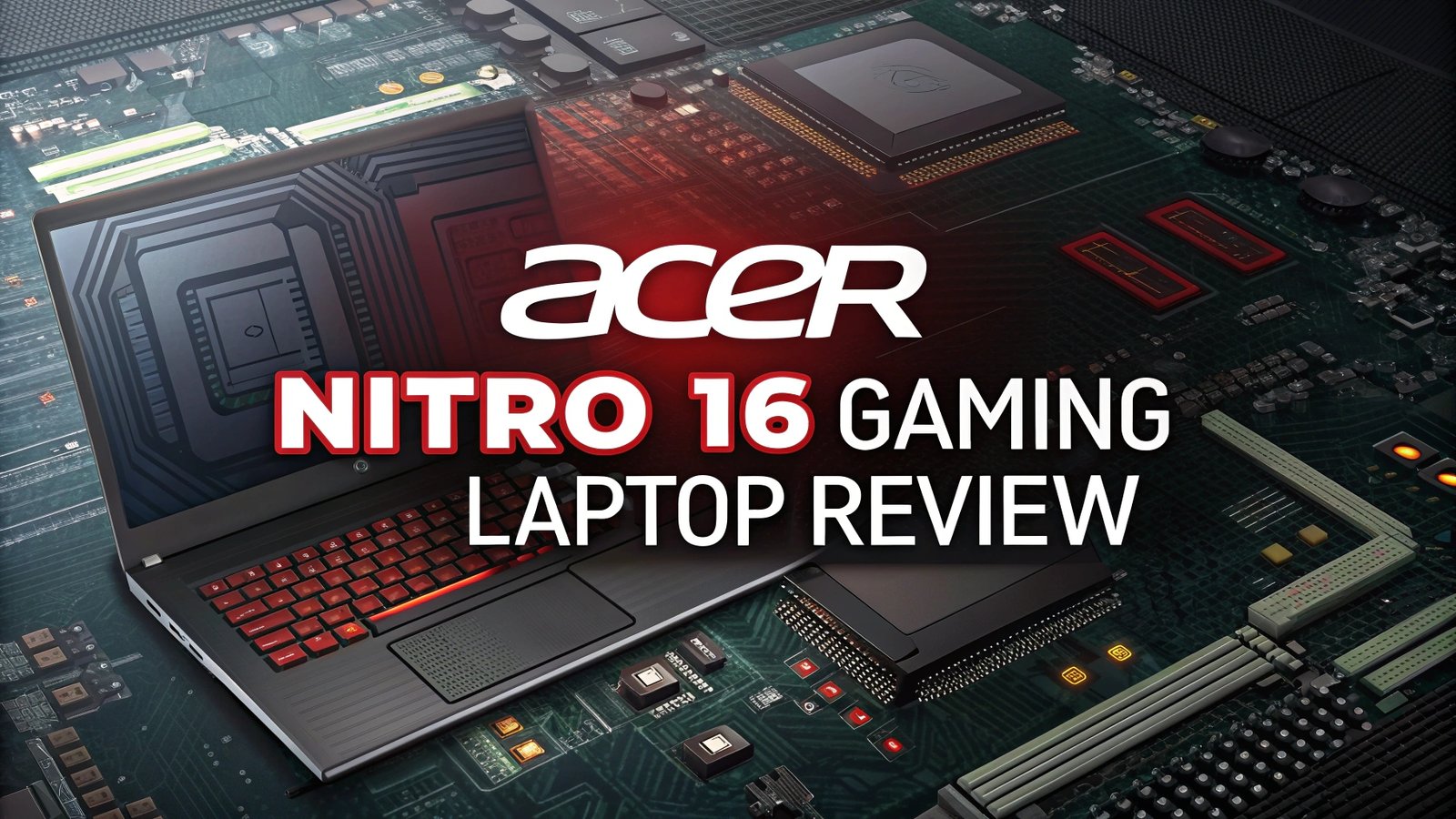
Acer Nitro 16 Gaming Laptop Review: Complete Analysis
The Acer Nitro 16 stands out as one of the most compelling gaming laptops in the mid-range segment for 2024.
This powerful machine combines cutting-edge hardware with practical design elements to deliver exceptional gaming performance at a competitive price point.
This comprehensive review examines every aspect of the Acer Nitro 16, from its impressive display and powerful components to its thermal management and overall value proposition.
Key Takeaways –
- Powerful AMD Ryzen 7 8845HS processor delivers exceptional multi-core performance for gaming and productivity tasks with AI capabilities
- NVIDIA GeForce RTX 4060 graphics card provides smooth 1080p gaming at high settings and supports modern ray tracing features
- 16-inch WUXGA display with 165Hz refresh rate offers vibrant colors and smooth gameplay with excellent response times
- Generous 16GB DDR5 RAM and 1TB SSD storage ensures fast loading times and seamless multitasking capabilities
- Competitive pricing around $1,079-$1,279 makes it an excellent value proposition in the gaming laptop market
- Solid build quality and cooling system maintains performance during extended gaming sessions without excessive throttling

Design and Build Quality
The Acer Nitro 16 showcases a mature gaming aesthetic that balances aggressive styling with professional appeal. The laptop features a sleek black chassis with subtle red accents that don’t scream “gaming laptop” in professional environments. The build quality feels solid and premium, with minimal flex in the keyboard area and a sturdy hinge mechanism.
The laptop measures approximately 14.19 x 10.67 x 1.06 inches and weighs around 5.51 pounds, making it reasonably portable for a 16-inch gaming machine. The weight distribution feels balanced, and the laptop doesn’t feel overly bulky when carried in a backpack.
Construction materials include high-quality plastics with a matte finish that resists fingerprints effectively. The lid features a brushed metal texture that adds visual interest while maintaining durability. The keyboard deck remains cool during normal use, and the overall construction feels robust enough to withstand regular transport and use.
Display Performance Excellence
The 16-inch WUXGA display represents one of the Nitro 16’s strongest features. With a resolution of 1920 x 1200 pixels, the screen provides sharp detail and excellent clarity for gaming and productivity work. The 165Hz refresh rate ensures smooth motion in fast-paced games, significantly reducing motion blur and screen tearing.
Color accuracy impresses with vibrant reproduction and good contrast ratios. The IPS panel delivers consistent viewing angles, making it suitable for content creation and media consumption. The display covers a good portion of the sRGB color space, producing rich and lifelike colors that enhance the gaming experience.
Brightness levels reach adequate peaks for indoor use, though outdoor visibility can be challenging in direct sunlight. The anti-glare coating helps reduce reflections, making extended gaming sessions more comfortable. Response times remain low enough for competitive gaming, with minimal ghosting or trailing effects.
Processor Powerhouse Analysis
The AMD Ryzen 7 8845HS processor serves as the heart of the Nitro 16, delivering impressive performance across various workloads. This octa-core processor features AI capabilities and maintains excellent power efficiency while providing substantial computing power for gaming and productivity tasks.
Multi-core performance excels in scenarios requiring parallel processing, such as content creation, streaming, and multitasking. The processor handles modern games effortlessly while maintaining headroom for background applications like Discord, streaming software, or web browsers.
Single-core performance remains competitive for gaming applications that rely heavily on individual core speed. The processor’s boost clocks ensure optimal performance in CPU-intensive games, while the efficient architecture helps maintain consistent performance during extended gaming sessions. Thermal management works effectively to prevent throttling under typical gaming loads.
Graphics Performance Deep Dive

The NVIDIA GeForce RTX 4060 graphics card delivers solid gaming performance at 1080p resolution with high to ultra settings in most modern titles. This GPU represents excellent value in the current market, providing ray tracing capabilities and DLSS 3 support for enhanced visual quality and performance.
Gaming benchmarks show consistent frame rates above 60 FPS in popular titles like Cyberpunk 2077, Call of Duty, and Apex Legends at high settings. The GPU handles demanding games like Control and Metro Exodus with ray tracing enabled, though some settings adjustments may be necessary for optimal performance.
VRAM allocation of 8GB proves sufficient for current games and should remain adequate for upcoming titles. The GPU maintains stable performance during extended gaming sessions, with effective thermal management preventing significant throttling. Content creators will appreciate the hardware encoding capabilities for streaming and video production workflows.
Top 3 Alternatives for Acer Nitro 16
No products found.


Memory and Storage Configuration
The standard configuration includes 16GB of DDR5 RAM, which provides excellent performance for gaming and multitasking scenarios. The high-speed memory ensures quick data access and smooth operation across multiple applications simultaneously. Most users will find this amount sufficient for current gaming needs and productivity work.
Storage performance impresses with the included 1TB Gen 4 SSD, delivering fast boot times and quick game loading. The NVMe drive significantly reduces waiting times compared to traditional hard drives, enhancing the overall user experience. The generous storage capacity accommodates multiple large games without requiring external storage solutions.
Upgrade potential exists for users who need additional RAM or storage in the future. The laptop includes accessible slots for memory expansion, though most users won’t need to upgrade immediately given the generous base configuration. The fast SSD ensures system responsiveness and quick file transfers.
Keyboard and Trackpad Experience
The backlit keyboard provides comfortable typing and gaming experiences with well-spaced keys and adequate travel distance. Key feedback feels responsive and precise, making it suitable for both gaming and productivity work. The backlighting offers multiple brightness levels and helps with visibility in low-light environments.
WASD keys and other gaming-critical buttons maintain their responsiveness during intense gaming sessions. The keyboard layout follows standard conventions, minimizing the learning curve for new users. Key durability appears solid, with consistent tactile feedback across the entire keyboard surface.
Trackpad performance proves adequate for general navigation and productivity tasks, though most gamers will prefer using an external mouse for gaming. The trackpad supports multi-touch gestures and provides smooth cursor movement with accurate tracking. Palm rejection works effectively to prevent accidental inputs during typing.
Audio Quality Assessment
Speaker performance delivers adequate audio quality for casual gaming and media consumption, though external headphones or speakers provide a better experience for serious gaming. The built-in speakers produce clear dialogue and reasonable bass response for a laptop of this size category.
Microphone quality proves sufficient for voice chat and video calls, providing clear audio pickup without excessive background noise. The microphone works well for gaming communication and online meetings, though dedicated headsets offer superior quality for streaming or content creation.
Audio processing includes various enhancement features that can improve the listening experience depending on content type. The audio system supports surround sound processing and includes preset modes optimized for gaming, movies, and music playback scenarios.
Thermal Management and Cooling
The cooling system performs admirably under typical gaming loads, maintaining acceptable temperatures while keeping fan noise at reasonable levels. The dual-fan configuration with multiple heat pipes effectively dissipates heat from both the CPU and GPU during demanding gaming sessions.
Temperature monitoring shows the system maintains safe operating temperatures even during extended gaming marathons. The thermal design prevents significant throttling while balancing performance with acoustic comfort. Fan curves ramp up gradually, avoiding sudden noise spikes that can be distracting during gameplay.
Fan noise levels remain tolerable during gaming, though they become noticeable under heavy loads. The cooling system strikes a good balance between thermal performance and acoustic comfort, making it suitable for gaming in shared spaces without being excessively disruptive.
Battery Life and Power Management
Battery performance provides reasonable longevity for light productivity tasks, though gaming significantly reduces runtime as expected with high-performance gaming laptops. The battery capacity supports several hours of web browsing, document editing, and media consumption away from power outlets.
Power efficiency improves during non-gaming activities thanks to the processor’s adaptive power management. The system intelligently adjusts performance levels based on workload demands, extending battery life when maximum performance isn’t required for basic computing tasks.
Charging speeds prove adequate with the included power adapter, restoring battery capacity relatively quickly during breaks between gaming sessions. The power delivery system supports the laptop’s high-performance requirements while maintaining efficient charging protocols for battery longevity.
Connectivity and Port Selection
Port variety includes essential connections for gaming peripherals and external displays. The laptop features multiple USB ports, HDMI output, and audio jacks to accommodate gaming setups and productivity accessories. The port selection covers most user needs without requiring extensive hub solutions.
Wireless connectivity includes Wi-Fi 6E support for fast and stable internet connections, essential for online gaming and large file downloads. Bluetooth connectivity works reliably with gaming controllers, headsets, and other wireless peripherals without noticeable latency issues.
Ethernet support through USB-C or dedicated port ensures stable wired connections for competitive gaming scenarios where wireless latency might be problematic. The wireless performance proves excellent for casual gaming, but serious esports players will appreciate wired connection options.
Gaming Performance Benchmarks
AAA gaming performance consistently delivers smooth frame rates at 1080p resolution with high settings across popular titles. Games like Forza Horizon 5, Resident Evil 4, and Hogwarts Legacy run excellently with impressive visual quality and stable performance metrics.
Esports gaming excels with frame rates well above refresh rate limits in competitive titles like Valorant, Counter-Strike 2, and League of Legends. The high refresh rate display pairs perfectly with the GPU’s ability to maintain high frame rates in competitive gaming scenarios.
Ray tracing performance provides acceptable frame rates in supported games, though some settings adjustments may optimize the experience. DLSS 3 support significantly improves performance in compatible titles, making ray tracing more viable for regular gaming sessions.
Value Proposition Analysis
Price-to-performance ratio positions the Nitro 16 competitively in the gaming laptop market, offering high-end features at mid-range pricing. The combination of powerful hardware, quality display, and solid build quality justifies the investment for serious gamers and content creators.
Market comparison shows the Nitro 16 competing effectively against similarly priced alternatives from ASUS, MSI, and HP. The laptop offers comparable or superior specifications at competitive pricing, making it an attractive option for budget-conscious buyers seeking performance.
Long-term value appears strong given the laptop’s upgrade potential and solid construction quality. The hardware specifications should remain relevant for several years, providing good longevity for the initial investment while supporting future game releases effectively.
Software and User Experience
Pre-installed software includes useful utilities for system monitoring and performance optimization without excessive bloatware. Acer’s included software provides fan control, performance profiles, and system diagnostics that enhance the user experience without overwhelming new users.
Performance profiles allow users to customize system behavior for different scenarios, balancing performance and battery life based on current needs. The software makes it easy to switch between quiet operation for productivity work and maximum performance for gaming sessions.
System optimization tools help maintain peak performance over time through automated maintenance and update management. The included software suite adds value without significantly impacting system resources or startup times, maintaining overall system responsiveness.
Frequently Asked Questions
Can the Acer Nitro 16 run modern games at 4K resolution?
The RTX 4060 graphics card can handle some games at 4K resolution with reduced settings, but the laptop’s 1920×1200 display is optimized for 1080p gaming. For 4K gaming, you would need an external 4K monitor and would likely need to reduce graphics settings significantly in demanding games to maintain playable frame rates.
How loud does the cooling system get during gaming?
The cooling fans become noticeable during gaming sessions but remain at acceptable levels for most users. The fan noise typically ranges from quiet during light tasks to moderately audible during intense gaming, but it’s not excessively loud compared to other gaming laptops in this category.
Is the RAM and storage upgradeable in the Acer Nitro 16?
Yes, the Nitro 16 offers upgrade options for both RAM and storage. The laptop includes accessible slots for memory expansion, and additional SSD slots allow for storage upgrades. However, the base 16GB RAM and 1TB SSD configuration satisfies most users’ needs without immediate upgrades.
How long does the battery last during gaming vs productivity work?
Battery life varies significantly between gaming and productivity tasks. During light productivity work like web browsing and document editing, expect 4-6 hours of battery life. Gaming drastically reduces this to approximately 1-2 hours, making the laptop primarily suitable for plugged-in gaming sessions.
Does the Acer Nitro 16 support external monitors well?
The laptop supports external monitors excellently through its HDMI and USB-C ports. You can connect multiple external displays for expanded desktop space or gaming on larger screens. The RTX 4060 graphics card handles external 4K displays effectively for productivity work and gaming scenarios.