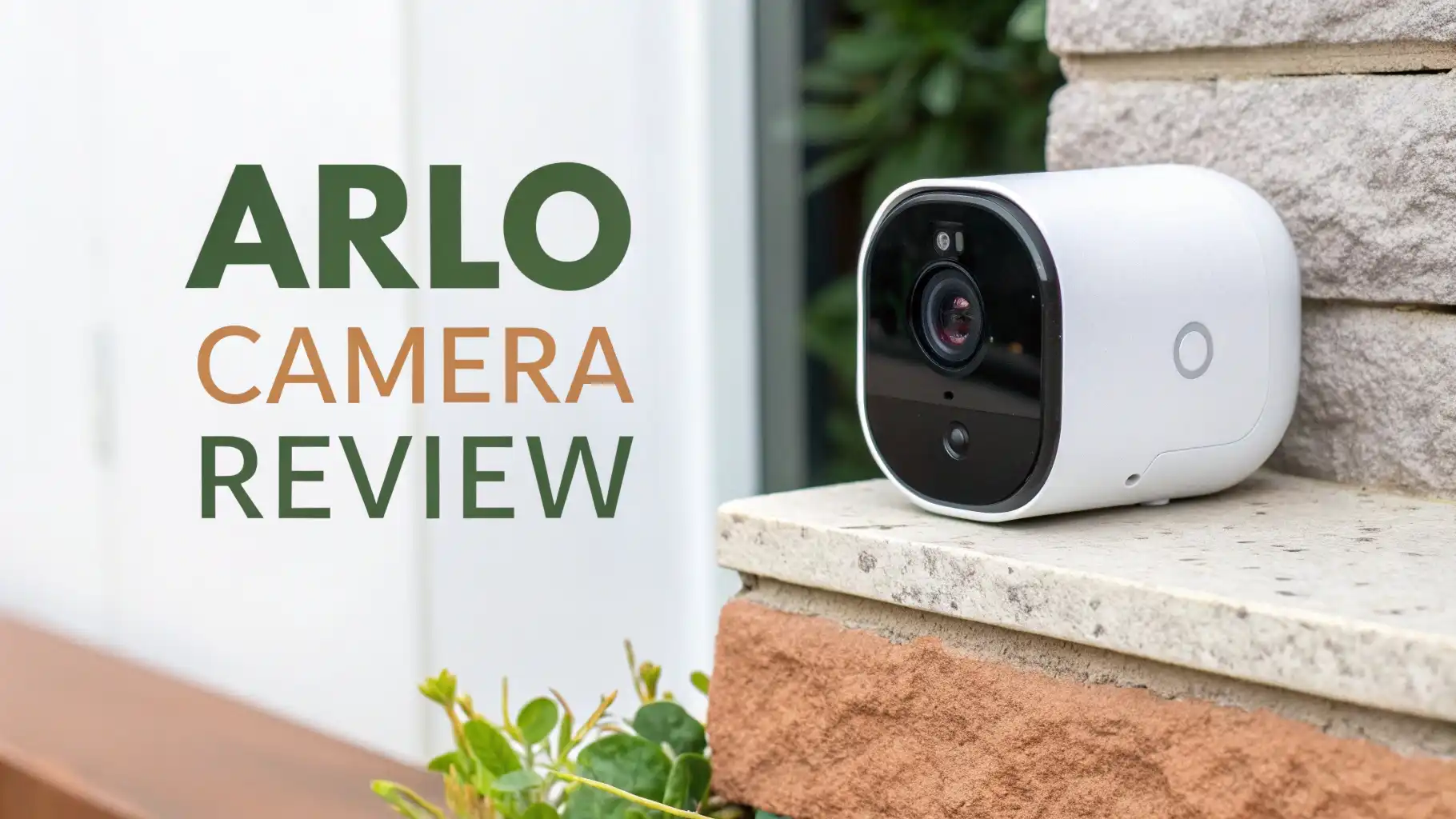
Arlo Camera Review: Worth the Price Tag?
Your home deserves the best protection available. You want to feel safe when you are away. You need to see what happens around your property at all times.
Arlo cameras have become one of the top choices for home security in recent years. These smart cameras offer features that go beyond basic recording.
They bring peace of mind with advanced technology. But are they worth your money? Let me take you through everything you need to know about Arlo cameras available on Amazon right now.
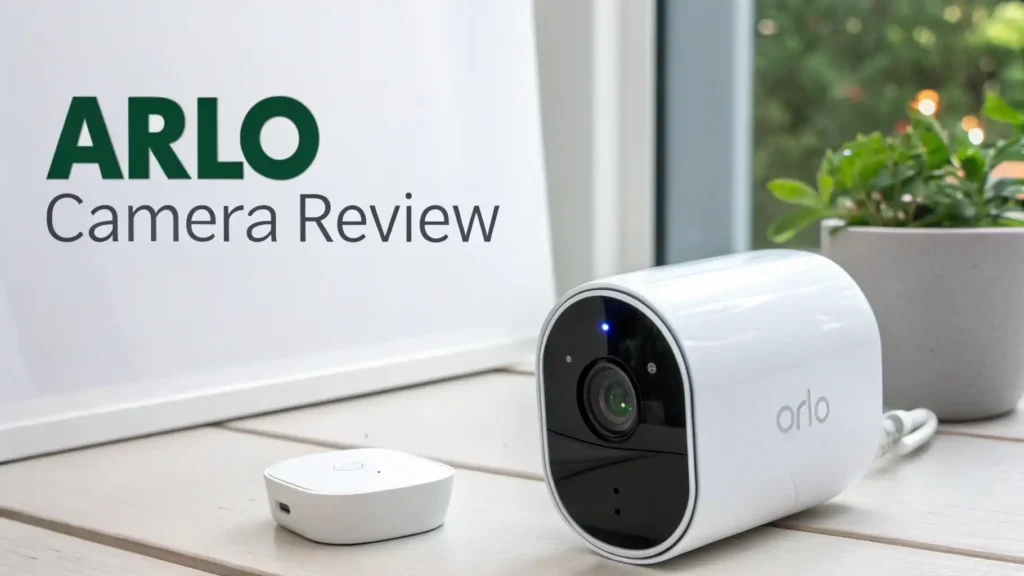
Key Takeaways:
- Video Quality Matters: Arlo cameras range from 1080p HD to stunning 4K resolution. The higher resolution models capture every detail with clarity. You can zoom in without losing image quality. This helps you identify faces and read license plates.
- Subscription Plans Are Essential: Most Arlo cameras work best with a subscription. Without it, you get limited features. The Arlo Secure plan starts at around $7.99 per month for a single camera. The unlimited camera plan costs about $17.99 monthly. These plans unlock video recording, smart alerts, and cloud storage.
- Battery Life Varies Significantly: Some models last several months on a single charge. Others need more frequent charging. The Arlo Pro 5S XL and Essential XL models offer extended battery life. You can also get solar panel accessories to keep cameras charged indefinitely.
- Smart Features Set Them Apart: Modern Arlo cameras detect people, vehicles, animals, and packages. They send specific alerts based on what they see. The two-way audio lets you talk to visitors or scare away intruders. Color night vision shows clear details even in darkness.
- Installation Is Simple: Most Arlo cameras are wireless. You can mount them anywhere within WiFi range. No professional installation needed. The magnetic mounts make positioning easy. You can adjust angles without tools.

Arlo Essential 2K Outdoor Security Camera
The Arlo Essential 2K camera represents excellent value for most homeowners. This second generation model brings significant improvements over the original.
You get sharp 2K video quality that captures more details than standard 1080p cameras. The built-in spotlight illuminates dark areas automatically when motion is detected.
Installation takes just minutes because this camera is completely wireless. The rechargeable battery lasts several months depending on activity levels.
You can place it anywhere around your property. The weather-resistant design handles rain, snow, and extreme temperatures. Indoor or outdoor use works perfectly.
The integrated spotlight serves multiple purposes. It provides full-color night vision instead of grainy black and white footage. The bright light also acts as a deterrent to potential intruders. When someone approaches, they get lit up immediately. This often causes them to leave quickly.
Arlo Pro 5S Spotlight Camera
No products found.
The Arlo Pro 5S takes security to the next level with advanced features. This camera shoots in 2K HDR for enhanced image quality. The high dynamic range helps balance bright and dark areas in the same frame. You see details in shadows and highlights simultaneously. This proves valuable during sunrise and sunset hours.
Dual-band WiFi connectivity represents a major advantage. The camera automatically connects to the strongest network available. It switches between 2.4GHz and 5GHz bands as needed. This ensures reliable video streaming without interruptions. You get smooth live viewing even from remote locations.
The 12X digital zoom allows you to examine specific areas closely. You can focus on faces, license plates, or packages. The zoom maintains good quality thanks to the high resolution sensor. The 160-degree field of view captures wide areas. You need fewer cameras to cover your property completely.
Arlo Ultra 2 Wireless 4K Camera

The Arlo Ultra 2 delivers premium 4K video quality that surpasses other home security cameras. This represents the highest resolution available in consumer security cameras.
Every detail appears crystal clear. You can zoom in significantly while maintaining sharp images. Faces are easily identifiable from distances where other cameras show blur.
HDR video processing creates balanced images in challenging lighting. Backlighting no longer washes out faces. Dark shadows reveal hidden details.
The camera adjusts exposure automatically for optimal results. The 180-degree diagonal field of view is the widest in the Arlo lineup. A single camera covers massive areas.
The advanced spotlight shines brighter than Essential or Pro models. It illuminates larger areas with more intensity. The color night vision extends further into darkness. You see actual colors instead of black and white footage. This helps identify clothing, vehicle colors, and other important details.
Top 3 Alternatives for Arlo Camera


Arlo Essential Indoor Camera

Indoor security cameras serve different purposes than outdoor models. The Arlo Essential Indoor Pan Tilt camera excels at monitoring interior spaces.
The motorized pan and tilt mechanism provides 360-degree coverage. The camera rotates to follow motion automatically. You can manually control the viewing angle from the app.
Person and animal detection uses artificial intelligence to identify subjects. You receive specific notifications about what triggered the alert. This reduces false alarms from moving shadows or lights. The 2K resolution captures clear details of faces and activities.
The automated privacy shield adds a unique feature. The camera lens physically closes when you arrive home. This ensures complete privacy when you do not need monitoring. The shield opens automatically when you leave. You control this through geofencing or manual app commands.
Understanding Arlo Subscription Plans
Arlo cameras require subscriptions to unlock full functionality. Without a plan, you only get live viewing and basic motion alerts. No video recording happens. No smart detection features work. The subscription plans have changed several times in recent years.
Arlo Secure plans currently start at around $7.99 per month for a single camera. This includes 30 days of cloud storage for recorded videos.
You get smart notifications that identify people, vehicles, animals, and packages. Activity zones let you define specific areas to monitor. E911 emergency calling connects you to local authorities quickly.
The Arlo Secure Plus unlimited plan costs approximately $17.99 monthly. This covers all cameras on your account regardless of quantity. You get the same features as the single camera plan but for better value with multiple cameras. Annual payment options reduce the monthly cost somewhat.
Video Quality Comparison Across Models
Resolution makes a significant difference in security footage usability. The Arlo Essential line shoots in 2K resolution (2560×1440 pixels). This provides roughly twice the detail of 1080p HD cameras. You can see faces clearly from greater distances. License plate reading becomes more reliable.
The Arlo Pro 5S maintains 2K quality with HDR enhancement. The high dynamic range processing improves image quality in mixed lighting.
Shadows contain more visible detail. Bright areas do not get washed out. This proves especially valuable during morning and evening hours when sun angles create challenging conditions.
The Arlo Ultra 2 shoots in 4K (3840×2160 pixels). This quadruples the resolution of 1080p cameras. The additional detail allows massive digital zoom without quality loss.
Battery Life and Power Options
Battery performance varies dramatically between Arlo camera models. The standard Essential cameras typically last 3-6 months per charge with average use.
Heavy traffic areas with frequent recordings drain batteries faster. Cold weather reduces battery life significantly. You might need monthly charging in winter conditions.
The Essential XL and Pro 5S XL models include larger batteries. These versions can last 6-12 months between charges. The extended battery life reduces maintenance considerably. You do not need ladders or climbing to reach cameras frequently. This makes high-mounting locations more practical.
Solar panel accessories provide continuous charging. These small panels connect to compatible Arlo cameras. Just a few hours of daily sunlight maintains full charge indefinitely.
This eliminates battery charging completely. The panels work even in partially shady locations. They handle cloudy days by using stored battery power.
Smart Detection Features
Modern Arlo cameras use artificial intelligence to analyze video feeds. The systems learn to distinguish between different types of movement. This dramatically reduces false alerts from trees swaying, shadows moving, or lights changing. You only get notifications for meaningful events.
Person detection identifies human shapes and movement patterns. The cameras recognize people approaching doors, walking across yards, or loitering in areas. You can set custom alerts for person detection. Some models distinguish between known faces and strangers with the appropriate subscription plan.
Vehicle detection recognizes cars, trucks, and other vehicles. This proves useful for driveway monitoring. You know immediately when someone arrives. The feature helps identify delivery vehicles versus suspicious cars. You can create automation rules based on vehicle detection.
Animal detection separates pets and wildlife from people. This prevents your dog from triggering person alerts constantly. You can choose whether to receive animal notifications. Cat owners appreciate knowing when outdoor cats return home. Wildlife enthusiasts enjoy alerts about visiting deer or birds.
Installation and Setup Process
Installing Arlo cameras takes minimal time and requires no special skills. The wireless models mount using magnetic bases or screw-in mounts. The magnetic option allows quick removal for charging. You can adjust angles easily without tools. The screw mounts provide more permanent security.
Choose mounting locations carefully. The cameras need strong WiFi signals for reliable operation. Test signal strength using your phone before mounting. Consider camera field of view when positioning. Draw imaginary lines showing coverage areas. Overlap coverage between cameras for complete monitoring.
Height affects camera effectiveness. Mount outdoor cameras 8-10 feet high for optimal coverage. This height prevents easy tampering while maintaining good viewing angles. Too high reduces facial detail. Too low makes cameras vulnerable to damage or theft. Indoor cameras can mount lower for better face recognition.
The mobile app guides you through setup. Create an Arlo account first. Add your base station if required. Then add cameras one at a time. The app shows what each camera sees during positioning. Name cameras descriptively like Front Porch or Backyard Gate. Set up activity zones to focus monitoring on specific areas.
Integration with Smart Home Systems
Arlo cameras work with major smart home platforms. Amazon Alexa integration allows voice control of cameras. You can say “Alexa, show me the front door camera” to view live feeds on Echo Show devices. Voice commands arm and disarm cameras based on routines.
Google Home compatibility provides similar functionality. Google Assistant voice commands control Arlo cameras. Chromecast support streams camera feeds to TVs. You can say “Hey Google, show the backyard camera” for instant viewing. The integration works smoothly with Google Home automation.
Apple HomeKit support depends on the camera model. Some newer Arlo cameras work with HomeKit for iOS users. This enables control through the Home app. Siri voice commands work for live viewing. HomeKit Secure Video provides encrypted cloud storage options.
IFTTT (If This Then That) integration creates custom automation. You can trigger actions based on Arlo camera events. For example, turn on smart lights when motion is detected at night. Send notifications to multiple services. Record video to alternative cloud storage. The possibilities expand significantly with IFTTT.
Weather Resistance and Durability
Outdoor cameras face harsh conditions that indoor models never encounter. Arlo outdoor cameras carry IP65 or IP67 weather resistance ratings. These ratings mean cameras withstand rain, snow, dust, and humidity. The sealed housings protect sensitive electronics.
Temperature ranges vary by model. Most Arlo outdoor cameras operate from -4°F to 113°F (-20°C to 45°C). This covers most climate conditions. Extreme cold affects battery life more than camera operation. Very hot temperatures can cause cameras to throttle performance temporarily.
Build quality determines longevity. Arlo uses durable plastics for camera housings. The materials resist UV degradation from constant sun exposure. The lens covers resist scratching. Mounting hardware uses corrosion-resistant materials. Properly installed Arlo cameras last for years outdoors.
Regular maintenance extends camera life. Clean lens covers monthly with soft cloths. Remove spider webs that trigger false alerts. Check mounting security periodically. Tighten screws that vibration loosens. Replace magnetic mounts if adhesive weakens. These simple steps maintain optimal performance.
Privacy and Security Features
Privacy concerns matter with security cameras. Arlo implements several security measures. All video streams use encryption during transmission. Cloud storage encrypts videos. Account access requires strong password authentication. Two-factor authentication adds extra security.
Automated privacy shields on indoor cameras physically block the lens. You control when the shield opens or closes. Geofencing automatically enables privacy when you arrive home. This prevents accidental recording of family activities. The mechanical shield provides more assurance than software-only privacy modes.
Video sharing controls let you decide who sees footage. You can create shareable links for specific clips. Set expiration dates on shared videos. Grant temporary access to family members or neighbors. Revoke access anytime. You maintain complete control over your video footage.
Comparing Arlo to Competitors
How does Arlo stack up against other security camera brands? Ring cameras offer tighter integration with Amazon services. The Ring ecosystem includes doorbells, alarms, and lights. Ring subscription plans cost similarly to Arlo. Video quality compares closely between brands.
Blink cameras cost less upfront and for subscriptions. The extreme battery life reduces maintenance. Video quality falls slightly below Arlo in some conditions. Blink works well for basic monitoring needs. Advanced features are more limited than Arlo offerings.
Wyze cameras provide incredible value at very low prices. The company includes features that competitors charge subscriptions to access. Video quality often exceeds expectations for the price. The tradeoff comes in build quality and customer support. Wyze cameras require more troubleshooting than premium brands.
Google Nest cameras integrate best with Google Home systems. The continuous recording options appeal to some users. The subscription costs run higher than Arlo for similar storage. Camera prices tend to be more expensive upfront.
Making the Final Decision
Choosing the right Arlo camera depends on your specific needs. Start by identifying what you want to monitor. Outdoor cameras need weather resistance and long battery life. Indoor cameras benefit from pan-tilt features and privacy shields.
Consider your budget carefully. The initial camera cost is just the beginning. Factor in subscription plans for full functionality. Calculate the total cost over several years. Sometimes spending more upfront saves money long-term.
Video quality requirements vary by situation. If you need to identify faces from distances, choose 4K Ultra 2 cameras. For basic monitoring, the 2K Essential models work perfectly well. Better quality cameras cost more and consume more bandwidth.
Think about installation locations. Cameras mounted high benefit from longer battery life. Hard-to-reach spots work better with solar panels. Areas with existing power outlets can use wired cameras. Plan camera placement before purchasing.
Frequently Asked Questions
Do Arlo cameras work without WiFi?
Arlo cameras require WiFi or a SmartHub connection for normal operation. The cameras cannot record or send alerts without internet connectivity. Some models support local storage to SmartHub USB drives during internet outages. The cameras resume cloud uploading when WiFi returns. Continuous local recording requires specific models and subscriptions.
Can I use Arlo cameras without a subscription?
You can use Arlo cameras without subscriptions but with very limited features. Live viewing works without paying. Basic motion notifications arrive on your phone. However, no video recording happens without a subscription. Smart detection features remain disabled. Activity zones do not work. Most users find subscriptions necessary for practical security monitoring.
How long do Arlo camera batteries last?
Battery life depends heavily on usage patterns and environmental conditions. Standard Essential cameras typically last 3-6 months per charge. The XL models with larger batteries last 6-12 months. Frequent recordings drain batteries faster. Cold weather reduces runtime significantly. High traffic areas require more frequent charging. Solar panels eliminate charging needs completely.
Are Arlo cameras compatible with Alexa and Google Home?
Yes, Arlo cameras integrate with both Amazon Alexa and Google Home systems. You can use voice commands to view live camera feeds. Echo Show and Chromecast devices display camera streams. Some automation features work through these integrations. The setup process involves linking accounts through the respective apps. Most Arlo cameras support these integrations.
What is the difference between Arlo Pro and Arlo Ultra cameras?
The main differences involve video resolution and field of view. Ultra cameras shoot in 4K while Pro models capture 2K video. Ultra cameras have 180-degree viewing angles compared to 160 degrees for Pro models. Ultra cameras include more advanced HDR processing. The Ultra requires a SmartHub while Pro cameras can connect directly to WiFi. Ultra cameras cost significantly more than Pro models.
Can Arlo cameras record continuously 24/7?
Continuous recording requires specific Arlo models and the CVR (Continuous Video Recording) subscription plan. Not all cameras support this feature. The Arlo Ultra 2, Pro 3, Pro 4, and some other models offer CVR capability. This subscription costs extra beyond standard Arlo Secure plans. Continuous recording drains batteries quickly, so wired power connections are recommended. The footage stores in the cloud only, not locally.
How many Arlo cameras can I have on one account?
Arlo accounts support multiple cameras with limits depending on your plan. Free accounts support up to 5 cameras without subscriptions. Arlo Secure single-camera plans cover one camera only. The Unlimited plan covers as many cameras as you want on the account. The SmartHub base station supports up to 20 cameras simultaneously. Your internet bandwidth and router capacity may limit practical camera counts.