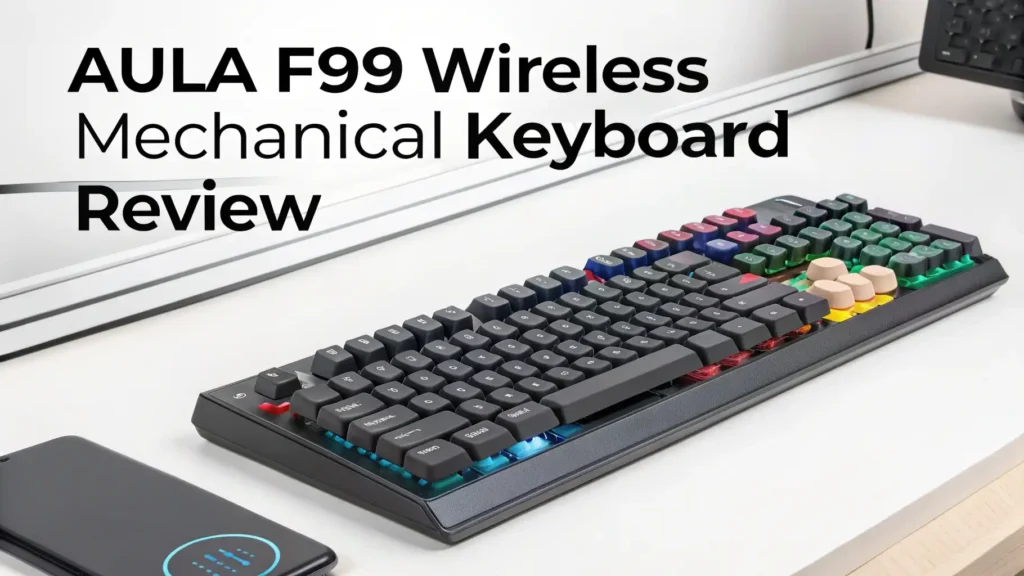
AULA F99 Wireless Mechanical Keyboard Review: The Ultimate Guide
Gaming keyboards can drain your wallet fast. But what if you could get premium features without the premium price tag? The AULA F99 Wireless Mechanical Keyboard changes the game completely.
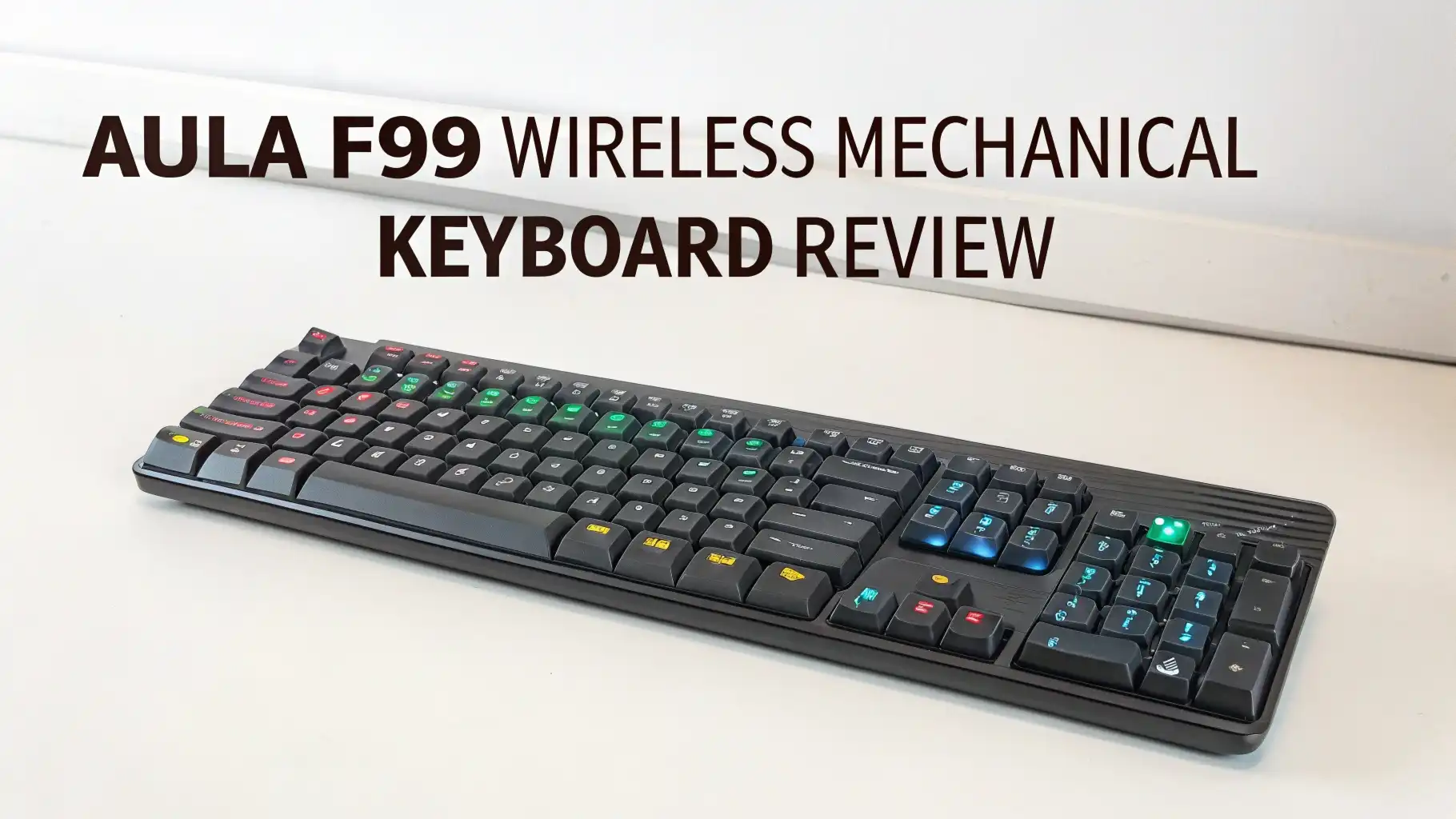
This 96% layout keyboard brings hot swappable switches, triple connectivity modes, and stunning RGB lighting at a fraction of what big brands charge.
You get mechanical perfection without breaking the bank. Sounds too good to be true, right? Let me show you why thousands of gamers are making the switch to the AULA F99.
Key Takeaways
- Budget Friendly Performance: The AULA F99 delivers exceptional value at just $68.25, making it one of the most affordable wireless mechanical keyboards with premium features. You save over $100 compared to similar keyboards from major brands.
- Triple Connectivity Options: This keyboard offers three connection methods including Bluetooth 5.0, 2.4GHz wireless, and USB-C wired mode. You can switch between your gaming PC, laptop, and tablet seamlessly without reconnecting cables every time.
- Hot Swappable Switches: The hot swappable design lets you change switches in seconds without soldering. You can customize your typing experience by mixing different switch types for gaming keys versus typing keys.
- Long Battery Life: With an 8000mAh battery, the F99 lasts weeks on a single charge. You can game for hours without worrying about battery drainage or keeping the charging cable plugged in constantly.
- Space Saving 96% Layout: This compact design keeps your number pad and arrow keys while saving 30% desk space compared to full size keyboards. Perfect for gamers who need room for large mouse movements.
- Premium Features: You get gasket mounted construction, pre lubed switches, PBT keycaps, and programmable RGB lighting. These features usually cost twice as much in other keyboards.

AULA F99 Wireless Mechanical Keyboard Overview
The AULA F99 represents a breakthrough in affordable mechanical keyboards. This keyboard packs features that usually cost over $150 into a budget friendly package. The 99 key layout strikes the perfect balance between compact size and full functionality. You get all the keys you need without wasting desk space.
The build quality surprises everyone who picks up this keyboard. The plastic construction feels solid and premium.
The keyboard weighs enough to stay put during intense gaming sessions. No sliding or flexing occurs even when you type aggressively. The gasket mounted design provides a softer typing feel compared to cheaper keyboards.
AULA pre lubes the switches at the factory. This means smooth keystrokes right out of the box. You don’t need to spend hours modifying your keyboard before it feels good. The stabilizers work smoothly without the rattling sound that plagues budget keyboards. Your spacebar and shift keys feel just as good as your letter keys.
The RGB lighting system offers 16 customizable effects. Each key lights up individually so you can create custom lighting patterns. The brightness adjusts easily through keyboard shortcuts. The lighting looks vibrant without being overwhelming. You can turn off the lights completely if you prefer a cleaner look.
Design and Build Quality
The AULA F99 features a sleek modern design that fits any desk setup. The keyboard comes in multiple color schemes including white, black, and gradient options. The clean lines and minimal branding create a professional appearance. This keyboard looks at home in both gaming setups and office environments.
The five layer padding system creates an exceptionally quiet typing experience. The gasket mount construction isolates each keystroke from the case. This design reduces noise and creates a more pleasant sound profile. Your roommates or coworkers won’t complain about loud typing anymore.
The keyboard includes ergonomic kickstand feet with two height positions. You can adjust the typing angle to match your preference. The rubber feet keep the keyboard stable on smooth desk surfaces. Even vigorous gaming sessions won’t cause the keyboard to slide around.
The PBT keycaps resist shine and wear better than cheaper ABS plastic. Your keycaps will look new even after years of heavy use. The double shot legends ensure the letters never fade away. The slightly textured surface provides excellent grip without feeling rough.
96% Compact Layout Explained
The 96% layout eliminates wasted space while keeping essential keys. Standard full size keyboards include large gaps between key sections. The F99 removes these gaps and pushes keys closer together. You keep your number pad, function row, and arrow keys in a much smaller footprint.
This compact design frees up mouse space for gaming. FPS players need room to make large sweeping mouse movements. The F99 gives you several extra inches compared to full size keyboards. Your mouse pad can extend further without hitting your keyboard.
The layout takes minimal adjustment time for most users. All keys remain in their standard positions. Only the navigation cluster gets slightly condensed. Most people adapt within a few hours of use. Touch typists won’t need to relearn their muscle memory.
The number pad placement might feel unusual at first. The num pad sits directly against the main key cluster without any gap. Some users accidentally hit number pad keys when reaching for symbols. This minor issue disappears after a short adjustment period.
Hot Swappable Switch System
The hot swap sockets revolutionize keyboard customization. You can pull out any switch and replace it with a different type. No soldering iron needed. No technical knowledge required. Just pull the old switch and push in the new one.
This feature lets you experiment with different switches without commitment. Try linear switches for gaming and tactile switches for typing. Mix switch types across your keyboard. Put heavier springs in WASD keys for gaming precision. The possibilities expand endlessly.
The keyboard comes with pre lubed linear switches that feel smooth and consistent. These switches require minimal force to activate. They provide quick response times perfect for gaming. The sound profile stays quiet enough for office use.
You can upgrade to premium switches whenever you want. Gateron, Cherry, and Kailh switches all fit perfectly. Buying expensive switches makes sense when you can transfer them to future keyboards. Your investment in quality switches pays off for years.
Tri-Mode Connectivity Features
The Bluetooth 5.0 connection pairs with up to three devices simultaneously. Switch between your PC, tablet, and phone with a simple key combination. The connection stays stable up to 10 meters away from your device. No lag or dropped inputs occur during normal use.
The 2.4GHz wireless mode provides the fastest response times. This connection matches wired keyboards for gaming performance. The USB dongle plugs into any USB port and stores under the keyboard when not needed. Input lag stays under 1ms for competitive gaming.
The USB-C wired mode offers the most reliable connection option. Plug in the included cable for instant connectivity. The wired mode also charges the battery while you use the keyboard. You never need to stop gaming to charge your keyboard.
Switching between modes takes seconds using keyboard shortcuts. Hold the function key and press the connection mode you want. The keyboard remembers your paired devices across power cycles. You won’t need to repair devices every time you switch modes.
Top 3 Alternatives for AULA F99


Battery Life and Charging
The 8000mAh battery capacity outlasts most competitors by a wide margin. Expect 2-3 weeks of use with RGB lighting enabled. Turn off the lighting and the battery lasts over a month. Heavy users might need to charge weekly but casual users can go much longer.
The USB-C charging port fills the battery in about 3-4 hours. You can use the keyboard while charging without any issues. The charging cable detaches completely so it won’t get damaged. Any standard USB-C cable works for charging.
The keyboard includes battery level indicators built into the lighting system. The lights change color when the battery runs low. You get plenty of warning before the keyboard dies completely. No more sudden shutdowns during important gaming sessions.
The power saving features extend battery life automatically. The keyboard enters sleep mode after several minutes of inactivity. Touch any key to wake it up instantly. The wireless connection maintains its pairing even in sleep mode.
RGB Lighting and Customization
The per key RGB lighting creates stunning visual effects. Each key can display any color from 16.8 million options. The lighting syncs across the entire keyboard for cohesive effects. Wave patterns, breathing effects, and reactive modes all look spectacular.
The software control gives you complete customization freedom. Create custom lighting profiles for different games or applications. Save multiple profiles and switch between them with hotkeys. The software runs on both Windows and Mac systems.
You can program macros and key remapping through the software. Record complex key sequences and assign them to single keys. Remap any key to perform different functions. These customization options help optimize your workflow or gaming setup.
The onboard memory stores your settings directly on the keyboard. Take your custom profiles to any computer without installing software. The keyboard remembers up to several profiles in its internal storage. Your settings travel with you wherever you go.
Typing Experience and Sound Profile
The pre lubed switches deliver an exceptionally smooth typing experience. Each keystroke feels consistent from top to bottom. No scratchy feeling or rough spots interrupt your typing flow. The smoothness rivals keyboards costing three times as much.
The gasket mount construction creates a softer bottom out feeling. Keys don’t slam into a hard surface when you press them fully. This design reduces finger fatigue during long typing sessions. The cushioned feeling makes typing more comfortable and enjoyable.
The sound profile stays relatively quiet for a mechanical keyboard. The pre lubed switches and foam padding muffle the noise effectively. Your coworkers won’t complain about excessive clicking. The sound stays satisfying without being disruptive.
The stabilizers work smoothly on larger keys. The spacebar, shift, and enter keys feel stable and consistent. Minimal rattle occurs even on vigorous keypresses. Many budget keyboards fail at stabilizer quality but the F99 handles them well.
Gaming Performance Testing
The 1ms response time in wireless mode matches wired keyboards perfectly. No input lag affects your gaming performance. Fast paced shooters and competitive games work flawlessly. The keyboard responds instantly to every command you input.
The anti ghosting technology prevents missed inputs during complex key combinations. Press multiple keys simultaneously without any registering failures. The N key rollover ensures every keypress gets detected. Fighting games and MMOs benefit greatly from this feature.
The durable switches handle millions of keypresses reliably. AULA rates them for 50 million actuations minimum. Your keyboard will survive years of intense gaming sessions. The switches maintain their feel and response throughout their lifetime.
The dedicated gaming mode disables the Windows key during gameplay. No more accidental minimizing during crucial moments. Enable gaming mode with a simple key combination. The keyboard remembers your preference across sessions.
Software and Programming Options
The AULA software provides comprehensive control over keyboard functions. The interface looks clean and easy to understand. Finding specific settings takes minimal effort. The software updates regularly with new features and improvements.
You can create custom lighting effects frame by frame. Design unique animations that play across your keyboard. Share your creations with the AULA community. Download effects created by other users. The creative possibilities expand constantly.
The macro recording system captures complex sequences easily. Start recording, press your keys, then stop recording. Assign the macro to any key or combination. Edit macros manually if you need precise timing adjustments.
The software includes key remapping for complete layout customization. Move keys to more convenient positions. Create layers for different functions. Build a layout optimized specifically for your needs. The changes apply instantly without restarting.
Value for Money Analysis
The $68 price point makes this keyboard incredibly attractive. You get features that normally cost over $150 in competing products. Hot swappable switches alone usually add $50 to keyboard prices. The wireless functionality adds another premium typically.
The included accessories add extra value to your purchase. You get a USB-C cable, wireless dongle, keycap puller, and switch puller. These tools let you customize your keyboard immediately. Other brands charge extra for these essential accessories.
The warranty and support provide peace of mind for your purchase. AULA offers responsive customer service for technical issues. The keyboard comes with a one year warranty covering defects. Many users report positive experiences with support requests.
The long term durability ensures your investment lasts for years. The quality components resist wear better than cheaper alternatives. Your keyboard won’t need replacement after a few months. The value compounds over time as the keyboard continues performing.
Pros and Cons Summary
Pros: The hot swappable switches offer unlimited customization potential. The tri mode connectivity provides maximum flexibility. The battery life exceeds expectations significantly. The build quality feels premium despite the budget price. The typing experience rivals expensive keyboards. The compact layout saves valuable desk space. The RGB lighting looks vibrant and customizable. The price undercuts competitors dramatically.
Cons: The stabilizers could use slightly better lubing. The keycaps feel good but not exceptional. The software needs Mac compatibility improvements. The navigation cluster requires brief adjustment. The plastic case shows fingerprints easily. Some users report minor firmware bugs initially.
Frequently Asked Questions
Does the AULA F99 work with Mac computers?
Yes, the AULA F99 works perfectly with Mac computers through any connection mode. The Bluetooth 5.0 pairing works seamlessly with MacOS. You can remap keys using the software to match Mac keyboard layouts. Most Mac specific functions work through key combinations. Some users prefer the 2.4GHz wireless mode for better stability. The keyboard automatically detects Mac systems and adjusts appropriately.
Can I use different switches on the same keyboard?
Absolutely! The hot swap sockets let you mix any compatible switches you want. Many users install linear switches for gaming keys and tactile switches for typing keys. You can experiment endlessly with different combinations. The only requirement is using 3 pin or 5 pin mechanical switches. Gateron, Cherry, Kailh, and most other brands work perfectly. This flexibility lets you create your perfect typing experience.
How long does the battery actually last?
Battery life depends heavily on your usage patterns and settings. With RGB lighting at maximum brightness, expect about 2 weeks of regular use. Turn off the lighting and the battery lasts 4-6 weeks easily. Gaming sessions drain the battery faster than typing. The 2.4GHz wireless mode uses slightly more power than Bluetooth. Most users charge weekly and never worry about battery life.
Is this keyboard good for professional typing work?
Yes, the AULA F99 works excellently for professional environments. The quiet operation won’t disturb coworkers. The comfortable typing feel reduces hand fatigue during long work sessions. The number pad helps with data entry tasks. The professional appearance fits office aesthetics. The wireless connection eliminates cable clutter on your desk. Many office workers choose this keyboard specifically for work use.
What switches come with the keyboard by default?
The AULA F99 ships with pre lubed linear switches as standard. These switches feel smooth and require light actuation force. The exact switch model varies depending on which version you purchase. Some versions include red linear switches while others have blue or brown options. Check the product listing carefully before ordering. All included switches perform well for both gaming and typing.
Can I replace just the keycaps without changing switches?
Yes, the keycaps pull off easily using the included keycap puller tool. Any Cherry MX compatible keycap set fits perfectly. Thousands of custom keycap options exist online. You can personalize the appearance without affecting performance. The included PBT keycaps already feel quite good though. Most users wait months before wanting to upgrade keycaps.