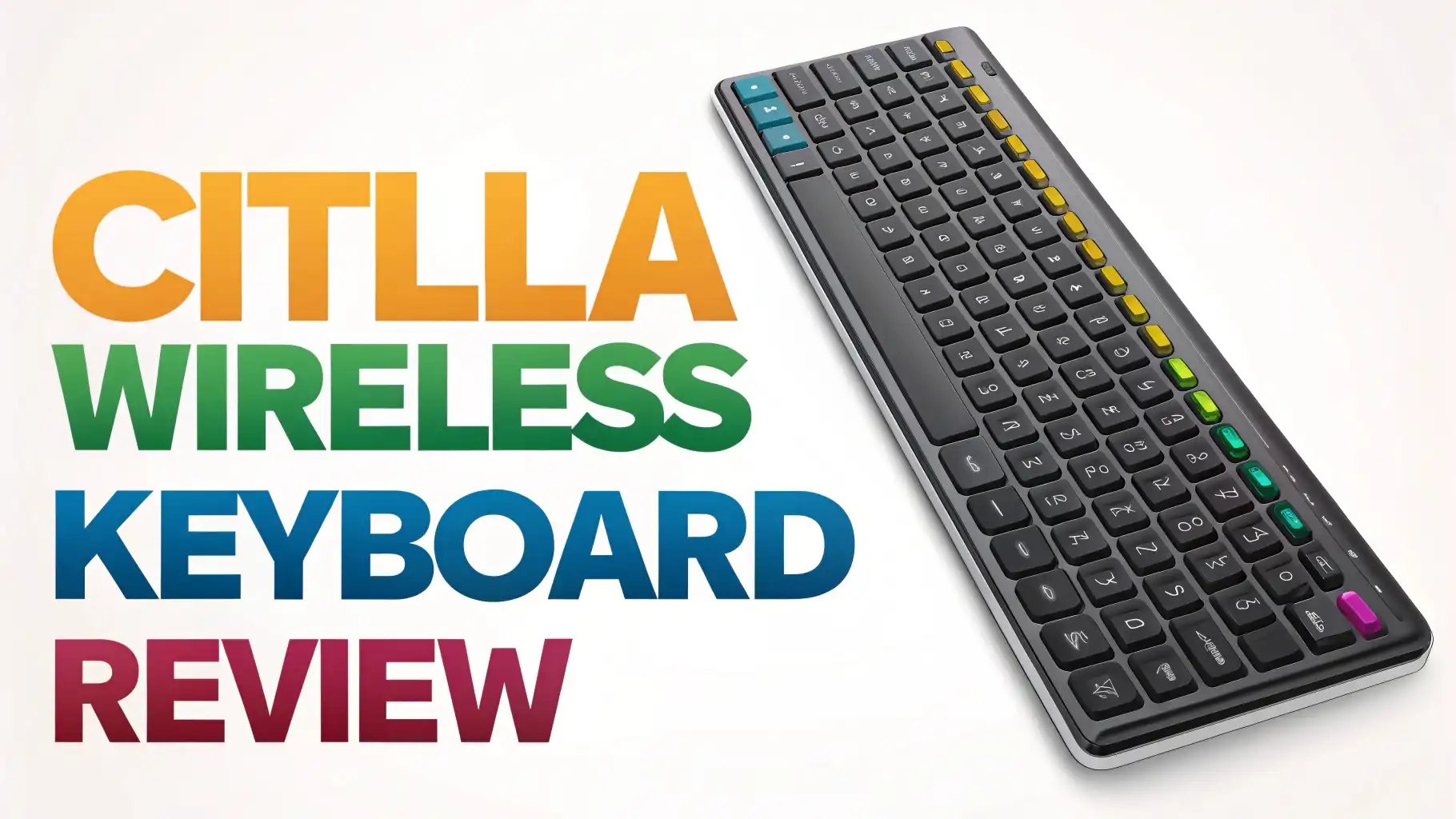
CITLLA Wireless Keyboard Review: An Honest Deep Dive
Are you tired of dealing with tangled cables on your desk? Do you dream of a workspace that feels clean and organized?
The CITLLA Wireless Keyboard might be exactly what you need. This budget-friendly keyboard has been making waves on Amazon, and today we’re diving deep into what makes it stand out.
Finding the perfect keyboard can feel overwhelming. There are hundreds of options out there, each promising to be the best. But here’s the thing: you don’t always need to spend a fortune to get quality.
Key Takeaways:
- Multi-device connectivity stands out as a game changer. You can connect up to three devices simultaneously using Bluetooth 5.0 and switch between them with a simple button press. This means you can type on your laptop, tablet, and phone without constantly reconnecting.
- The scissor-switch key mechanism provides a quiet typing experience. These keys are designed to reduce noise while maintaining stability and durability. Your coworkers or family members will thank you for choosing a keyboard that doesn’t sound like a typewriter.
- Battery life exceeds expectations with rechargeable functionality. The built-in battery can last up to several weeks on a single charge, depending on your usage. You won’t need to worry about buying replacement batteries every few months.
- Full-size layout includes a number pad for productivity. This makes the keyboard perfect for professionals who work with spreadsheets, accountants, data entry specialists, or anyone who values having dedicated number keys at their fingertips.
- Compatibility covers all major operating systems seamlessly. Whether you use Windows, Mac, iOS, Android, Chrome OS, or Linux, this keyboard works right out of the box. No complicated setup required.

CITLLA Wireless Keyboard Overview
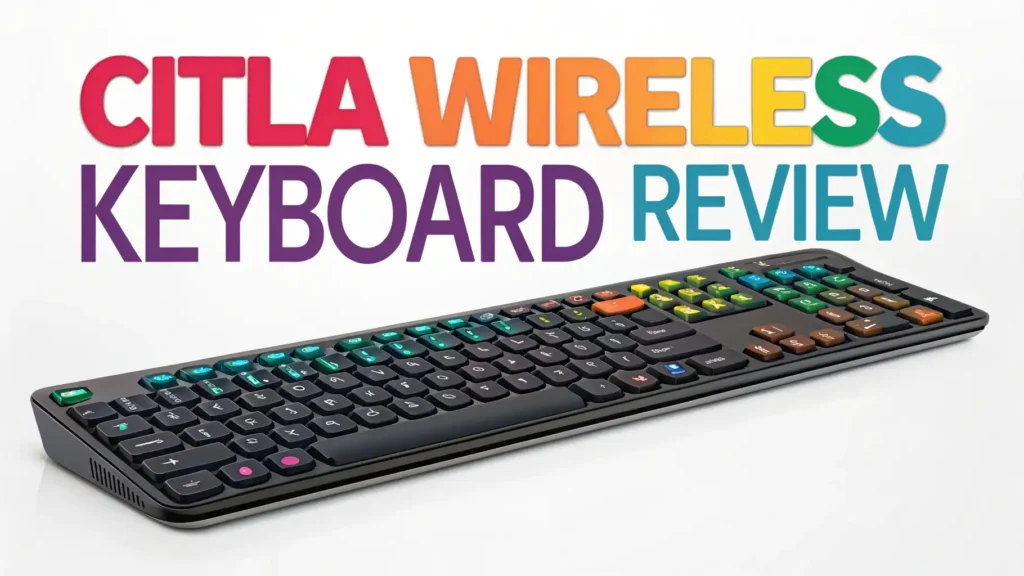
The CITLLA Wireless Keyboard represents excellent value in the budget keyboard segment. This full-size keyboard comes packed with features typically found in keyboards costing twice as much. The device measures standard dimensions that fit comfortably on most desks without taking up excessive space.
Build quality impresses for the price point. The keyboard features a solid plastic construction that doesn’t feel cheap or flimsy. The keys are well-spaced, making it easy to type accurately even during long sessions. The slightly curved design provides ergonomic benefits that help reduce wrist strain during extended use.
The keyboard comes in a sleek design that looks professional in any setting. Whether you place it in a corporate office or a home workspace, it blends in seamlessly. The US layout follows standard QWERTY configuration, which means no learning curve if you’re switching from another keyboard.
Connectivity Options That Actually Work
Multiple connection methods give you flexibility that few keyboards in this price range offer. The CITLLA keyboard supports both Bluetooth 5.0 and 2.4GHz wireless connectivity. This dual-mode connection system ensures you always have a reliable way to connect to your devices.
The Bluetooth connection works flawlessly across different devices. You can pair your laptop, tablet, and smartphone simultaneously. Switching between devices takes just one button press. This feature proves invaluable if you frequently work across multiple devices throughout the day.
The 2.4GHz wireless option provides a stable connection with minimal latency. This connection type works great if your device doesn’t have Bluetooth or if you prefer the reliability of a USB receiver. The tiny USB receiver stays plugged into your device without blocking adjacent ports or adding bulk.
Connection range extends up to 33 feet in open space. You can comfortably use the keyboard from across the room, making it perfect for presentations or media center setups. The signal remains strong and consistent without random disconnections or input lag.
Typing Experience and Key Quality
Scissor-switch keys deliver a satisfying typing experience. These keys provide just the right amount of resistance and feedback. Each keystroke feels deliberate without requiring excessive force. The mechanism ensures that keys return quickly to their original position, allowing for faster typing speeds.
The silent design makes this keyboard ideal for shared spaces. You can type away in a quiet library, during video calls, or late at night without disturbing others. The reduced noise doesn’t come at the expense of tactile feedback. You still get a pleasant typing sensation that helps you know when a key has been pressed.
Key travel measures approximately 2.5mm, which strikes a nice balance between laptop-style chiclet keys and traditional mechanical switches. This depth allows for comfortable typing without the fatigue that comes from either extremely shallow or excessively deep key presses.
The keys show good resistance to wear and tear. The legends remain clearly visible even after months of use. The coating doesn’t develop a shiny worn appearance as quickly as some budget keyboards. This durability ensures your investment lasts longer than expected.
Top 3 Alternatives for CITLLA Wireless Keyboard


Battery Life and Charging
The rechargeable battery eliminates the need for disposable batteries. This feature not only saves you money over time but also reduces environmental waste. A full charge takes approximately 2-3 hours using the included USB-C cable.
Battery performance impresses with weeks of usage between charges. Actual battery life depends on your usage patterns, but most users report getting 3-4 weeks with moderate daily use. Heavy users might need to charge weekly, which still beats having to replace AA batteries constantly.
The keyboard includes a battery level indicator that alerts you when power runs low. This gives you plenty of warning to charge the keyboard before it dies during an important work session. You can continue using the keyboard while it charges, so you never experience downtime.
Power management features help extend battery life further. The keyboard automatically enters sleep mode after a period of inactivity. A simple keystroke wakes it up instantly, with no noticeable delay. This intelligent power saving ensures the battery lasts as long as possible between charges.
Compatibility and Setup Process
Setting up the CITLLA keyboard takes less than a minute. For Bluetooth connection, you simply turn on the keyboard, press the Bluetooth pairing button, and select the keyboard from your device’s Bluetooth menu. The process works identically across all operating systems.
The keyboard works perfectly with Windows systems from Windows 7 through the latest Windows 11. All function keys work as expected, including media controls, volume adjustment, and screen brightness. You don’t need to install any special drivers or software.
Mac users will appreciate the seamless compatibility. The keyboard automatically detects Mac operating systems and adjusts key functions accordingly. The Command and Option keys work correctly, and you can access Mac-specific functions without any configuration.
Mobile devices connect just as easily. Whether you use an iPad, Android tablet, or smartphone, the keyboard pairs quickly and provides a full desktop typing experience. This makes the CITLLA keyboard excellent for students who want to take notes on their tablets or professionals who need to respond to emails on their phones.
Design and Build Quality
The slim profile keeps your desk looking clean and modern. The keyboard measures just under an inch thick at its highest point. This low-profile design doesn’t just look good; it also promotes better wrist positioning during typing sessions.
Weight distribution feels balanced and stable. The keyboard weighs enough to stay in place during intense typing sessions but remains light enough to easily move around or pack in a bag. Rubber feet on the bottom prevent sliding on smooth desk surfaces.
The keyboard includes adjustable feet that provide two typing angles. You can keep it flat for a more ergonomic position or elevate the back for a traditional typing angle. Both positions feel comfortable, though ergonomics experts typically recommend the flatter position for long-term wrist health.
Material quality exceeds expectations for this price range. The plastic construction feels solid rather than hollow. The keyboard doesn’t flex or creak when you type, even if you’re an aggressive typist. This rigidity contributes to the overall pleasant typing experience.
Special Features and Function Keys
Function keys provide quick access to commonly used commands. The top row includes dedicated keys for volume control, media playback, screen brightness, and more. These shortcuts work across different operating systems, though the exact functions may vary slightly.
Media controls prove especially useful for those who frequently watch videos or listen to music while working. You can play, pause, skip tracks, and adjust volume without leaving your current application. This convenience enhances your overall productivity and user experience.
The multi-device switching buttons sit conveniently along the top edge of the keyboard. You can quickly see which device you’re currently connected to and switch to another with a single press. This feature becomes invaluable once you get used to working across multiple devices.
The keyboard includes a home button shortcut that works across different operating systems. This takes you back to your main screen or desktop with one keystroke. Small conveniences like this add up to create a more efficient workflow throughout your day.
Performance in Different Use Cases
For office work, this keyboard excels in every way. The quiet keys make it perfect for open office environments where noise levels matter. The full-size layout with number pad speeds up data entry tasks. The reliable wireless connection ensures you never miss a keystroke during important documents or spreadsheets.
Students will find this keyboard ideal for note-taking and essay writing. The comfortable typing experience means you can write for hours without hand fatigue. The ability to connect to both a laptop and tablet simultaneously lets you switch between devices as needed during research sessions.
Casual users get excellent value from this keyboard. Whether you’re browsing the web, checking emails, or shopping online, the CITLLA keyboard provides a better experience than most laptop keyboards. The wireless freedom means you can sit back on your couch while controlling your computer from across the room.
Light gaming works acceptably on this keyboard. While serious gamers should invest in a dedicated gaming keyboard, casual players will find the CITLLA keyboard responsive enough for strategy games, casual titles, and non-competitive gaming. The keys register quickly without noticeable input lag.
Value for Money Analysis
The CITLLA Wireless Keyboard typically retails around $35, placing it squarely in the budget-friendly category. This price point makes it accessible to students, professionals on a budget, and anyone who needs a reliable keyboard without spending a fortune.
Compared to similar keyboards, the CITLLA offers more features for the same price or less. Many competing keyboards lack multi-device connectivity or come with non-rechargeable battery systems that require buying batteries repeatedly. The value proposition becomes even stronger when you consider these ongoing costs.
The 4.7-star rating on Amazon with over 40 reviews indicates consistent customer satisfaction. Users consistently praise the keyboard’s performance, build quality, and feature set. The Amazon’s Choice badge further validates that this keyboard meets high standards for quality and value.
Long-term value looks promising based on durability reports from users. The keyboard maintains its performance characteristics even after months of daily use. Keys don’t start sticking or becoming unresponsive. The wireless connection remains stable over time.
Potential Drawbacks to Consider
The keyboard lacks backlighting, which may disappoint users who frequently work in low-light conditions. If you often type in the dark, you might want to consider the upgraded CITLLA model with LED backlighting or look at alternative options that include this feature.
The design might feel too basic for users seeking a premium aesthetic. While the keyboard looks professional and clean, it doesn’t have the premium materials or striking design elements found in high-end keyboards. If appearance matters greatly to you, this straightforward design might seem plain.
Some users report that the keys feel slightly mushy compared to mechanical keyboards. If you’re coming from a mechanical keyboard, the scissor-switch mechanism will feel different. However, most users find the typing experience pleasant once they adjust to the different feedback style.
The keyboard doesn’t include a wrist rest, which some users prefer for extended typing sessions. You can purchase a separate wrist rest if needed, but having one integrated into the design would have been a nice addition for ergonomic support.
Maintenance and Care Tips
Keeping your CITLLA keyboard clean ensures longevity. Regular dusting with a soft cloth prevents dirt buildup between keys. For deeper cleaning, you can use compressed air to blow out debris that accumulates under the keys over time.
Avoid eating or drinking near your keyboard to prevent crumbs and liquid spills from damaging the internal components. If you must have beverages nearby, use containers with secure lids. Even small amounts of liquid can cause key malfunctions or corrosion.
Charge the battery regularly even during periods of non-use. Letting rechargeable batteries fully discharge for extended periods can reduce their overall lifespan. If you won’t use the keyboard for weeks, charge it to about 50% before storing it away.
Store the keyboard in a cool, dry place when not in use for extended periods. Extreme temperatures and humidity can affect the electronic components and battery performance. Keep the keyboard away from direct sunlight and heat sources. There are hundreds of options out there, each promising to be the best.
FAQs
Can I use the CITLLA Wireless Keyboard while it’s charging?
Yes, you can absolutely use the keyboard while it charges. Simply plug in the USB-C cable and continue typing without any interruption. This feature ensures you never experience downtime, even when the battery runs low.
How many devices can I pair with this keyboard?
The CITLLA Wireless Keyboard supports pairing with up to three devices simultaneously via Bluetooth. You can quickly switch between these devices using the dedicated switching buttons on the keyboard. The 2.4GHz connection via USB receiver counts as an additional connection option.
Does this keyboard work with iPad and other tablets?
Yes, the keyboard works excellently with iPads and all major tablet brands. The Bluetooth connectivity makes it compatible with iOS and Android tablets. Users report smooth pairing and full functionality across different mobile devices.
What’s the difference between the 2.4GHz and Bluetooth connection?
The 2.4GHz connection uses a USB receiver and typically offers slightly lower latency, making it ideal for gaming or when your device lacks Bluetooth. Bluetooth provides wireless freedom without using a USB port and allows multi-device connectivity. Both connection types work reliably for general typing tasks.
Is the keyboard good for programming and coding?
The CITLLA keyboard works well for programming tasks. The full-size layout includes all standard keys programmers need, and the quiet operation won’t disturb others during late-night coding sessions. However, some programmers prefer mechanical keyboards with more tactile feedback for long coding marathons.
How long does the battery actually last?
Battery life varies based on usage patterns, but most users report 3-4 weeks between charges with moderate daily use. Heavy users who type for many hours daily might need to charge weekly. The battery indicator warns you before power runs out completely.
Can I replace the battery if it eventually wears out?
The CITLLA keyboard uses a built-in rechargeable battery that isn’t designed for user replacement. However, rechargeable batteries typically last for several years of regular use before showing significant degradation. The keyboard should provide many years of service before battery replacement becomes necessary.