Gigabyte MO27Q2 Review: Should You Spend on This?
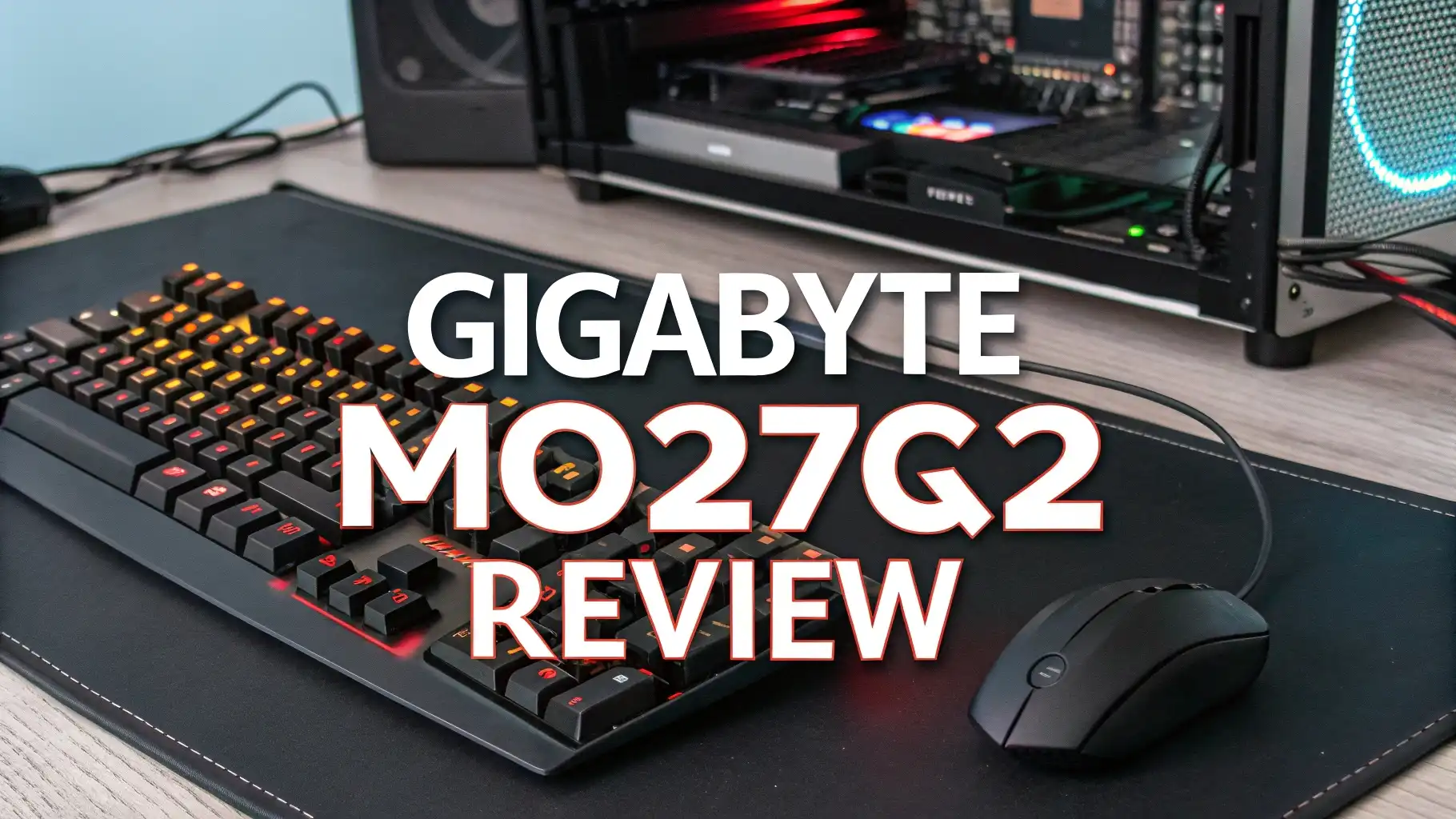
Gaming monitors have reached new heights in 2026. The Gigabyte MO27Q2 stands out as a powerful option for gamers who want premium OLED technology without spending a fortune.
This 27-inch QD-OLED gaming monitor brings together stunning visuals, lightning-fast response times, and competitive pricing. You get 1440p resolution at 240Hz refresh rate in one sleek package.
This monitor uses Samsung’s latest panel technology to create deep blacks, vibrant colors, and incredible contrast that transforms your gaming experience.
Key Takeaways
- Display Technology: The MO27Q2 features a genuine QD-OLED panel from Samsung, delivering exceptional color accuracy with 99% DCI-P3 coverage and infinite contrast ratio for true blacks.
- Gaming Performance: With 240Hz refresh rate and 0.03ms response time, this monitor eliminates motion blur and provides competitive advantage in fast-paced games.
- Build Quality: The monitor includes a height-adjustable stand, multiple connectivity options (HDMI 2.1, DisplayPort, USB-C), and built-in KVM switch for seamless multi-device workflow.
- OLED Protection: Advanced OLED Care features include pixel shift, screen saver, logo detection, and AI-based burn-in prevention to extend panel lifespan.
- Value Proposition: Priced around $700, the MO27Q2 offers premium QD-OLED technology at nearly half the cost of competing flagship models while maintaining comparable performance.
- Color Performance: The quantum dot layer enhances color volume beyond standard OLED displays, producing brighter and more saturated colors that look stunning in both HDR and SDR content.

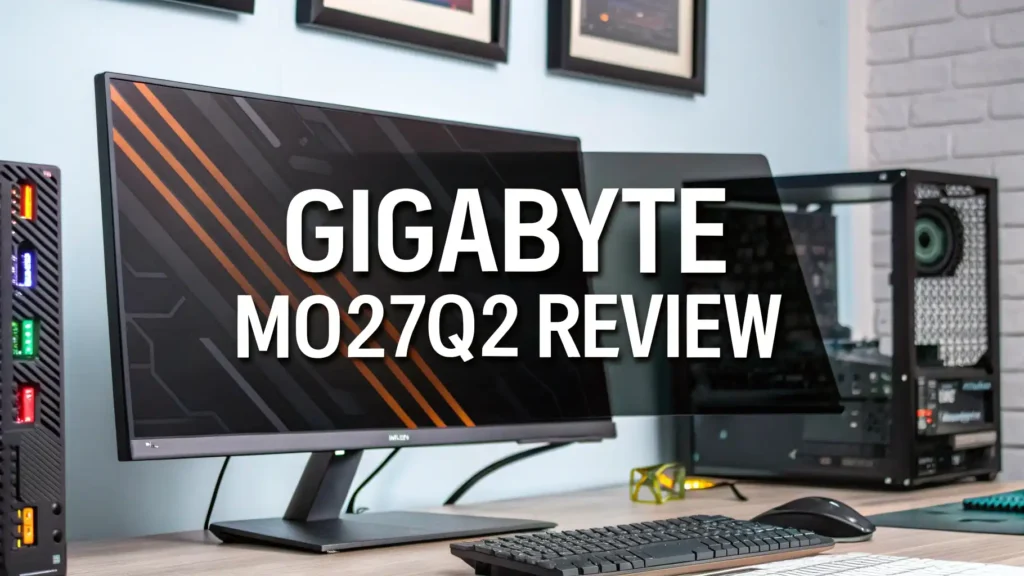
Gigabyte MO27Q2 Gaming Monitor
The Gigabyte MO27Q2 represents a significant achievement in affordable OLED gaming technology. This monitor delivers the kind of visual quality that was previously reserved for much more expensive displays.
The 27-inch screen size hits the sweet spot for gaming. It’s large enough to provide immersive gameplay without overwhelming your desk space.
The QD-OLED technology makes all the difference here. Traditional LCD monitors struggle with black levels and contrast. The MO27Q2 achieves perfect blacks because each pixel can turn off completely.
This creates a contrast ratio of 1,500,000:1 that simply cannot be matched by LED backlit displays. Colors pop with intensity and accuracy that brings games to life.
Build quality exceeds expectations for this price range. The monitor features a sturdy metal stand with full height, tilt, and swivel adjustments. The bezels are thin and barely noticeable during gameplay. Cable management options keep your setup clean. The overall design looks professional without being flashy.
What Makes QD-OLED Technology Special
QD-OLED stands for Quantum Dot Organic Light Emitting Diode. This technology combines the best aspects of quantum dot displays with OLED panels.
Regular OLED screens use organic compounds that emit light in specific colors. QD-OLED takes this further by using quantum dots to enhance color purity and brightness.
The result is phenomenal color accuracy and brightness. The MO27Q2 covers 99% of the DCI-P3 color space. This exceeds what most professional content creators require. Games look exactly as developers intended. HDR content shines with proper highlight detail and deep shadow information.
Samsung manufactures the panel inside the MO27Q2. This same panel appears in much more expensive monitors. You’re getting top-tier display technology at a middle-tier price. The panel delivers true 10-bit color depth. This means over one billion possible colors can be displayed simultaneously.
Blazing Fast 240Hz Refresh Rate Performance
Competitive gamers need every advantage they can get. The 240Hz refresh rate provides incredibly smooth motion. Frame transitions happen so quickly that motion blur becomes virtually nonexistent. You can track fast-moving targets with ease. The difference between 144Hz and 240Hz is noticeable and meaningful.
The 0.03ms gray-to-gray response time is another game changer. This represents the time it takes for pixels to change colors. Traditional gaming monitors struggle to achieve even 1ms. The MO27Q2’s OLED technology makes near-instantaneous response possible. Your inputs translate to on-screen action without delay.
Variable refresh rate technologies work perfectly here. AMD FreeSync Premium Pro comes built in. The monitor also passes NVIDIA G-SYNC compatibility testing. Screen tearing and stuttering become problems of the past. Games run smoothly whether you have an AMD or NVIDIA graphics card.
Top 3 Alternatives for Gigabyte MO27Q2


Display Quality and Color Accuracy
Colors on the MO27Q2 look absolutely stunning right out of the box. The factory calibration is surprisingly accurate. You can start gaming immediately without spending hours tweaking settings. Reds appear rich and saturated. Blues display deep and true. Greens show vibrant and natural.
The infinite contrast ratio transforms dark scenes in games. You can see details in shadows that would be completely lost on LCD monitors. Horror games become genuinely atmospheric. Space games showcase stars against perfectly black backgrounds. Racing games show realistic depth and dimension.
HDR performance impresses across the board. The monitor supports HDR10 and displays peak brightness around 1000 nits in small areas. Full-screen brightness sits at a comfortable 250 nits for SDR content. This prevents eye strain during long gaming sessions while maintaining excellent image quality.
Gaming Features and Tactical Enhancements
Gigabyte includes several gaming-focused features with the MO27Q2. The Black Equalizer 2.0 brightens dark areas without washing out the entire image. This helps you spot enemies hiding in shadows. The feature works without creating the artificial look that many similar technologies produce.
Dashboard overlay provides real-time system information. You can monitor frame rates, system temperatures, and other vital statistics without leaving your game. The crosshair overlay offers customizable reticles for games that lack them. Aim Stabilizer reduces blur in specific screen areas.
The monitor includes multiple gaming presets. FPS mode enhances visibility in first-person shooters. RTS mode increases clarity for strategy games. Racing mode boosts color saturation for driving simulators. You can also create custom profiles for specific games. Quick switching between modes takes seconds.
Connectivity Options and KVM Functionality
Modern gamers often use multiple devices. The MO27Q2 acknowledges this reality with comprehensive connectivity. Two HDMI 2.1 ports support full 4K 120Hz from gaming consoles. One DisplayPort 1.4 connection handles high refresh rate PC gaming. A USB-C port with DisplayPort alternate mode adds versatility.
The built-in KVM switch is genuinely useful. You can connect two computers and switch between them using a single keyboard and mouse. This eliminates the need for separate peripherals or external KVM boxes. Switching takes just one button press. Your peripherals follow seamlessly.
USB hub functionality expands your connectivity further. The monitor includes multiple USB 3.0 ports for accessories. You can connect gaming headsets, controllers, or external storage directly to the monitor. Cable management becomes much cleaner when peripherals connect to your display.
OLED Care and Burn-In Prevention
OLED technology brings concerns about image retention and burn-in. Gigabyte addresses these worries with comprehensive protection features. The OLED Care system includes multiple technologies working together. Pixel shift moves the image slightly to prevent static elements from damaging pixels.
Logo detection identifies static UI elements in games. The system automatically dims these areas to reduce wear. This happens transparently without affecting your gaming experience. Screen saver activates after periods of inactivity. AI-based protection learns your usage patterns and adapts accordingly.
The monitor includes a three-year warranty that covers OLED burn-in. This demonstrates Gigabyte’s confidence in the panel longevity. Proper care and normal use should provide years of perfect performance. The protection features work automatically in the background.
Ergonomics and Physical Design
The MO27Q2 offers excellent adjustability for comfortable gaming sessions. Height adjustment provides 120mm of travel. This lets you position the screen at proper eye level. Tilt adjustment ranges from -5 to 20 degrees. Swivel offers 30 degrees in each direction.
The stand footprint is reasonably compact. It doesn’t consume excessive desk space. The metal construction feels solid and stable. The monitor doesn’t wobble during intense gaming moments. VESA 100 mounting is available if you prefer arm mounting.
The glossy screen coating maximizes color vibrancy but does show reflections. Room lighting matters more with this monitor than with matte displays. Proper positioning away from direct light sources eliminates most concerns. The visual payoff makes managing reflections worthwhile.
HDR Performance and Brightness Capabilities
HDR content looks spectacular on the MO27Q2. The monitor achieves DisplayHDR True Black 400 certification. This represents the most demanding HDR standard for OLED displays. Peak brightness reaches 1000 nits in small highlight areas. This creates convincing sun glare effects and realistic light sources.
The per-pixel lighting control enables perfect HDR tone mapping. Each pixel adjusts independently based on content requirements. This prevents the blooming effects that plague FALD LCD monitors. HDR games display with cinematic quality. Movies and shows benefit equally from the exceptional contrast.
The transition between SDR and HDR happens automatically. You don’t need to manually switch modes when launching HDR content. The monitor detects the signal and adjusts accordingly. This convenience factor shouldn’t be underestimated for everyday use.
Input Lag and Response Time Testing
Competitive gaming demands minimal input lag. The MO27Q2 delivers remarkably low latency. Input lag measures under 5ms at 240Hz. This puts it among the fastest gaming monitors available. Your actions translate to screen movement without perceptible delay.
Response time testing confirms the 0.03ms specification. OLED technology provides near-instantaneous pixel transitions. There’s no overshoot or inverse ghosting to worry about. Motion clarity exceeds what even the fastest IPS panels can achieve. Fast-paced games feel incredibly responsive.
The combination of high refresh rate, low input lag, and instant response time creates perfect gaming conditions. Whether you play competitive shooters, fighting games, or racing simulators, the MO27Q2 won’t hold you back. Hardware performance becomes the only limiting factor.
Setup Process and Out-of-Box Experience
Unboxing the MO27Q2 reveals thoughtful packaging. The monitor arrives well protected with foam inserts and plastic covers. Assembly takes just minutes. The stand attaches with a single thumbscrew. No tools are required for basic setup.
Cable selection is generous. Gigabyte includes HDMI, DisplayPort, and USB cables. You can connect immediately without purchasing additional accessories. The power brick is external but reasonably sized. Cable management clips on the stand keep things organized.
Initial configuration is straightforward. The OSD menu uses logical organization. Settings are easy to find and adjust. Display presets provide good starting points for different content types. The included quick start guide explains all major features clearly.
Value Proposition and Pricing Analysis
The MO27Q2 typically sells for around $700. This positions it as an exceptional value in the QD-OLED market. Competing OLED gaming monitors often cost $1000 or more. You’re getting similar panel technology and performance at a significant discount.
Some premium features found on more expensive monitors are absent. There’s no USB-C power delivery for charging laptops. The included stand is functional but not as elaborate as flagship models. The OSD lacks picture-by-picture modes. These omissions feel reasonable given the price difference.
The performance-per-dollar ratio is outstanding. You receive premium display quality that transforms gaming experiences. The monitor handles everything from competitive esports to single-player adventures with equal competence. Few monitors at this price can match the overall package.
How Does the Gigabyte MO27Q2 Compare to IPS Monitors?
Traditional IPS gaming monitors offer certain advantages. They typically cost less than OLED options. IPS panels show no risk of burn-in concerns. Maximum brightness often exceeds OLED capabilities. These factors make IPS attractive for some users.
However, the MO27Q2 surpasses IPS technology in critical areas. Contrast ratio is literally infinite compared to typical 1000:1 for IPS. Black levels are perfect rather than grayish. Response times are ten times faster. Color accuracy and saturation exceed most IPS displays.
The viewing experience difference is immediately noticeable. Games look more immersive and realistic on OLED. The superior motion clarity benefits fast-paced gaming significantly. Once you experience good OLED gaming, returning to IPS feels like a downgrade.
Who Should Buy the Gigabyte MO27Q2?
Serious gamers who prioritize visual quality will love this monitor. The combination of OLED technology and high refresh rate delivers premium experiences. Competitive players benefit from the exceptional response time and smooth motion. Single-player enthusiasts enjoy the stunning colors and perfect blacks.
Content creators working with color-critical material should consider the MO27Q2. The wide color gamut and accurate calibration support professional work. The USB-C connectivity simplifies laptop connections. KVM functionality helps streamline multi-computer workflows.
Budget-conscious enthusiasts get the most value here. You receive flagship display technology without flagship pricing. The monitor competes directly with options costing hundreds more. If OLED gaming appeals to you but premium prices don’t, the MO27Q2 deserves serious consideration.
Frequently Asked Questions
Does the Gigabyte MO27Q2 work with PlayStation 5 and Xbox Series X?
Yes, the MO27Q2 works perfectly with current generation consoles. The HDMI 2.1 ports support 4K 120Hz signals from PlayStation 5 and Xbox Series X. You can enjoy the full capabilities of console gaming. The monitor also supports variable refresh rate features from both platforms. Auto low latency mode activates automatically when gaming.
How does Gigabyte prevent OLED burn-in on the MO27Q2?
The MO27Q2 includes comprehensive OLED Care features. Pixel shift technology moves the image slightly to prevent static elements from causing damage. Logo detection identifies and dims static UI elements automatically. Screen saver activates during idle periods. The monitor also includes a three-year warranty that covers OLED burn-in issues.
Can I use the MO27Q2 for productivity work and office tasks?
Yes, the MO27Q2 handles productivity tasks well. The 1440p resolution provides ample screen space for documents and applications. Text appears sharp and clear. The KVM switch helps manage multiple computers. However, be aware that static UI elements in productivity applications can increase burn-in risk over time.
What is the difference between QD-OLED and regular OLED technology?
QD-OLED uses quantum dots to enhance OLED technology. Regular OLED panels use organic compounds to emit colored light. QD-OLED adds a quantum dot layer that improves color purity and brightness. This results in wider color gamuts and better HDR performance. The technology also reduces the risk of color degradation over time.
Does the monitor support G-SYNC if I have an NVIDIA graphics card?
Yes, the MO27Q2 is G-SYNC compatible. While it lacks official G-SYNC certification, it passes NVIDIA’s compatibility testing. This means variable refresh rate works perfectly with NVIDIA graphics cards. You get smooth, tear-free gaming identical to certified G-SYNC monitors. The monitor natively supports AMD FreeSync Premium Pro as well.