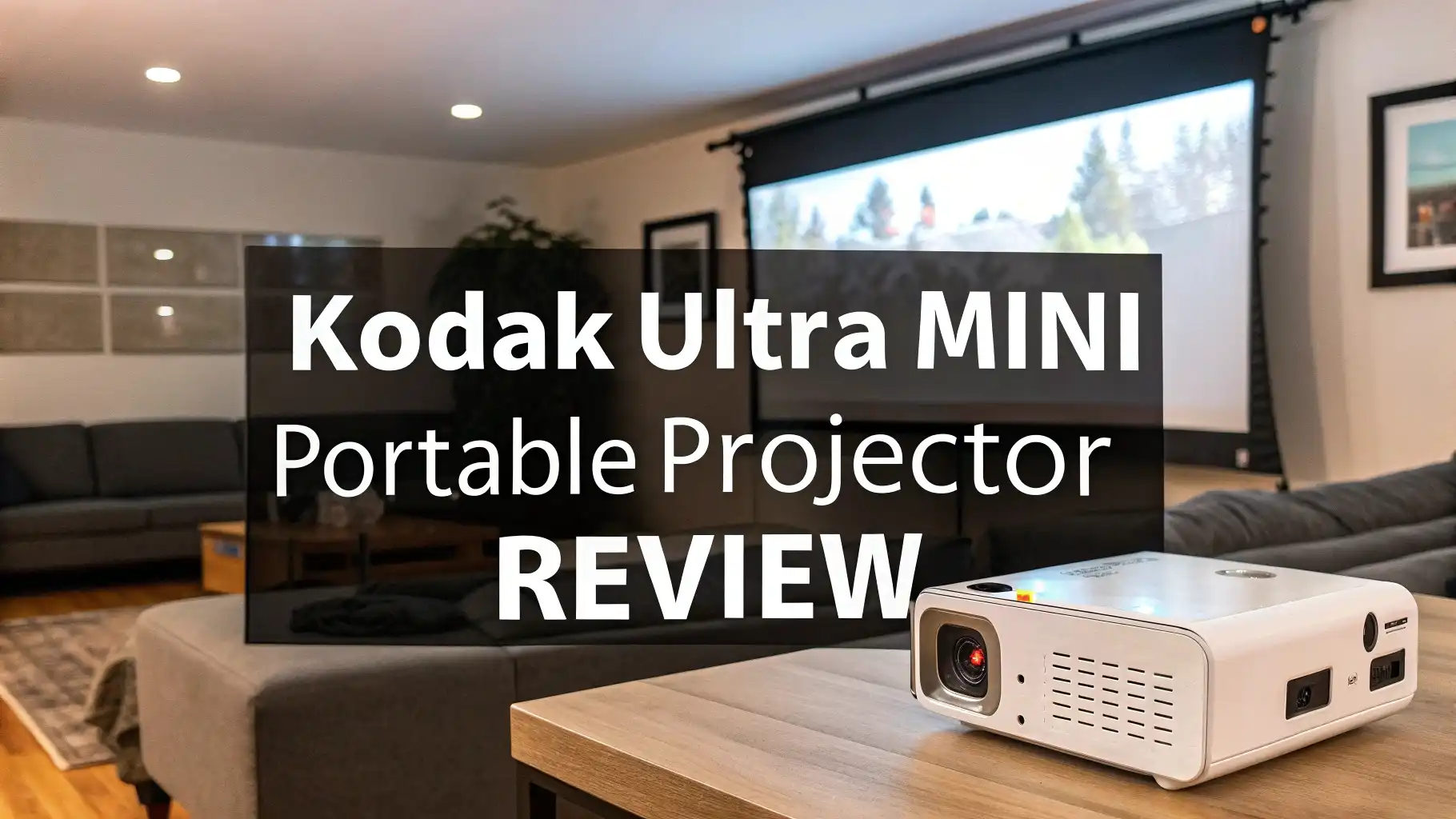
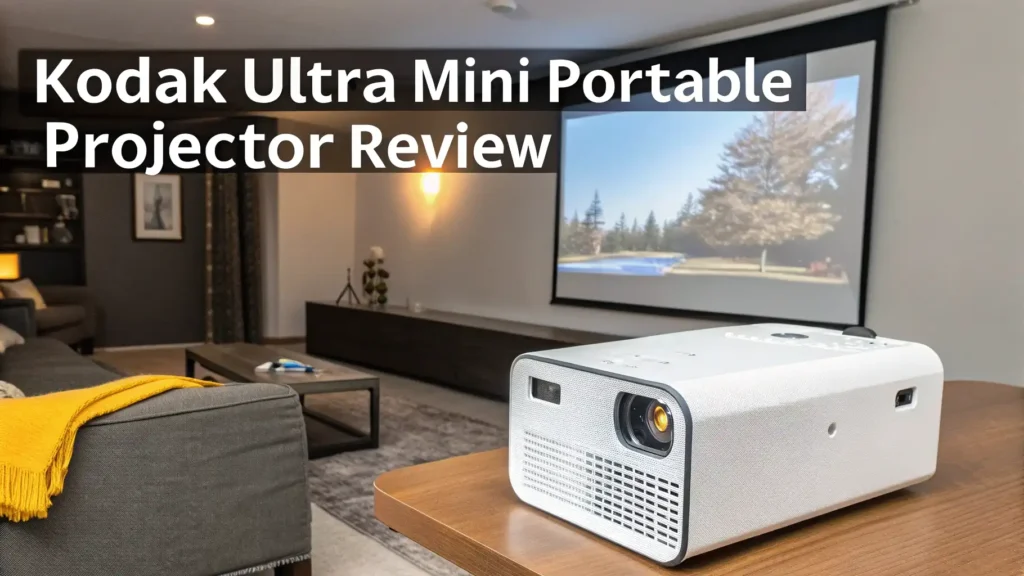
Kodak Ultra Mini Portable Projector Review in 2026
Looking for a projector that fits in your pocket but delivers big screen entertainment? The Kodak Ultra Mini Portable Projector might be exactly what you need.
This tiny device promises to transform any wall into a 100-inch display, making it perfect for movie nights, gaming sessions, and business presentations on the go.
This review takes a deep look at everything this projector offers. We examine its features, performance, and real-world use cases.
Key Takeaways
- Ultra Portable Design: The Kodak Ultra Mini measures just 3.1 x 3.1 x 0.79 inches and weighs only 150 grams, making it the smallest DLP projector available today
- Decent Display Quality: Supports HD 1080p resolution with a maximum screen size of 100 inches and displays 16.7 million colors for vibrant visuals
- Multiple Connectivity Options: Features HDMI, USB, and MicroSD ports for easy connection to smartphones, tablets, laptops, and gaming consoles
- Built-in Battery: Comes with a rechargeable battery that lasts approximately 2 hours, perfect for short movies or presentations
- User-Friendly Operation: Simple plug and play setup with no complicated menus or confusing buttons to navigate
- Budget-Friendly Price: Available on Amazon for around $199.99, offering excellent value compared to larger portable projectors

What Makes the Kodak Ultra Mini Portable Projector Special
The Kodak Ultra Mini Portable Projector represents a major shift in how we think about projection technology. Traditional projectors are bulky and heavy. They require dedicated spaces and careful setup. This device changes that completely.
The projector uses DLP technology to create sharp images. DLP stands for Digital Light Processing. This technology uses tiny mirrors to reflect light and create pictures. The result is better color accuracy and higher contrast compared to LCD projectors in the same price range.
Size matters when you travel frequently. This projector fits in your hand comfortably. You can carry it in a purse, backpack, or even a large pocket. The 150-gram weight means you won’t feel burdened by it. Many users report forgetting they’re carrying it until they want to use it.
The device supports content in 1080p HD resolution. While the native resolution is lower at 640 x 360, it can accept and downscale 1080p input. This means your high-definition movies and videos will display properly. The 25 ANSI lumens brightness works best in dark or dimly lit rooms.
Top 3 Alternatives for Kodak Ultra Mini Portable Projector


Impressive Display Quality and Color Reproduction
Image quality defines any projector’s value. The Kodak Ultra Mini delivers surprisingly good visuals for its size. The 16.7 million color support creates rich, vibrant images. You’ll notice the difference when watching nature documentaries or animated films.
The 1300:1 contrast ratio helps distinguish between dark and light areas. Black levels appear deeper than you might expect from such a small device. Bright scenes maintain good detail without washing out. This balance makes the projector suitable for various content types.
Screen size flexibility is another strength. You can project images from 30 inches up to 100 inches diagonal. The optimal viewing size depends on your room’s lighting and the distance from your wall. Most users find 60 to 80 inches provides the best balance of size and clarity.
Gaming on this projector offers a fun experience. The color accuracy makes games look vivid and engaging. Response time is adequate for most gaming styles. Competitive gamers might notice slight input lag, but casual players won’t find it problematic. The gaming-grade color display handles fast-moving action reasonably well.
Battery Life and Power Options Explained
The built-in rechargeable battery provides about 2 hours of continuous use. This duration works perfectly for most movies, which typically run 90 to 120 minutes. Short presentations and slideshows easily fit within this timeframe.
Battery performance varies based on usage. Maximum brightness drains the battery faster. Connecting power-hungry devices through USB also reduces runtime. You can extend battery life by lowering brightness when possible and avoiding simultaneous charging of other devices.
For longer viewing sessions, you’ll need to connect to a power source. The projector includes a charging cable. You can use any standard USB power adapter. Power banks also work well for outdoor use. A 10,000mAh power bank can provide an additional 3 to 4 hours of projection time.
Charging takes approximately 2 to 3 hours for a full battery. You can use the projector while it charges. This feature proves useful for marathon viewing sessions or all-day business events. The battery maintains its capacity well over time according to user reports.
Connectivity Options and Device Compatibility
Modern projectors need to work with many device types. The Kodak Ultra Mini excels in this area. The HDMI port connects to laptops, gaming consoles, streaming devices, and Blu-ray players. This single port handles most connection needs.
The USB port serves multiple purposes. You can play media files directly from USB flash drives. The onboard media player supports common video formats including MP4, AVI, and MKV. Photo formats like JPEG and PNG also work well. This eliminates the need for a separate playback device in many situations.
MicroSD card support adds another convenient option. Load your favorite movies onto a memory card before traveling. Pop it into the projector when you’re ready to watch. Cards up to 32GB work reliably. Some users report success with larger cards, though official support stops at 32GB.
Smartphone connection requires additional adapters for iPhone users. Android devices with MHL or SlimPort support can connect more easily. HDMI adapters for iPhones work well but add extra cost. Wireless screen mirroring is not built-in, which some users find limiting.
Perfect for Business Presentations and Meetings
Business professionals find this projector incredibly useful. The compact size means you can carry it to client meetings without hassle. No more struggling with heavy equipment or arriving early for setup. Simply pull it from your bag and connect your laptop.
Presentation quality meets professional standards for small groups. Text appears sharp and readable at reasonable screen sizes. Charts and graphs display clearly. Color-coded information maintains its distinction. The built-in 1-watt speaker handles audio for small rooms, though external speakers improve the experience for larger audiences.
Sales teams benefit from the projector’s portability. You can demonstrate products at customer locations. Show videos or slideshows anywhere with a flat surface. The battery power means you don’t need to search for outlets. This flexibility often impresses potential clients.
Conference rooms without installed projectors become usable instantly. Pop-up meetings can include visual aids. Training sessions gain visual elements that enhance learning. The quick setup time means you can focus on your message rather than technical difficulties.
Home Entertainment and Movie Night Experience
Family movie nights get an upgrade with this projector. Your living room wall becomes a home theater screen. Kids love the novelty of watching movies on such a large display. The compact storage means the projector doesn’t clutter your space when not in use.
Picture quality satisfies casual viewers. Dark room viewing produces the best results. Close curtains and turn off lights for optimal image brightness. The color reproduction makes animated films particularly enjoyable. Live-action movies display well too, though some users wish for higher brightness in moderately lit rooms.
The built-in speaker provides adequate sound for personal viewing. For family viewing or parties, connecting external speakers dramatically improves the experience. Bluetooth speakers pair well with the projector when you use an HDMI audio extractor. This setup maintains good audio quality without complicated wiring.
Outdoor movie nights become possible with this projector. Set it up in your backyard for summer entertainment. Bring it camping for evening entertainment under the stars. The battery power eliminates the need for generators or long extension cords. Just remember that ambient light affects picture quality significantly.
Gaming Applications and Performance
Gaming on a projector creates an immersive experience. The large screen size pulls you into game worlds. Racing games, adventure titles, and sports games particularly benefit from the expanded view. The Kodak Ultra Mini handles gaming reasonably well for its size and price.
Input lag measures around 30 to 50 milliseconds based on user reports. This delay is noticeable for competitive gaming but acceptable for casual play. Single-player adventures, puzzle games, and turn-based strategy titles work perfectly. Fast-paced multiplayer shooters might feel slightly sluggish to sensitive players.
Console compatibility works well. Connect your PlayStation, Xbox, or Nintendo Switch through the HDMI port. The projector automatically detects the input signal. Game graphics display with good color accuracy. The 100-inch screen transforms your gaming sessions into cinema-style experiences.
Retro gaming looks fantastic on this projector. Classic games from older consoles display with nostalgic charm. The lower native resolution actually benefits pixel art graphics. Emulator setups running on laptops connect easily. Game nights with friends become more social and engaging on the big screen.
Outdoor and Travel Use Cases
Travel enthusiasts appreciate the projector’s minimal footprint. Toss it in your carry-on luggage without worry. Hotel rooms become personal theaters. Vacation rentals gain entertainment value. Long trips with kids become easier when you can show movies anywhere.
Camping trips upgrade significantly. After dark, project movies onto a sheet hung between trees. The battery operation means no noisy generators disturb the peaceful outdoors. Nature lovers can share wildlife videos or photos from the day’s adventures. Educational content about local flora and fauna adds value to camping experiences.
RV owners find this projector perfect for their mobile lifestyle. The low power consumption works well with RV electrical systems. Storage space is always precious in recreational vehicles. This tiny projector tucks away easily. Rainy days at campgrounds become more enjoyable with entertainment options.
Beach houses and vacation properties benefit too. Not all rental locations have good TV setups. Bring your own entertainment that provides a better viewing experience than most rental TVs. Watch the sunset then switch to movie mode as darkness falls.
Setup Process and User Experience
Getting started takes minimal effort. Unbox the projector and charge it fully before first use. This initial charge ensures the battery calibrates properly. The process takes about 3 hours. While waiting, review the simple instruction manual.
Physical setup requires basic positioning. Place the projector on a stable surface facing your projection surface. Manual focus adjustment helps achieve sharp images. There’s a small focus wheel on the device. Turn it until text appears crisp. Keystone correction is also manual, which takes a few moments to perfect.
Source connection is straightforward. Plug your HDMI cable into both the projector and your device. The projector automatically detects the signal. For USB or MicroSD use, simply insert your media. Navigate files using the basic remote control. The interface is minimal but functional.
Volume control works through both the remote and onboard buttons. The projector remembers your last settings. This memory feature saves time on repeated uses. Power on and off response is quick. You’re watching content within 30 seconds of turning on the device.
Maintenance and Long-Term Care
Keeping your projector in good condition requires minimal effort. The LED lamp lasts for approximately 20,000 hours. At 2 hours per day, that’s over 25 years of use. You’ll likely replace the entire projector before the lamp needs changing.
Regular cleaning prevents dust buildup. Use a soft, dry cloth to wipe the exterior. Lens cleaning requires special care. Use only lens-specific cleaning cloths. Never spray cleaners directly on the lens. Dust can affect image quality, so clean the lens before important presentations.
Storage matters for longevity. Keep the projector in its protective case when traveling. Store it in a cool, dry place when not in use. Avoid extreme temperatures in cars or outdoor sheds. The rechargeable battery lasts longer when stored at partial charge rather than completely full or empty.
Software updates aren’t available for this model. The firmware is basic and functional as shipped. This simplicity means fewer things can go wrong. However, it also means the projector won’t gain new features over time. What you buy is what you get throughout the product’s life.
Common Issues and Troubleshooting Tips
Some users report brightness limitations as the main concern. The 25 ANSI lumens works fine in dark rooms but struggles in ambient light. Solution: Control your environment by blocking windows and turning off lights. Consider this projector for evening use rather than daytime viewing.
Screen mirroring confusion affects iPhone users frequently. The projector doesn’t support AirPlay natively. You need a Lightning to HDMI adapter for iPhone connection. Android users with MHL support have easier connectivity. Check your phone’s specifications before assuming wireless connection will work.
Focus issues sometimes occur at extreme projection distances. The focus range works best between 3 and 12 feet from the screen. Closer or farther distances may result in softer images. Experiment with positioning to find your optimal setup distance.
Battery life complaints often stem from unrealistic expectations. The stated 2-hour battery life applies to normal brightness settings. Using maximum brightness reduces runtime significantly. Manage expectations and plan accordingly for longer viewing sessions by having power available.
Value for Money and Final Verdict
At around $200, the Kodak Ultra Mini Portable Projector offers solid value. It costs less than dinner for two at an upscale restaurant yet provides months or years of entertainment value. The price point places it in the budget category, but the quality exceeds typical budget projector expectations.
Competing products at similar prices often sacrifice size for brightness or vice versa. This Kodak model balances portability and performance well. The brand reputation adds confidence. Kodak’s imaging heritage translates into better color science than many no-name alternatives.
The projector suits specific use cases perfectly. Frequent travelers, casual movie watchers, and mobile business professionals gain the most value. Home theater enthusiasts seeking a primary display should look at larger, brighter models. This device works best as a secondary or portable option rather than a main TV replacement.
Long-term value depends on usage patterns. Use it regularly and the per-use cost drops quickly. Occasional users also benefit from having projection capability available when needed. The durability seems good based on user feedback over multiple years of availability.
Frequently Asked Questions
How bright is the Kodak Ultra Mini Portable Projector compared to larger models?
The projector outputs 25 ANSI lumens, which is typical for pocket-sized projectors. This brightness works well in completely dark rooms. Larger portable projectors typically range from 100 to 500 ANSI lumens. Those higher numbers allow viewing in rooms with some ambient light. You need to control lighting carefully with this model. Turn off lights and close curtains for best results. Brightness is the main compromise you make for extreme portability.
Can I connect my streaming devices like Roku or Fire Stick to this projector?
Yes, streaming devices work perfectly with the HDMI port. Simply plug your Roku, Fire Stick, Chromecast, or Apple TV into the projector. The HDMI connection carries both video and audio signals. This setup gives you access to Netflix, YouTube, Disney Plus, and other streaming services. Remember that streaming devices need power, so you’ll need USB power adapters or a power strip. The built-in speaker handles audio from streaming content adequately for personal viewing.
What is the ideal room size for using this projector?
The projector works best in small to medium rooms. Bedroom-sized spaces are perfect. Living rooms work well if you can control the lighting. The throw distance determines screen size. Place the projector 6 to 8 feet from your wall for a comfortable 60 to 80-inch image. Smaller rooms might limit how far back you can position the projector. Very large rooms may not provide enough wall space at the right distance. Experiment with positioning to find your optimal setup.
Does this projector work with gaming consoles?
Gaming consoles connect easily through the HDMI port. PlayStation 4, PlayStation 5, Xbox One, Xbox Series X/S, and Nintendo Switch all work well. The projector automatically detects the console signal. Input lag is reasonable for casual gaming but might affect competitive play. Single-player games, RPGs, and adventure titles display beautifully on the large screen. Fighting games and first-person shooters may feel slightly less responsive than gaming on a TV.
How does the image quality compare to watching on a regular TV?
The image quality differs from traditional TVs in several ways. The projector creates a larger image than most TVs, which increases immersion. Color accuracy is good but not as vibrant as modern LED or OLED TVs. Brightness is lower, so dark room viewing is essential. Resolution is lower than HD TVs, so pixel density is less at large screen sizes. For casual viewing and entertainment, the experience is enjoyable and different from TV watching. The novelty and portability compensate for some technical limitations.
Can I use this projector outside during the day?
Daytime outdoor use is not practical with this projector. The 25 ANSI lumens cannot compete with daylight. Even shade doesn’t provide enough darkness for visible images during the day. Wait until evening or nighttime for outdoor projection. The projector works wonderfully for outdoor movie nights after sunset. Complete darkness produces the best results. Some users report success during golden hour as the sun sets, but full brightness makes viewing impossible.