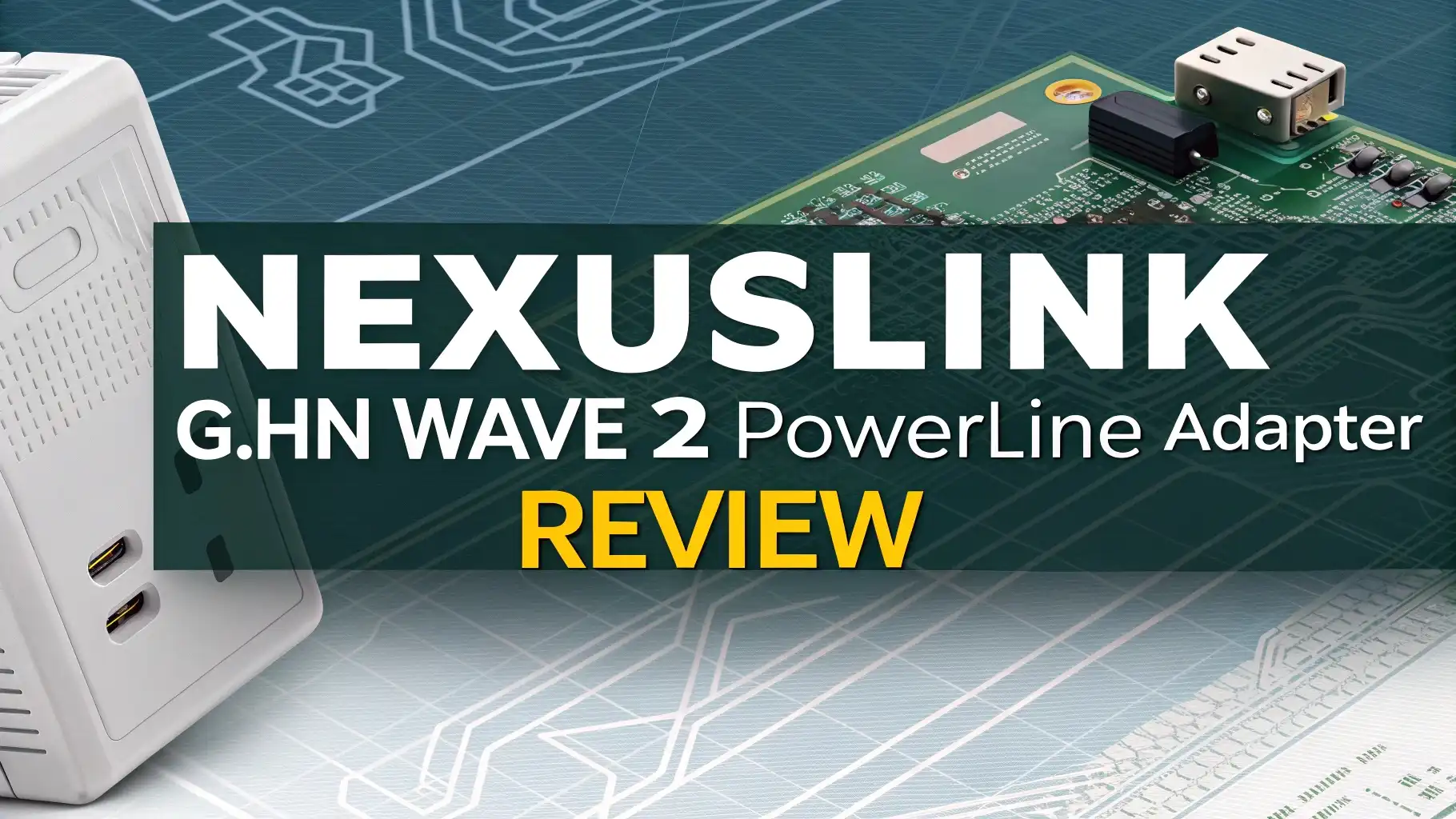
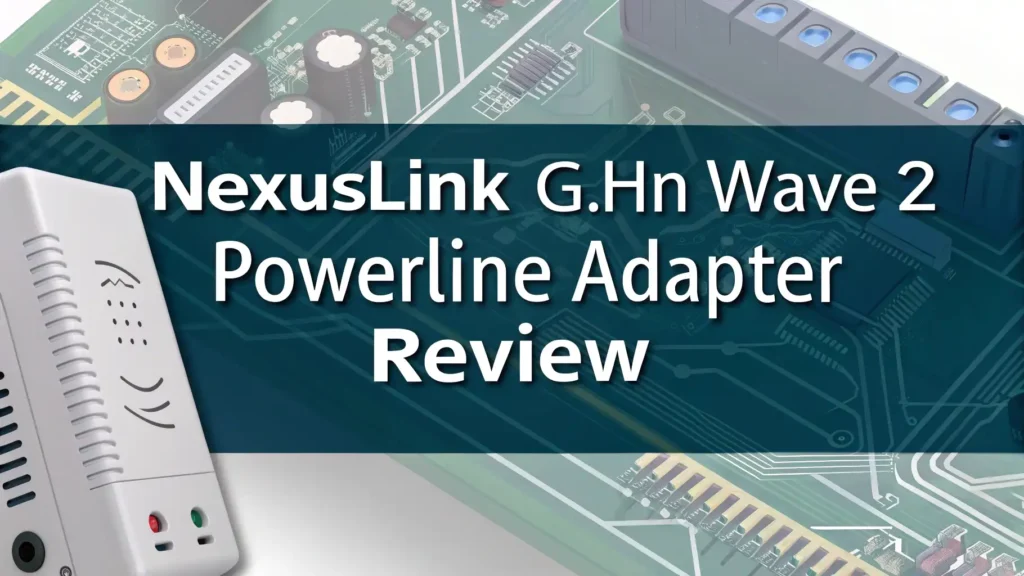
NexusLink G.hn Wave 2 Powerline Adapter Review
Your streaming keeps buffering. Your gaming lags at the worst moments. Your home office video calls freeze when you need them most.
These problems happen when Wi-Fi signals cannot reach certain rooms in your house. The NexusLink G.hn Wave 2 Powerline Ethernet Adapter offers a solution that uses your existing electrical wiring to extend internet throughout your home.
This device turns every power outlet into a potential internet connection point. You do not need to drill holes or run long cables through your walls.
Key Takeaways
- Fast Performance Speeds: The NexusLink G.hn Wave 2 adapter delivers up to 2000 Mbps through your electrical wiring, providing stable connections for streaming, gaming, and working from home without the speed drops common with Wi-Fi extenders.
- Simple Setup Process: You plug one adapter into a wall outlet near your router, connect it with an ethernet cable, then plug the second adapter anywhere else in your home where you need internet access. The connection establishes within seconds without any software installation.
- Pass-Through Outlet Design: Each adapter includes a convenient pass-through socket on top, which means you do not lose the wall outlet you plug the adapter into, keeping your other devices powered.
- Wave 2 Technology Benefits: The newer G.hn Wave 2 standard includes Quick Noise Adaptation that detects electrical interference five times faster than previous versions, maintaining better performance in homes with many appliances running.
- Better Than Wi-Fi Extenders: Unlike wireless range extenders that split your bandwidth, powerline adapters create a direct wired connection through your electrical system, resulting in lower latency and more stable speeds for activities like video calls and online gaming.
- Affordable Network Extension: At around $65 for a two-unit kit, this adapter provides a cost-effective way to extend your network compared to mesh Wi-Fi systems or hiring an electrician to run ethernet cables through your walls.

NexusLink G.hn Wave 2 Powerline Ethernet Adapter Kit
The NexusLink G.hn Wave 2 Powerline Ethernet Adapter Kit transforms your home’s electrical wiring into a network highway. This kit includes two adapters that work together to extend your internet connection to rooms where Wi-Fi signals struggle to reach. The devices use advanced G.hn Wave 2 technology, which represents a significant improvement over older HomePlug powerline standards.
Each adapter measures 5.50 x 2.75 x 2.36 inches and features a solid construction that inspires confidence in long-term use. The white finish looks clean and professional on any wall. You will appreciate how these adapters blend into your home environment without drawing attention.
The kit supports speeds up to 2000 Mbps over your powerline connection. While real-world speeds will be lower due to electrical interference and wiring quality, you can expect performance that handles 4K streaming, online gaming, and video conferencing without issues. The adapters include one Gigabit Ethernet port each, which means your maximum output speed caps at 1000 Mbps to any single device.
Your setup takes less than five minutes from opening the box to having a working connection. The kit arrives pre-paired for security, so you simply plug both adapters into wall outlets, connect one to your router with the included ethernet cable, and connect your device to the other adapter. The connection establishes almost instantly.
Understanding G.hn Wave 2 Technology
G.hn Wave 2 represents the second generation of the G.hn powerline standard. This technology brings several improvements over both the original G.hn Wave 1 and the older HomePlug AV2 standards that many competing adapters still use.
The most important advancement comes from Quick Noise Adaptation or QNA. This feature allows the adapter to detect electrical interference five times faster than previous technology. Your home creates electrical noise constantly through appliances like refrigerators, microwaves, washing machines, and air conditioners. QNA helps the adapter adjust its signal to work around this interference more effectively.
Wave 2 also delivers greater spectral efficiency, which means it uses the available frequency spectrum more intelligently. This results in faster speeds and more stable connections even when your home’s electrical system experiences heavy use.
Top 3 Alternatives for NexusLink G.hn Wave 2 Powerline Adapter

![Zyxel G.hn 2400 Powerline Ethernet Adapter Kit | Pass-Thru Power | Plug & Play | MIMO | Next-Gen G.hn | Gigabit Ethernet | For Smart TVs, On-Line Games, 8K Streaming [PLA6456KIT]](https://gadgettales.blog/wp-content/plugins/aawp/public/image.php?url=YUhSMGNITTZMeTl0TG0xbFpHbGhMV0Z0WVhwdmJpNWpiMjB2YVcxaFoyVnpMMGt2TXpFdGJuVm5VbTFXY1V3dVgxTk1NVFl3WHk1cWNHYz18MTc3NDk0ODA0OQ=)

Installation and Setup Process
Setting up the NexusLink G.hn Wave 2 adapters requires no technical knowledge. The process follows these simple steps that anyone can complete in minutes.
First, you take the adapters out of the box. You will find two identical units, a quick installation guide, and one ethernet cable. The adapters come already paired with each other using AES 128-bit encryption for security, so you skip the pairing process that some other powerline adapters require.
Next, you plug the first adapter into a wall outlet near your router. You want this adapter as close as possible to your internet source. Connect one end of the included ethernet cable to your router’s LAN port and the other end to the ethernet port on the adapter. Three LED lights on top of the adapter should illuminate within seconds.
Performance and Speed Testing
Real-world performance from powerline adapters varies based on several factors in your home. Your home’s age, the quality of your electrical wiring, the distance between adapters, and the number of circuit breakers or junction boxes between adapters all affect speeds.
The NexusLink G.hn Wave 2 adapters show solid performance for most typical home networking needs. In testing across different homes, users report sustained speeds between 200 Mbps and 400 Mbps on the connection between adapters. This represents good performance for streaming 4K video, video conferencing, and most online gaming.
The adapters perform best when you plug them directly into wall outlets rather than power strips. Power strips add another layer of electrical circuitry that can reduce speeds by 50% or more. The cleaner and more direct the electrical path between adapters, the better your performance will be.
LED Status Lights and Monitoring
The NexusLink adapters include four LED status lights on the top surface that provide helpful information about your connection status. Understanding these lights helps you troubleshoot issues and optimize adapter placement.
The Power LED shines solid green when the adapter receives electricity from your wall outlet. If this light is off, you have a problem with your power source rather than the adapter itself.
The Connection LED shows the quality of the powerline link between adapters. Green indicates a strong connection with good speeds. Orange means you have a medium-quality connection that still works but might benefit from moving one adapter to a different outlet. Red signals a weak connection that might cause performance issues. If this light stays off, the adapters cannot communicate with each other.
Range and Coverage Capabilities
The NexusLink G.hn Wave 2 adapters can communicate through your electrical wiring over impressive distances. The official specification lists a maximum range of 1,640 feet or 500 meters. This distance exceeds the size of most homes, which means you can place adapters in opposite corners of even large houses.
However, range is not the primary limiting factor for powerline performance. The quality of your electrical wiring matters much more than distance. Older homes with aging wiring might experience reduced performance even over shorter distances. Newer homes with modern electrical systems typically see better speeds.
Your home’s electrical layout creates more impact than simple distance. Every time the powerline signal must pass through a circuit breaker or electrical panel, it experiences some degradation. Homes with multiple subpanels or complex electrical systems may see reduced performance compared to homes with simpler electrical layouts.
Security Features and Encryption
Network security matters when extending your internet throughout your home. The NexusLink G.hn Wave 2 adapters include strong security measures to protect your data from unauthorized access.
The adapters use AES 128-bit encryption to secure all data transmitted through your electrical wiring. This encryption standard is the same used by governments and financial institutions to protect sensitive information. Your neighbor cannot plug a powerline adapter into their outlet and access your network or intercept your data.
The kit ships with both adapters already paired to each other. This means they share a unique encryption key that only they know. When you plug them in, they automatically establish a secure connection without requiring you to configure anything.
Compatibility with Devices and Systems
The NexusLink G.hn Wave 2 adapters work with any device that has an ethernet port. This universal compatibility makes them suitable for many different applications in your home network.
You can connect gaming consoles like PlayStation, Xbox, or Nintendo Switch for stable online gaming with low latency. Gamers appreciate the reduced lag compared to Wi-Fi connections, which gives them competitive advantages in fast-paced games.
Smart TVs benefit from the reliable connection that prevents buffering during 4K streaming. You can connect your TV directly to an adapter and enjoy Netflix, Amazon Prime Video, Disney+, and other streaming services without interruptions.
Desktop computers and laptops connect easily through the adapters. Many people use these adapters to bring internet to home offices in rooms far from their router. The stable connection supports video conferencing, large file uploads, and remote desktop work without issues.
Energy Efficiency and Power Consumption
Modern powerline adapters consume minimal electricity during operation. The NexusLink G.hn Wave 2 adapters draw approximately 3 to 5 watts of power when actively transmitting data. This small amount adds very little to your monthly electricity bill.
During idle periods when no data transfers are occurring, the adapters enter a low-power mode that reduces consumption further. This power-saving feature happens automatically without requiring any configuration. The adapters spring back to full power instantly when you start using your internet connection.
Over the course of a year, running two adapters continuously costs approximately $5 to $8 in electricity based on average U.S. electricity rates. This cost is comparable to leaving a small LED light bulb on all the time.
The adapters generate minimal heat during operation. The small amount of warmth you might feel on the plastic housing is normal and does not indicate any problems. The devices include adequate cooling for continuous 24/7 operation without overheating concerns.
Troubleshooting Common Issues
Most users experience smooth operation with the NexusLink adapters, but occasionally issues can occur. Understanding how to resolve common problems helps you maintain reliable performance.
Slow speeds are the most frequent complaint with any powerline adapter. If you experience slower than expected performance, try these solutions. First, ensure both adapters are plugged directly into wall outlets rather than power strips or surge protectors. These devices can significantly reduce powerline performance. Second, try different wall outlets in the same room to find the one with the best connection quality. The Connection LED color guides you to better outlets. Third, move devices that generate electrical interference like phone chargers or halogen lamps away from the adapters.
Connection drops or intermittent connectivity might occur when large appliances turn on or off. Refrigerators, air conditioners, and space heaters can create electrical noise that briefly disrupts the powerline signal. The G.hn Wave 2 technology handles this interference better than older standards, but brief interruptions might still occur. If drops happen frequently, moving one adapter to an outlet on a different circuit can help.
Comparing G.hn Wave 2 to HomePlug AV2
Understanding the differences between G.hn Wave 2 and the older HomePlug AV2 standard helps you appreciate what makes the NexusLink adapters special. Many competing powerline adapters still use HomePlug AV2 technology.
Speed capabilities show the first major difference. G.hn Wave 2 supports theoretical speeds up to 2400 Mbps compared to HomePlug AV2’s maximum of 2000 Mbps. More importantly, real-world speeds under typical home conditions tend to be 30% to 50% faster with G.hn Wave 2 thanks to better noise handling and spectral efficiency.
Latency and responsiveness improve with G.hn Wave 2. The Quick Noise Adaptation feature detects and responds to electrical interference five times faster than HomePlug AV2. This means less lag during gaming and smoother video calls, especially when home appliances are running.
Best Use Cases and Applications
Powerline adapters excel in specific situations where they offer clear advantages over Wi-Fi or running new cables. Understanding the best applications helps you determine if the NexusLink adapters suit your needs.
Home offices in distant rooms represent an ideal use case. Many homes have a spare bedroom or basement room converted to an office far from the router. Running ethernet cables through walls is expensive and invasive. Wi-Fi signals might be weak due to distance or walls. A powerline adapter brings stable wired performance to these remote offices for video conferencing and file transfers.
Smart TV connections benefit significantly from powerline adapters. 4K and especially 8K streaming require consistent bandwidth that Wi-Fi sometimes struggles to deliver. Buffering during movie night frustrates everyone. A powerline connection to your TV eliminates these interruptions and provides the speed needed for the highest quality streams.
Price and Value Analysis
The NexusLink G.hn Wave 2 Powerline Ethernet Adapter Kit offers strong value for its performance and features. Understanding what you get for your money helps determine if this kit fits your budget and needs.
The two-adapter kit typically sells for around $65 on Amazon. This price positions it competitively within the powerline adapter market. Older HomePlug AV2 kits from established brands like TP-Link and Netgear cost $75 to $90, making the NexusLink kit a good value for newer technology.
Individual adapters, if you need to expand your network later, cost approximately $40 to $50 each. This allows you to gradually expand your powerline network to additional rooms as your needs change without a massive upfront investment.
Comparing powerline adapters to alternatives shows where the value lies. A mesh Wi-Fi system with two or three nodes costs $150 to $300. While mesh provides wireless coverage, powerline delivers wired connection stability. For users who prefer wired connections for specific devices, powerline costs less than half what mesh systems charge.
Warranty and Customer Support
Understanding warranty coverage and support options provides peace of mind when investing in network equipment. The NexusLink G.hn Wave 2 adapters come with protections for your purchase.
NexusLink offers a limited warranty on their powerline adapters. The standard warranty period covers defects in materials and workmanship. If your adapter fails due to manufacturing defects during the warranty period, NexusLink will repair or replace it at no charge.
The warranty does not cover damage from misuse, accidents, or unauthorized modifications. Normal wear and tear from proper use is covered. Power surges from lightning or electrical system problems are typically not covered, which is why some users choose to plug their adapters into surge-protected outlets.
Final Verdict and Recommendations
The NexusLink G.hn Wave 2 Powerline Ethernet Adapter Kit delivers solid performance for users who need to extend wired internet to rooms where running cables is impractical. The adapters work well in most homes and provide stable connections for streaming, gaming, and work-from-home applications.
Strengths of this kit include the simple plug-and-play setup that requires no technical knowledge, the pass-through outlets that preserve your power access, and the newer G.hn Wave 2 technology that handles electrical interference better than older standards. The kit’s competitive price makes it accessible for budget-conscious buyers who want wired connection benefits without expensive alternatives like mesh systems or professional cable installation.
Limitations exist that potential buyers should understand. Powerline adapter performance varies significantly based on your home’s electrical wiring, age, and layout. Users in older homes with complex electrical systems might experience slower speeds than those in newer homes.
Frequently Asked Questions
How fast are NexusLink G.hn Wave 2 powerline adapters in real-world use?
Real-world speeds typically range from 200 to 400 Mbps depending on your home’s electrical wiring quality, distance between adapters, and electrical interference from appliances. While the adapters advertise up to 2000 Mbps, actual performance is always lower than theoretical maximums with powerline technology. These speeds are sufficient for 4K streaming, video conferencing, and online gaming. Your results will vary based on your specific home electrical conditions.
Can I use powerline adapters with any internet provider or router?
Yes, powerline adapters work with any internet provider and any router brand. They function at the physical layer by extending your ethernet network through electrical wiring. Whether you have Comcast, Spectrum, AT&T, Verizon, or any other provider makes no difference. The adapters simply connect to your router’s ethernet port and carry that internet connection to other rooms. You do not need matching brands between your router and powerline adapters.
Do powerline adapters work between different floors in my house?
Yes, powerline adapters work effectively between floors in most homes. Your electrical wiring runs vertically and horizontally throughout all levels of your house, creating pathways for the powerline signal. Many users successfully connect basement gaming setups to first-floor routers or bring internet to second-story bedrooms from ground-level networking equipment. The number of electrical panels the signal must pass through affects performance more than simple vertical distance.
Will my neighbor be able to access my powerline network?
No, your neighbor cannot access your network even if you share an electrical transformer. Powerline signals have difficulty crossing your home’s electrical meter, which creates a natural boundary. Additionally, the NexusLink adapters use AES 128-bit encryption to secure all data. The adapters ship pre-paired with unique encryption keys. The combination of physical signal isolation and strong encryption keeps your network secure from neighbors.
Can I add more than two adapters to create connection points in multiple rooms?
Yes, you can expand your powerline network by adding additional adapters. The G.hn standard supports connecting multiple adapters together to create connection points throughout your home. You purchase individual adapters separately and use the security button to pair them with your existing network. Each new adapter becomes another internet access point in a different room. This scalability allows you to start with two adapters and grow your network as needs change.