SEAL 3D Scanner Review: Ultimate Guide in 2026
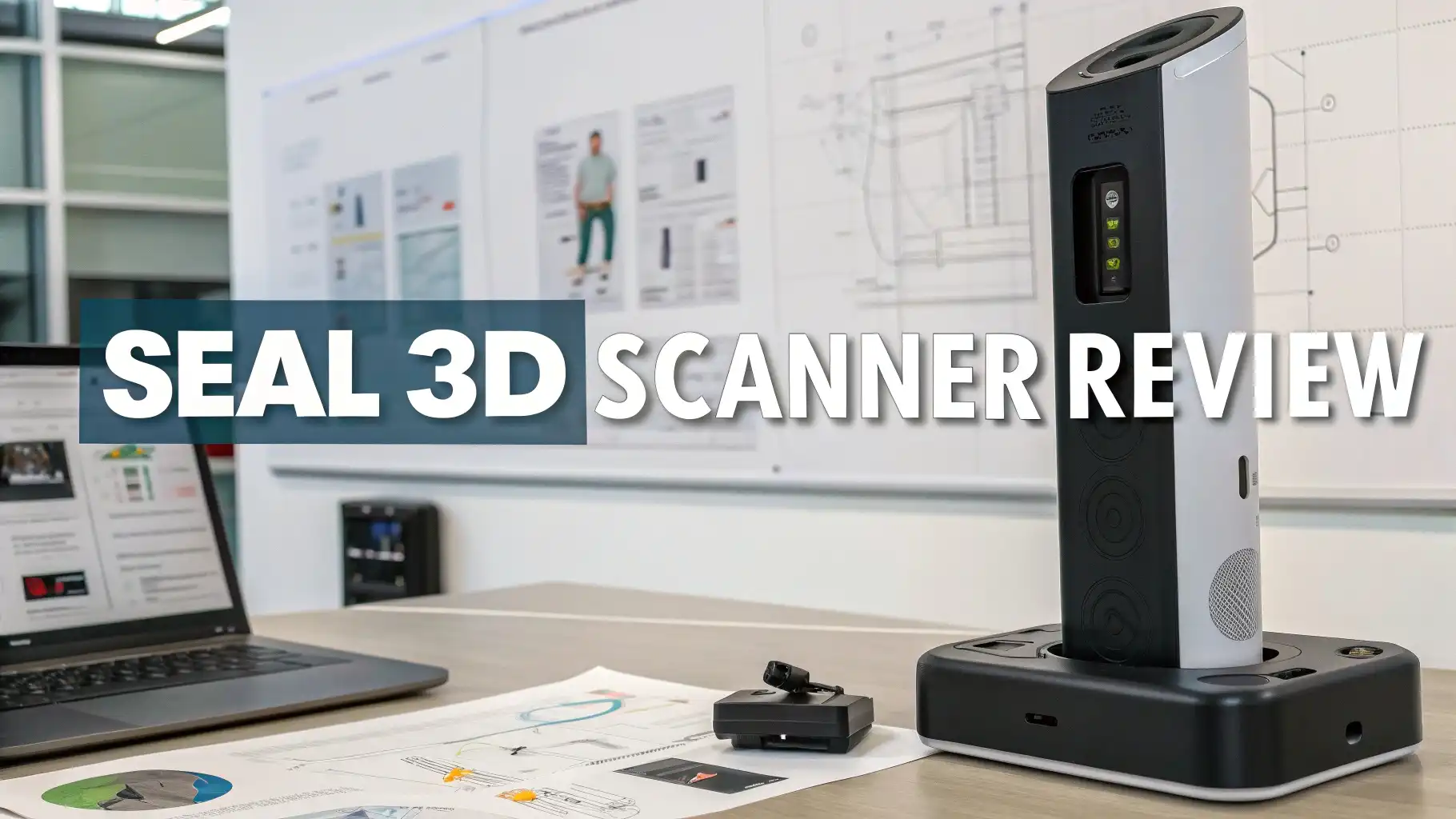
3D scanning technology has changed how we capture and create digital models of real objects. The SEAL 3D scanner stands out as a powerful tool for professionals and hobbyists alike.
This review explores everything you need to know about SEAL 3D scanners and the best alternatives available on Amazon today.
You might wonder if investing in a 3D scanner makes sense for your projects. Whether you work in product design, manufacturing, education, or creative arts, 3D scanning opens new possibilities.
Key Takeaways:
- Accuracy matters most – Professional 3D scanners deliver precision between 0.05mm to 0.1mm, which works perfectly for engineering, reverse engineering, and quality control applications
- Software integration is crucial – The best 3D scanners include user-friendly software that processes scans quickly and exports files in multiple formats like STL, OBJ, and PLY for seamless workflow
- Portability adds flexibility – Handheld 3D scanners offer mobility for scanning large objects or working in different locations, while desktop models provide stability for smaller, detailed items
- Price ranges vary widely – Entry-level 3D scanners start around $200-300, mid-range professional options cost $1000-3000, and industrial-grade systems exceed $5000 with advanced features
- Application determines choice – Consider what you will scan most often, whether small jewelry pieces, human bodies for avatars, car parts for restoration, or architectural elements for documentation

What Makes a Quality 3D Scanner
Several factors determine scanner quality and performance. Resolution defines how much detail the scanner captures. Higher resolution means more data points per scan. This creates smoother, more accurate models. Professional applications need resolutions of 0.1mm or better.
Scanning speed affects workflow efficiency. Faster scanners complete projects quickly but may compromise accuracy. Slower scanners capture more detail but take longer. Balance speed with your project deadlines and quality requirements. Most modern scanners complete small objects in 2-5 minutes.
Working volume determines the size of objects you can scan. Desktop scanners handle items from coins to basketball-sized objects. Handheld scanners work on larger items like furniture or vehicles. Some systems combine both approaches for maximum flexibility.
Color capture capability adds realism to scanned models. Texture scanning records surface colors and patterns. This feature helps with product visualization, game asset creation, and cultural heritage documentation. Not all applications require color, so consider if you need this feature.
Software quality matters as much as hardware. Good scanning software offers intuitive interfaces, automatic processing, and flexible export options. It should handle common scanning challenges like reflective surfaces or thin features. Regular updates improve performance and add new features.
Revopoint MIRACO 3D Scanner
The Revopoint MIRACO represents cutting-edge standalone 3D scanning technology. This scanner operates independently without connecting to computers or phones. It features a built-in touchscreen display for complete control during scanning sessions. The device includes its own processing power to handle complex calculations in real time.
MIRACO uses infrared structured light technology for accurate captures. It achieves precision up to 0.05mm for detailed work. The scanner handles objects from small jewelry pieces to large furniture items. Dual-mode operation switches between high-accuracy and wide-range scanning based on your needs.
The standalone design means true portability. You can scan objects anywhere without carrying laptops or dealing with cables. Internal storage saves your scans directly on the device. Transfer files later via WiFi or USB connection. This freedom makes field work and on-site scanning much easier.
Color texture capture adds realism to your 3D models. The scanner records surface details and patterns accurately. Built-in LED lights ensure consistent illumination regardless of ambient conditions. The rechargeable battery provides hours of continuous scanning time.
Software updates arrive wirelessly to add new features and improvements. The touchscreen interface guides users through scanning processes step by step. Even beginners can create quality scans after minimal practice. Advanced users appreciate the manual control options for fine-tuning results.
Creality CR-Scan Ferret 3D Scanner

The Creality CR-Scan Ferret brings professional 3D scanning within reach of hobbyists and small businesses. This compact handheld scanner connects to Windows computers, Android phones, or tablets. Its lightweight design reduces fatigue during extended scanning sessions. The scanner fits comfortably in one hand for easy maneuvering around objects.
Ferret employs structured light technology with dual cameras for depth perception. It captures details down to 0.1mm accuracy. This precision suits product design, prototyping, and quality inspection tasks. The scanning volume accommodates objects from 15cm to 200cm in size. Anti-shake algorithms compensate for hand movement during scanning.
Connection flexibility stands out as a major advantage. Use your existing devices instead of buying dedicated hardware. The scanner works with both Windows and Android platforms. This compatibility means you can scan in the office or field with different devices.
Marker-free scanning simplifies the process for objects with distinct features. Place markers only when scanning featureless or symmetrical items. The included software provides automatic alignment and mesh optimization. Export finished models in popular formats like OBJ, STL, and PLY.
The price point makes professional 3D scanning accessible to more users. Small businesses can digitize inventory or create custom products. Educators can teach 3D technology without massive investments. Makers and hobbyists can reverse engineer parts or create personalized items.
Einstar SHINING 3D Scanner

SHINING 3D has established itself as a trusted name in 3D scanning technology. The Einstar scanner combines professional features with user-friendly operation. This handheld structured light scanner delivers industrial-grade accuracy at a competitive price. It serves professionals who need reliable performance without compromising quality.
The scanner achieves 0.05mm accuracy for precise measurements. This level of detail captures fine features and complex geometries accurately. Scanning speed reaches up to 14 frames per second for efficient data capture. Complete small to medium objects in just a few minutes.
Einstar includes both infrared and white light scanning modes. Infrared mode works well in bright environments and captures dark surfaces effectively. White light mode provides texture and color information for realistic models. Switch between modes based on object characteristics and scanning conditions.
The device features a large scanning volume up to 4 meters in size. This range enables scanning everything from small mechanical parts to full human bodies. Professional applications include reverse engineering, quality control, healthcare, and entertainment. The versatility makes it suitable for multiple industries and use cases.
EXStar software comes included for scan processing and editing. The interface streamlines workflows from capture to finished model. Automatic algorithms handle alignment, fusion, and mesh generation. Manual tools allow fine-tuning for demanding projects requiring maximum precision.
Top 3 Alternatives for 3D Scanners


Revopoint POP 3 3D Scanner

The Revopoint POP 3 offers an excellent entry point into 3D scanning technology. This compact scanner balances affordability with respectable performance. It connects to Windows computers, Android devices, and even iPads. The versatility makes it accessible to users across different platforms and budgets.
POP 3 uses infrared structured light for object capture. It achieves accuracy up to 0.05mm for detailed scanning work. The precision level handles small objects and intricate details effectively. Dual-mode operation switches between accuracy mode and feature mode based on object characteristics.
Setup takes only minutes out of the box. The scanner includes a rotating turntable for automatic scanning. Place objects on the turntable and let the scanner capture all angles automatically. This hands-free approach works perfectly for small items like figurines, jewelry, or collectibles.
The scanner supports both marker and marker-free scanning modes. Scan objects with texture and features without any preparation. Add markers when working with smooth, featureless, or dark surfaces. The included software guides you through the best approach for each object type.
Price makes POP 3 attractive for education, personal projects, and small businesses. Schools can teach 3D technology without huge investments. Artists can digitize sculptures or create unique designs. Small manufacturers can prototype products or document existing items affordably.
Matter and Form 3D Scanner V2

Matter and Form created a desktop 3D scanner designed for consistent, high-quality results. The V2 model improves on the original with better accuracy and faster scanning speeds. This turntable-based system excels at capturing small to medium objects with minimal user intervention.
The scanner uses laser triangulation technology for precise measurements. It captures geometry with 0.1mm accuracy across the scanning volume. The enclosed design with controlled lighting ensures consistent results regardless of ambient conditions. Dual lasers scan objects from multiple angles simultaneously for complete coverage.
Operation follows a simple workflow. Place objects on the turntable, adjust height and rotation settings, then start scanning. The turntable rotates automatically while lasers capture data. Software processes scans in real time, showing progress on your computer screen. Most scans complete in 3-5 minutes.
The enclosed scanning chamber blocks external light and reduces interference. This controlled environment produces cleaner scans with less noise. The compact footprint fits on desks or workbenches without consuming excessive space. Built-in calibration ensures accuracy remains consistent over time.
Software includes both automatic and manual processing options. Beginners can use one-click workflows for quick results. Advanced users can adjust parameters for optimal quality. Export models in standard formats compatible with CAD software and 3D printing applications.
SOL 3D Scanner by Scan Dimension

The SOL 3D Scanner provides an affordable desktop solution for users starting their 3D scanning journey. Scan Dimension designed this white light scanner for ease of use and reliability. The system works with Windows and Mac computers through USB connection. Simple setup and operation make it accessible to beginners.
SOL uses white light structured light scanning technology. It projects patterns while cameras capture deformation for depth calculation. The scanner achieves 0.1mm accuracy suitable for many applications. Scanning volume handles objects up to 10 inches in size comfortably.
The included turntable automates the scanning process. Place objects centrally and let the software control rotation and capture. This automatic approach removes much of the learning curve. Users get quality results without mastering complex techniques or settings.
Price positioned for consumers, educators, and hobbyists makes SOL accessible. Schools can provide hands-on 3D technology experience without large budgets. Makers can reverse engineer parts or create custom designs. Artists can digitize physical sculptures for digital manipulation or reproduction.
Software provides straightforward workflows from scan to finished model. Automatic processing handles most common scenarios effectively. The interface avoids overwhelming new users with too many options. This simplicity helps users focus on scanning rather than software complexity.
Choosing the Right 3D Scanner for Your Needs
Selecting a 3D scanner requires evaluating several factors carefully. Intended applications should guide your decision process first. Professional engineering needs demand higher accuracy than hobby projects. Product designers need color capture while mechanical engineers focus on dimensions.
Budget constraints narrow options quickly. Entry-level scanners cost $200-500 and suit casual users. Mid-range professional scanners run $1000-3000 for business applications. Industrial-grade systems exceed $5000 but deliver exceptional performance and support.
Consider the size of objects you will scan most frequently. Desktop scanners with turntables work best for small items. Handheld scanners provide flexibility for medium to large objects. Some applications require both capabilities for complete coverage of different project types.
Technical specifications matter but practical usability affects daily experience. Easy software, good documentation, and responsive support improve ownership satisfaction. Read reviews from users with similar applications to yours. Their experiences reveal real-world performance beyond marketing claims.
Portability needs influence scanner selection significantly. Standalone scanners work anywhere without additional equipment. Computer-connected scanners offer more processing power but require bringing laptops. Consider where you will scan most often and what equipment you can reasonably transport.
3D Scanner Software and File Formats
Quality scanning software transforms raw data into usable 3D models. Processing algorithms remove noise, fill holes, and create smooth surfaces. Good software makes this automatic while allowing manual intervention when needed. The interface should guide users through workflows logically.
File format compatibility ensures your scans work with other software tools. STL files work universally with 3D printing software. OBJ format includes color and texture information. PLY format stores detailed point cloud data. Professional applications may need STEP or IGES for CAD integration.
Export options should match your workflow requirements. Direct export to popular 3D modeling software saves time. Cloud integration enables collaboration and backup. Some scanners offer direct printing to 3D printers for streamlined prototyping.
Software updates add features and improve performance over time. Choose scanners from companies committed to ongoing development. Regular updates indicate active support and product refinement. Check update history before purchasing to gauge manufacturer commitment.
Third-party software compatibility expands scanner usefulness. Open file formats enable processing in multiple applications. Some users prefer specialized software for specific tasks like mesh repair or texture optimization. Verify your scanner works with your preferred software ecosystem.
Frequently Asked Questions
What is the accuracy of consumer 3D scanners?
Consumer 3D scanners typically achieve accuracy between 0.05mm to 0.2mm depending on the model and price point. Entry-level scanners around $200-500 usually provide 0.1mm to 0.2mm accuracy, which works well for general purposes, hobbyist projects, and basic prototyping. Mid-range professional scanners priced $1000-3000 deliver 0.05mm to 0.1mm accuracy suitable for engineering applications, reverse engineering, and quality control.
Can 3D scanners capture color and texture?
Yes, many modern 3D scanners capture both geometry and surface color information. Scanners with color capture use cameras to record texture and patterns on objects. This feature creates realistic models for visualization, game development, and cultural heritage documentation. Some scanners use white light structured light technology that naturally captures color, while others use infrared scanning for geometry and separate cameras for texture.
Do I need special training to use a 3D scanner?
Most consumer and professional 3D scanners are designed for users without specialized training. Modern scanning software includes guided workflows that walk you through the process step by step. Basic scanning of simple objects can be learned in hours. However, achieving optimal results with challenging objects, reflective surfaces, or complex geometries requires practice and experience.
What file formats do 3D scanners export?
3D scanners typically export models in several standard formats to ensure compatibility with various software applications. STL (Stereolithography) is the most universal format, widely supported by 3D printing software and CAD programs. OBJ format supports color and texture information, making it popular for visualization and graphics applications. PLY format stores detailed point cloud data with color information.
Can 3D scanners work outdoors or in bright sunlight?
Scanner performance in outdoor conditions varies by technology type. Structured light scanners that use visible white light struggle in bright sunlight because ambient light interferes with projected patterns. Infrared structured light scanners perform better outdoors since they use wavelengths less affected by sunlight. Photogrammetry-based solutions work well outdoors and actually benefit from good natural lighting.
How long does it take to scan an object?
Scanning time depends on object size, required detail level, and scanner type. Small objects like jewelry or collectibles typically take 2-5 minutes with desktop turntable scanners. Medium objects like busts or mechanical parts take 5-15 minutes with handheld scanners. Large objects like furniture or vehicles may require 20-45 minutes for complete coverage. Automatic desktop scanners generally scan faster than handheld models since the process is controlled and optimized.
What is the difference between handheld and desktop 3D scanners?
Desktop 3D scanners use turntables to rotate objects while stationary sensors capture data. They excel at small to medium objects, provide consistent results, and require minimal user skill. The enclosed environment controls lighting for optimal conditions. Handheld 3D scanners offer portability and flexibility for scanning objects of any size, including those that cannot be moved.
Are 3D scanners compatible with 3D printers?
Yes, 3D scanners work excellently with 3D printers as complementary technologies. Scanners create digital models of physical objects, while 3D printers create physical objects from digital models. The workflow involves scanning an object, processing the scan into a clean 3D model, and exporting in STL or OBJ format that 3D printers accept.